목차로 복잡한 PDF를 탐색하세요
목차 지원 .NET PDF 뷰어는 원활한 문서 탐색을 제공하여 생산성을 높이고 워크플로를 간소화합니다.
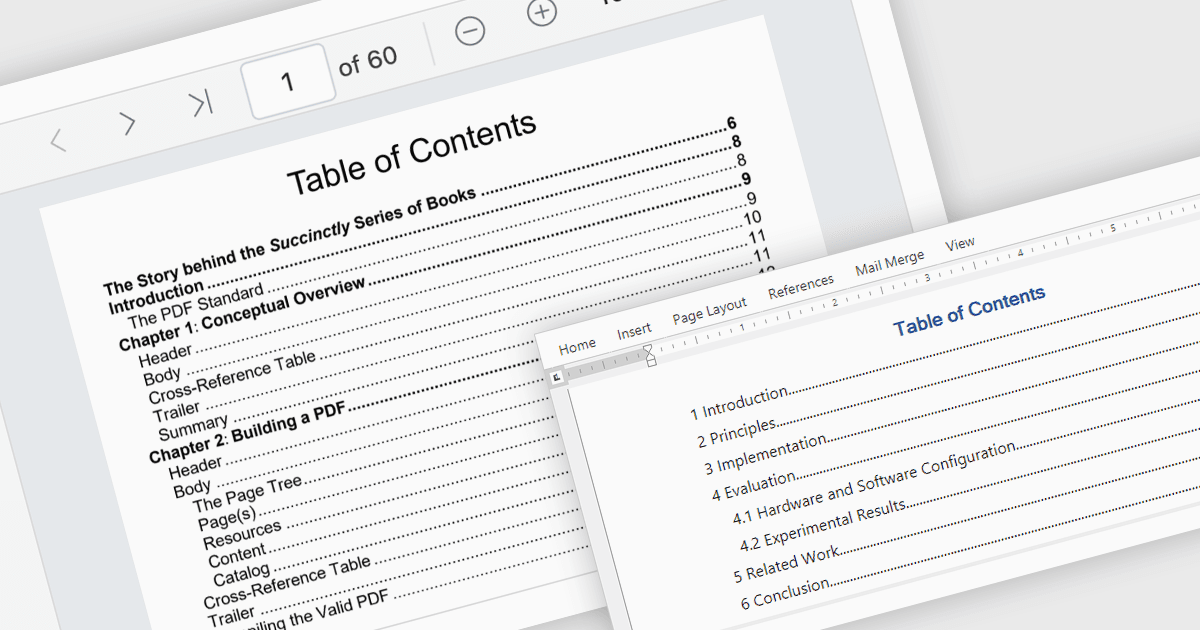
목차는 문서의 계층 구조를 사용자가 한눈에 파악할 수 있도록 해주는 강력한 탐색 도구로, 한 번의 클릭으로 특정 섹션으로 바로 이동할 수 있습니다. 이 기능은 특히 길거나 복잡한 문서를 다룰 때 시간을 절약해 사용자 경험을 크게 향상시킵니다. 개발자 관점에서는 애플리케이션에 목차를 통합하면 더 나은 사용성과 접근성을 제공하여, 전문적인 문서 관리 솔루션에서 핵심 기능이 됩니다. 일반적인 활용 사례로는 구성이 명확한 대용량 eBook, 기술 매뉴얼, 법률 문서, 재무 보고서 또는 어떤 파일이든 들 수 있습니다. 문서 탐색을 간소화함으로써 목차는 생산성을 높이고 대규모 콘텐츠와의 원활한 상호 작용을 보장합니다.
여러 .NET PDF 뷰어 컴포넌트가 목차 탐색(Table of Contents Navigation) 지원을 제공합니다. 예:
- DevExpress WinForms PDF Viewer (DevExpress WinForms의 일부)는 대화형 목차를 통해 대용량 PDF를 손쉽게 탐색할 수 있어, 콘텐츠를 빠르게 찾는 데 도움이 됩니다.
- Document Solutions for PDF by MESCIUS는 직관적인 목차를 통해 문서 섹션에 빠르게 액세스하여, 보기 효율을 높입니다.
- Syncfusion .NET MAUI PDF (Syncfusion Essential Studio Enterprise의 일부)는 동적인 목차를 통해 손쉽게 PDF를 탐색할 수 있어, 여러 섹션으로 구성된 문서에 이상적입니다.
- XFINIUM.PDF CROSS PLATFORM EDITION은 견고한 목차 기능을 통해 정밀한 탐색을 지원하며, 멀티 플랫폼 문서 상호 작용과 사용성을 위해 설계되었습니다.
기능과 가격에 대한 자세한 분석은 .NET PDF 뷰어 비교를 방문하세요.