하이퍼링크 지원으로 PDF 탐색을 강화
복잡한 PDF 문서를 손쉽게 탐색하고 상호작용할 수 있도록 지원하여 생산성을 높이고 작업 흐름을 간소화하세요.
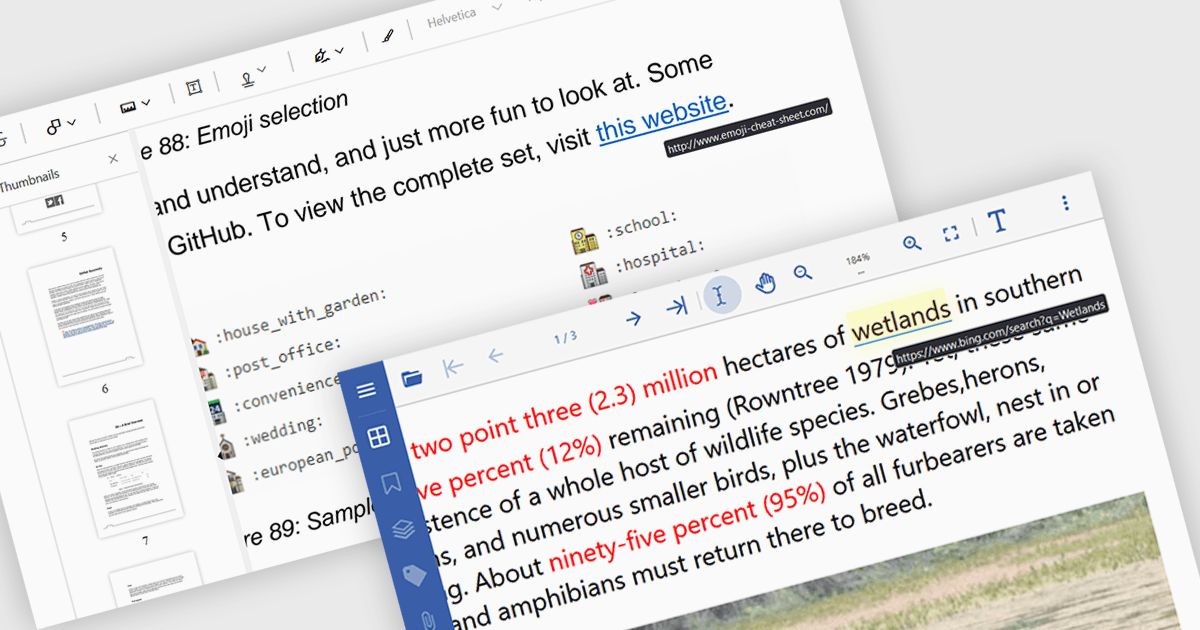
PDF 뷰어에서 하이퍼링크 탐색 지원을 제공하면, 포함된 하이퍼링크를 클릭하여 PDF 문서 내와 문서 간을 원활하게 탐색할 수 있습니다. 이 기능은 관련 정보를 빠르게 찾아볼 수 있게 하여 사용자 경험을 향상시키고, 문서 구성을 개선하며, 여러 연결된 문서와 상호작용하는 작업 흐름을 간소화합니다.
다음은 하이퍼링크 탐색을 지원하는 여러 React PDF 뷰어입니다.
- Document Solutions for PDF by MESCIUS는 강력한 하이퍼링크 지원으로 복잡한 PDF 문서를 손쉽게 탐색할 수 있어 사용자 경험과 생산성을 높여줍니다.
- PrizmDoc Viewer by Accusoft는 PDF에서 내부 및 외부 링크를 손쉽게 따라가게 해 주어 문서 접근성을 개선하고 작업 흐름을 간소화합니다.
- Syncfusion PDF Viewer (Syncfusion Essential Studio Enterprise의 일부)는 인터랙티브한 PDF 문서를 매끄럽게 탐색할 수 있도록 지원하여 사용자 참여를 높여줍니다.
기능 및 가격에 대한 자세한 분석은 React PDF 뷰어 비교를 참조하세요.