행 삽입으로 데이터를 손쉽게 확장
스프레드시트 구성요소에서 행을 삽입하면 사용자가 데이터를 매끄럽게 수정하고 확장할 수 있어, 동적인 콘텐츠 업데이트에 대한 유연성을 보장합니다.
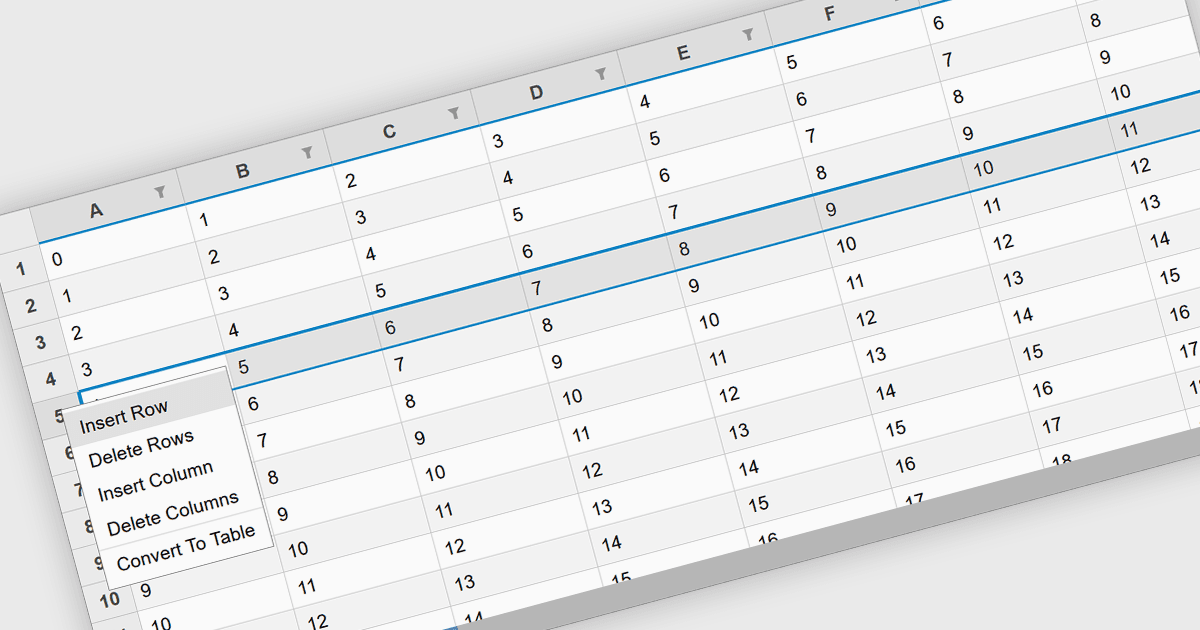
스프레드시트 구성요소에서 행을 삽입하는 기능은 사용자가 구조와 구성을 유지한 채 데이터 세트를 동적으로 확장할 수 있게 해주는 기본 기능입니다. 이 기능은 표 형식의 데이터를 처리하는 애플리케이션에 필수적이며, 기존 콘텐츠를 방해하지 않고도 원활한 변경을 가능하게 합니다. 재무 계산, 데이터 분석, 또는 협업 편집에 사용되든 관계없이, 행을 프로그래밍 방식 또는 사용자 상호작용을 통해 추가하는 기능은 스프레드시트 기반 애플리케이션의 유연성과 효율성을 높여줍니다.
몇 가지 React 스프레드시트 컨트롤은 다음을 포함해 행 삽입을 지원합니다:
- Wijmo FlexSheet (MESCIUS의 Wijmo 제품군)에서는 UI를 통해서뿐 아니라 API를 사용해 프로그래밍 방식으로도 행을 삽입할 수 있는 기본 제공 메서드를 제공합니다.
- Telerik Spreadsheet React (Telerik의 KendoReact 제품군)에서는 사용자가 수식을 비롯해 서식을 유지하면서 행을 동적으로 삽입할 수 있어 데이터 무결성을 보장합니다.
- Syncfusion Spreadsheet JavaScript (Syncfusion Essential Studio Enterprise의 일부)에서는 되돌리기/다시 실행(undo/redo) 기능을 지원하는 행 삽입을 제공하여 사용자가 더 효과적으로 제어할 수 있게 합니다.
- Infragistics Spreadsheet React (Infragistics Ignite UI의 일부)에서는 사용자 명령 또는 API 호출을 통해 사용자가 행을 추가할 수 있으며, 다른 스프레드시트 작업과의 통합을 지원합니다.
기능과 가격에 대한 심층 분석은 React 스프레드시트 컨트롤 비교에서 확인하세요.