













공식 공급 업체
200 이상의 소프트웨어 개발처와 판매 계약을 맺은 공인 디스트리뷰터로서 합법적인 라이선스를 제공합니다.
모든 브랜드 보기.
영어로 계속 읽기:
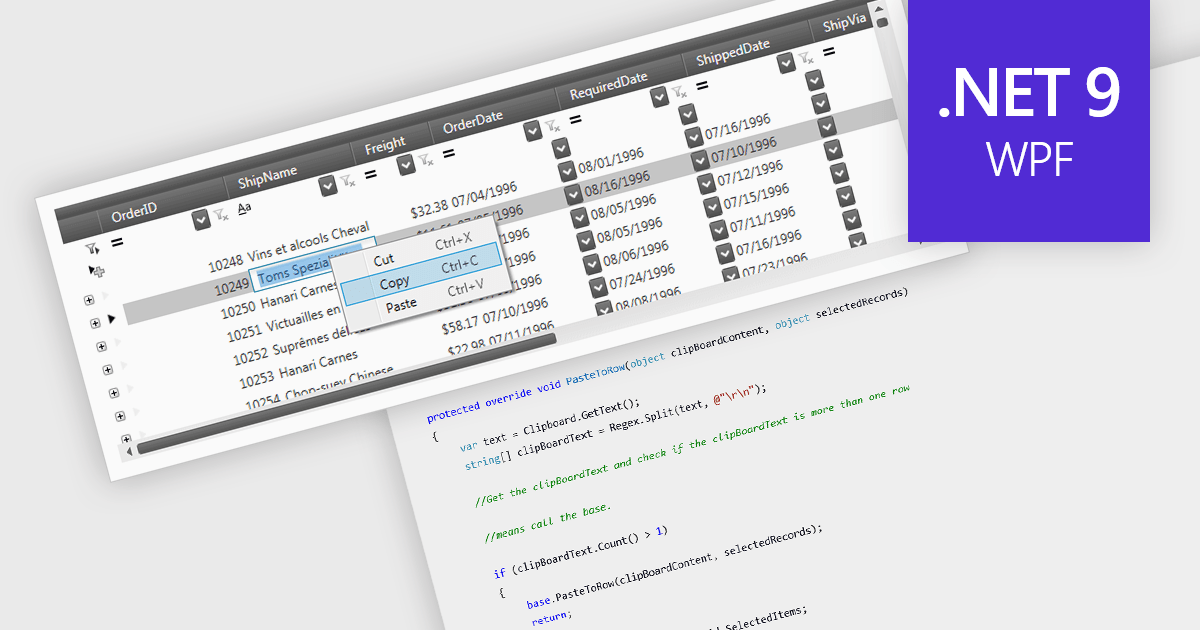
The ability to perform clipboard operations enables users to copy and paste data between the grid and external applications or within different parts of the same grid. This functionality allows users to select one or multiple cells, rows, or columns, copy their content to the system clipboard, and then paste it elsewhere. It supports efficient data manipulation by reducing manual entry, enabling quick data migration, and streamlining the transfer of structured information. Clipboard operations save time in repetitive data handling tasks, ensuring that the movement of grid data is both fast and reliable.
Several .NET 9 WPF grid components support clipboard operations, including:
For an in-depth analysis of features and price, visit our comparison of .NET 9 WPF grid components.
전화 : 00798 14 800 6332
팩스 : +1 770 250 6199


