데이터 그리드 앱에서 열을 필수로 설정
JavaScript에서 그리드 컨트롤을 사용해 필수 열을 정의하면, 중요한 필드가 모두 채워져 완전하고 유효한 입력을 유지할 수 있습니다.
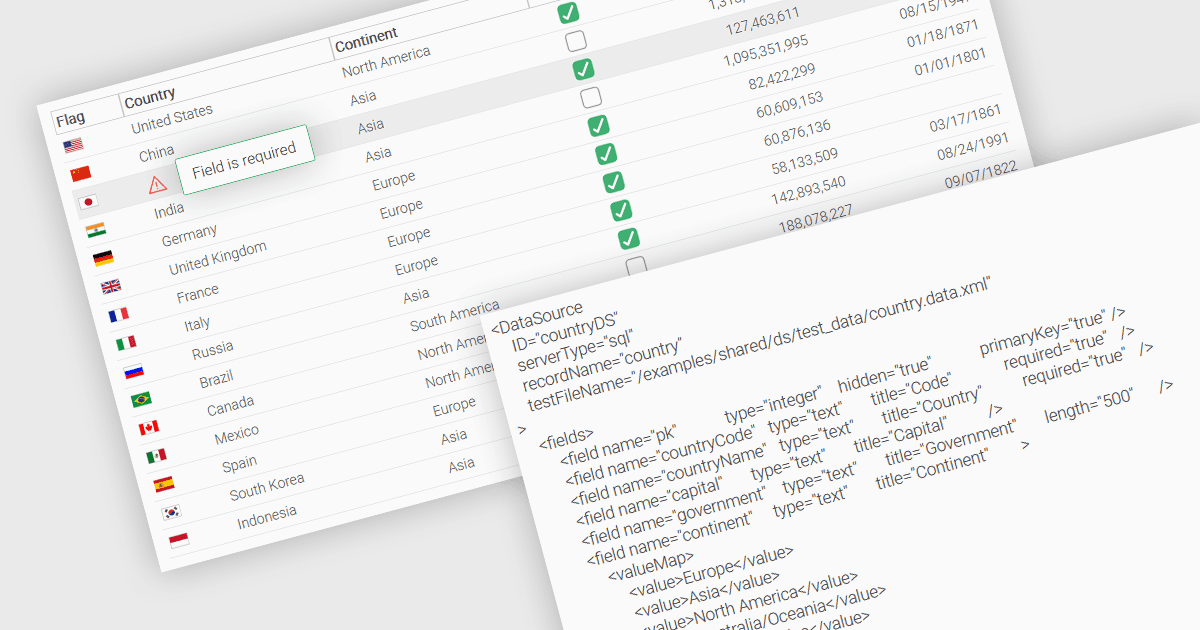
데이터 그리드에서의 기본 기능 중 하나는 특정 열을 값으로 채워야 하며 비워둘 수 없도록 지정할 수 있다는 점입니다. 일부 열을 필수로 지정하면 개발자는 사용자들이 사용자 식별자, 제품명 또는 타임스탬프 같은 중요한 필드를 비워두지 못하도록 입력 규칙을 강제할 수 있습니다. 필수 열은 일반적으로 불완전한 레코드의 제출 또는 처리를 막는 검증 규칙을 통해 적용되며, 그 결과 데이터 항목의 완전성과 유효성이 보장됩니다. 이는 데이터 무결성을 향상시키고 처리 오류가 발생할 가능성을 줄이며, 구조화된 데이터셋에 의존하는 애플리케이션 전반에서 일관된 비즈니스 로직을 지원합니다.
여러 JavaScript 그리드 컨트롤을 사용하면 열을 필수로 설정할 수 있습니다. 예를 들어:
- Wijmo FlexGrid (MESCIUS의 Wijmo 일부) 는 JavaScript 데이터 그리드로, 내장 검증 로직을 포함해 열을 필수로 표시할 수 있어 준수를 보장합니다.
- Jspreadsheet Pro Data Grid (Jspreadsheet Pro의 일부) 는 검증 규칙을 활용하여 항목이 사전에 정의된 기준을 충족하도록 지원함으로써 필수 필드를 지정할 수 있습니다.
- SmartClient Grid (Isomorphic Software의 SmartClient 일부) 는 불완전한 레코드가 제출되지 않도록 필수 열 구성을 제공하여 JavaScript 앱에 필수 열 구성을 갖추게 합니다.
- Ignite UI Angular Grid (Infragistics Ignite UI의 일부) 는 개발자가 데이터 입력 시 필수 열이 채워지도록 강제하는 기본 제공(validate) 검증기를 제공합니다.
기능과 가격에 대한 심층 분석은 JavaScript 그리드 컨트롤 비교에서 확인하세요.