정확하고 편리하게 PDF 탐색하기
내장 내비게이션 도구를 사용하면 사용자가 PDF 문서를 손쉽게 이동할 수 있어, 복잡한 파일도 더 쉽게 열람하고 이해할 수 있습니다.
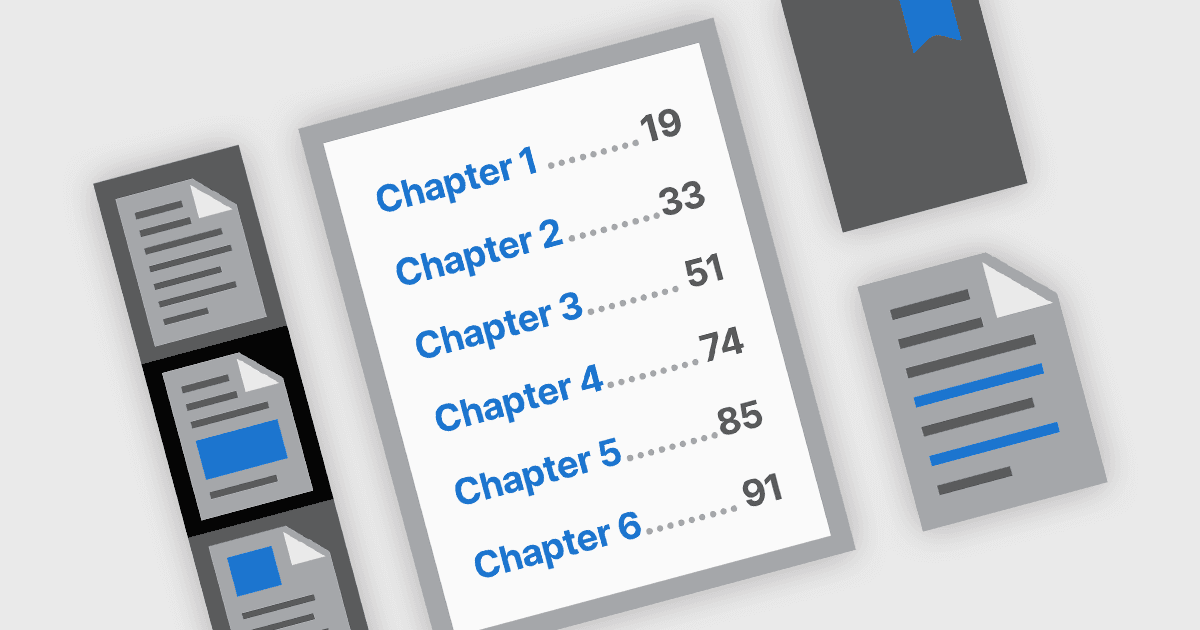
PDF 내비게이션 기능은 디지털 문서의 사용성 및 접근성을 향상하는 데 중요한 역할을 합니다. 최신 PDF 구성 요소에서는 문서 콘텐츠에 직관적으로 접근할 수 있도록 내비게이션 도구가 설계되어 있으며, 사용자가 특정 섹션, 페이지 또는 주제를 빠르게 찾도록 도와줍니다. 이러한 도구는 매뉴얼, 보고서, eBooks 같은 길고 복잡한 PDF에서 특히 중요하며, 효율적인 내비게이션은 읽기 경험을 크게 개선하고 정보를 찾느라 소요되는 시간을 줄여줍니다.
일반적인 기능은 다음과 같습니다:
- 북마크 내비게이션은 문서의 구조를 종종 그대로 반영하는 북마크 사이드바를 통해 사용자가 미리 정의된 섹션으로 바로 이동할 수 있게 해줍니다.
- 하이퍼링크 내비게이션은 문서 내부의 링크와 외부 웹 링크를 모두 지원하여 관련 정보나 리소스에 대한 직접적인 접근을 용이하게 합니다.
- 목차 내비게이션은 대화형 링크와 함께 장 또는 섹션을 나열함으로써 전통적인 인쇄 문서를 그대로 반영합니다. 이를 통해 사용자는 문서의 구조를 한눈에 이해하고 관심 있는 영역으로 바로 이동할 수 있습니다.
- 썸네일 내비게이션은 시각적인 페이지 미리보기를 제공하여 사용자가 더 쉽게 스크롤하며 페이지를 선택할 수 있게 해줍니다. 특히 그래픽 요소가 풍부하거나 페이지별 콘텐츠가 있는 경우에 유용합니다.
기능과 가격에 대한 심층 분석을 보려면 .NET PDF components comparison을 방문하세요.