빠른 인사이트를 위한 데이터 정리
정렬 기능은 스프레드시트 사용자가 선택한 열 값에 따라 행을 배열하여 대규모 데이터 집합에 구조를 부여할 수 있게 해줍니다.
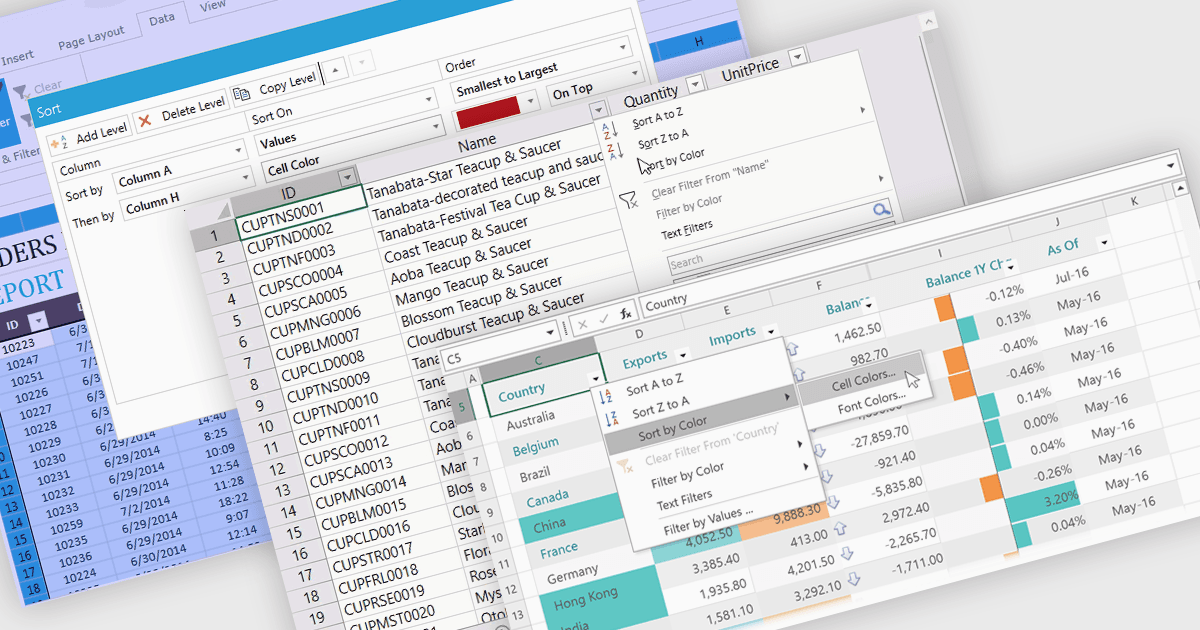
스프레드시트 컨트롤에서의 데이터 정렬은 사용자가 특정 기준에 따라 그리드 또는 표 내의 데이터를 재배열할 수 있게 해주는 기본 기능으로, 보통 알파벳순 또는 숫자 값 기준으로 오름차순/내림차순 정렬이 일반적입니다. 정렬은 대개 단일 열 또는 여러 열에서 수행되며, 필터링, 그룹화, 검색과 같은 다른 데이터 조작 도구와 함께 통합되는 경우가 많습니다. 데이터를 정렬하면 사용자는 정보를 빠르게 찾아 분석하고, 패턴을 파악하며, 레코드 전반에 걸친 일관성을 유지할 수 있습니다. 특히 대규모 데이터셋에서 유용하며, 정보의 가독성을 높이고 의사결정, 리포팅, 데이터 검증을 준비하는 과정에서 더 체계적으로 정리되도록 돕습니다. 이 기능은 효율적인 데이터 분석을 가능하게 하며, 데이터셋을 의미 있는 순서로 확인할 수 있어 사용자 상호작용을 더 향상시킵니다.
다음은 데이터 정렬을 지원하는 여러 WPF 스프레드시트 컨트롤입니다:
- DevExpress WPF Spreadsheet (DevExpress WPF의 일부) 는 단일 및 다중 열 정렬을 위한 기본 제공 대화 상자를 제공하며, 사용자 지정 비교도 지원합니다.
- Spread WPF by MESCIUS는 정렬을 프로그래밍 방식 또는 사용자 인터페이스를 통해 적용하기 위한 유연한 API를 제공하며, 중첩된 다중 키 정렬 옵션을 포함합니다.
- Telerik WPF Spreadsheet (Telerik UI for WPF의 일부)는 대화형 열 및 행 정렬, 다중 필드 정렬, 정렬 방향 및 키 범위에 대한 프로그래밍 제어를 지원합니다.
- Syncfusion WPF Spreadsheet (Syncfusion Essential Studio Enterprise의 일부)에는 하나 이상의 열에 대한 컨텍스트 메뉴 및 대화 상자 기반 정렬이 포함되어 있습니다.
기능과 가격에 대한 심층 분석을 보려면 WPF 스프레드시트 컨트롤 비교를 방문하세요.