앱 내에서 사용자가 PDF를 열고 관리하도록 하세요
사용자가 애플리케이션 내에서 PDF 문서를 직접 열람, 주석 추가, 관리할 수 있어 타사 소프트웨어가 필요하지 않습니다.
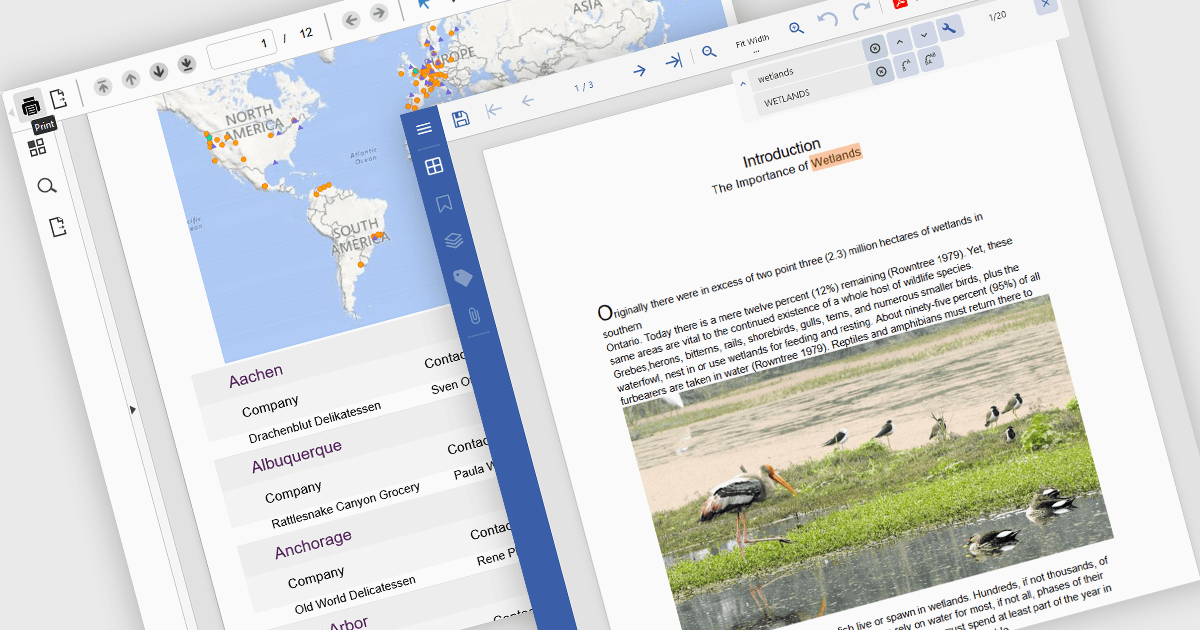
뷰어 구성요소에서 PDF 읽기 및 쓰기 기능은 문서 관리 또는 표시를 처리하는 애플리케이션에 필수입니다. 이러한 기능을 통해 개발자는 웹 또는 데스크톱 애플리케이션에 PDF 상호작용을 직접 통합할 수 있으며, 최종 사용자는 외부 소프트웨어에 의존하지 않고 PDF 파일을 열고, 보고, 주석을 달고, 경우에 따라 수정하기까지 할 수 있습니다. PDF 콘텐츠의 소비와 출력 모두를 지원함으로써 이러한 구성요소는 엔터프라이즈 리포팅, 법률 시스템, 교육 플랫폼과 같이 문서 중심 환경 전반의 워크플로를 개선합니다.
일반적인 기능은 다음과 같습니다.
- PDF로 인쇄/저장을 통해 사용자는 열람한 문서 또는 애플리케이션 콘텐츠를 PDF로 변환하거나, 기존 파일을 오프라인 액세스를 위해 저장할 수 있습니다.
- 프린터로 PDF 인쇄를 통해 문서를 물리 프린터로 직접 출력하며, 정확한 서식과 페이지 매김을 지원합니다.
- 현지화는 뷰어 인터페이스가 여러 언어에 맞게 조정되도록 하여 전 세계 사용자의 도입을 돕습니다.
- 오른쪽에서 왼쪽(RTL) 지원은 아랍어 또는 히브리어와 같은 언어를 사용하는 사용자에게 중요하며, UI와 텍스트 레이아웃을 적절히 정렬해 줍니다.
- 텍스트 검색은 문서 내 검색 기능을 제공하여 사용자가 큰 PDF에서 특정 용어나 구절을 빠르게 찾을 수 있게 해줍니다.
- 스트림에서 기존 PDF 열기를 통해 개발자는 메모리 또는 서버 스트림에서 문서를 직접 불러올 수 있으며, 성능을 개선하고 안전하거나 동적인 콘텐츠 전달을 가능하게 합니다.
기능과 가격에 대한 심층 분석은 Angular PDF Viewer components comparison을 방문하세요.