고정된 행과 열로 손쉽게 탐색하세요
Freeze Panes는 핵심 행과 열을 계속 표시하여 스프레드시트의 가독성을 높이고, 더 쉬운 탐색과 정확한 데이터 분석을 가능하게 합니다.
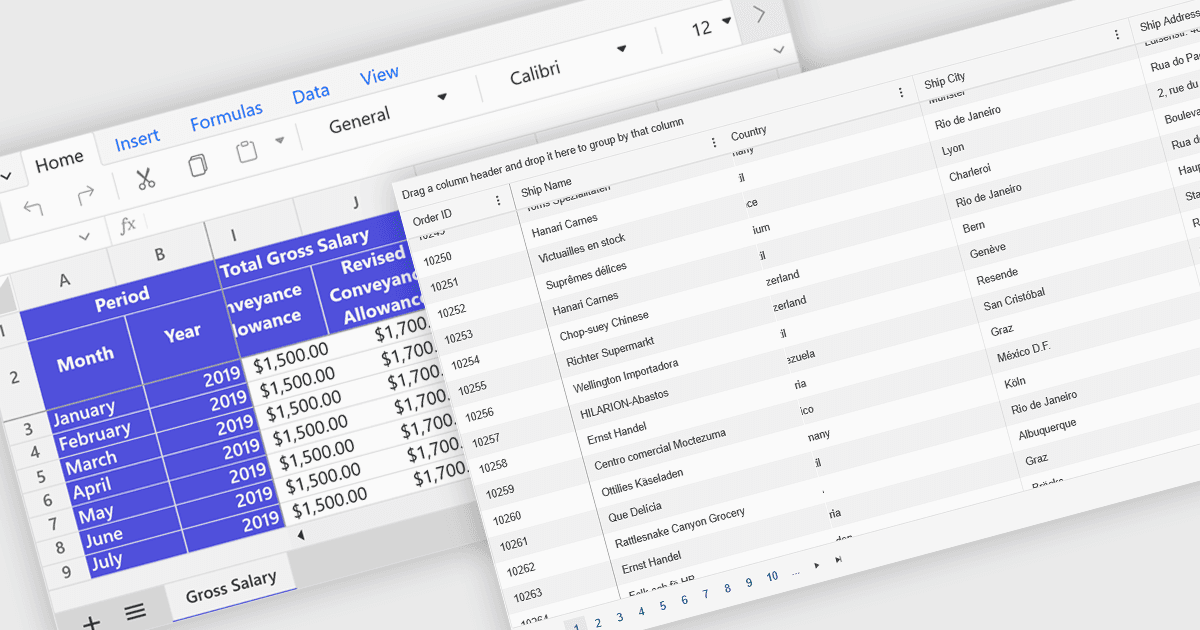
스프레드시트에서 Freeze Panes는 스크롤하는 동안 선택한 행이나 열을 화면에 고정해 계속 보이도록 하는 기능입니다. 대용량 스프레드시트에서 머리글이나 라벨을 보이게 유지함으로써 맥락을 유지할 수 있어 읽기, 분석, 정보 입력을 더 쉽게 해줍니다. 일반적인 사용 사례로는 월 이름을 계속 볼 수 있도록 예산표에서 맨 위 행을 고정하거나, 여러 열에 걸쳐 데이터를 검토할 때 항목 이름을 보기 위해 첫 번째 열을 고정하는 경우가 있습니다. 특히 재무 보고서, 판매 추적, 프로젝트 관리 도구처럼 명확성과 정확성이 필수인 환경에서 큰 가치가 있습니다.
여러 ASP.NET Core 스프레드시트 컨트롤이 Freeze Pane 지원을 제공합니다. 예를 들면:
- Syncfusion ASP.NET Core Spreadsheet (Syncfusion Essential Studio Enterprise의 일부)는 Freeze Panes로 헤더를 고정하여 데이터 가독성을 높여줍니다.
- Telerik ASP.NET Core Spreadsheet (ASP.NET Core용 Telerik UI의 일부)는 Freeze Pane 기능을 지원하여 중요한 행이나 열이 계속 보이도록 합니다.
- Aspose.Cells for .NET은 대규모 Excel 파일을 손쉽게 탐색하는 동안 헤더가 보이도록 프로그래밍 방식으로 행과 열을 고정할 수 있게 해줍니다.
- DevExpress ASP.NET Core Spreadsheet (DevExpress ASP.NET 및 Blazor의 일부)는 개발자가 행 또는 열을 고정할 수 있도록 하여 맥락을 유지하고 사용성을 향상시킵니다.
기능과 가격에 대한 자세한 분석은 ASP.NET Core 스프레드시트 컨트롤 비교를 참고하세요.