정확한 결과를 위해 HTML을 PDF로 렌더링
HTML-to-PDF 변환은 웹 레이아웃과 스타일을 휴대 가능한 형식으로 보존하므로 보고서, 명세서 또는 동적 문서에 이상적입니다.
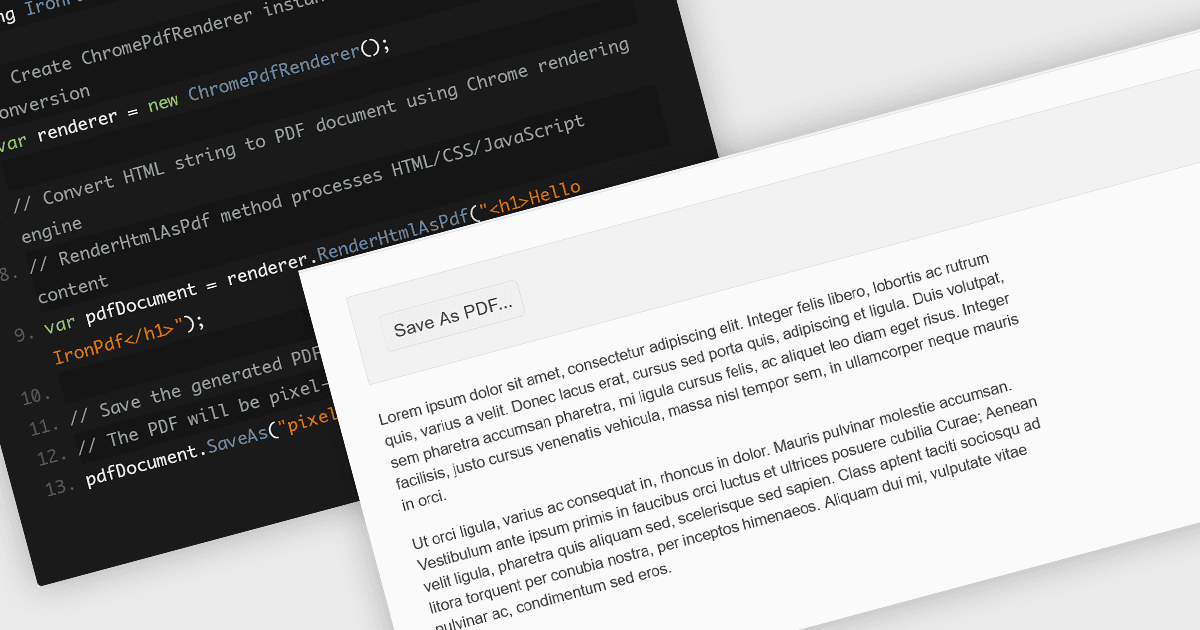
PDF 구성 요소 라이브러리 내에서 HTML 파일을 PDF로 변환하면, 풍부한 스타일의 웹 기반 콘텐츠를 고정되고 공유 가능한 형식으로 손쉽게 캡처할 수 있습니다. 이 기능은 보통 브라우저와 유사한 렌더링 엔진을 사용하여 CSS, 이미지, 글꼴 및 링크를 정확하게 표현함으로써, 브라우저에서 보이는 결과가 문서에서도 그대로 유지되도록 합니다. 특히 보고서, 인보이스, 문서 및 동적 웹 페이지의 정적 스냅샷을 생성하는 데 유용하며, 웹 기반 레이아웃의 친숙함과 PDF의 휴대성 및 일관성을 결합합니다.
여러 JavaScript PDF 컨트롤이 HTML을 PDF로 변환하는 기능을 제공합니다. 예:
- Kendo UI PDF for Angular (Telerik의 Kendo UI 일부)에서는 클라이언트 측에서 어떤 HTML 요소나 전체 페이지든 직접 PDF로 내보낼 수 있습니다.
- C++을 통한 JavaScript용 Aspose.PDF에는 강력한 HTML-to-PDF 변환 엔진이 포함되어 있습니다(온프레미스 및 클라우드 API 모두에서 사용 가능). 외부 CSS와 리소스를 지원합니다.
- IronPDF for Node.js는 Iron Software에서 제공하며, Chromium 기반 렌더링 엔진을 활용해 HTML 문자열, 파일 또는 URL을 PDF 문서로 변환합니다.
기능과 가격에 대한 자세한 분석은 JavaScript PDF 컨트롤 비교를 방문하세요.