Vue.js 애플리케이션에서 JSON으로 데이터 그리드 내보내기
JavaScript Object Notation (JSON)으로 표 형식 데이터를 내보내세요. 이 포맷은 구문 분석과 다른 시스템과의 통합이 쉬운 형식입니다.
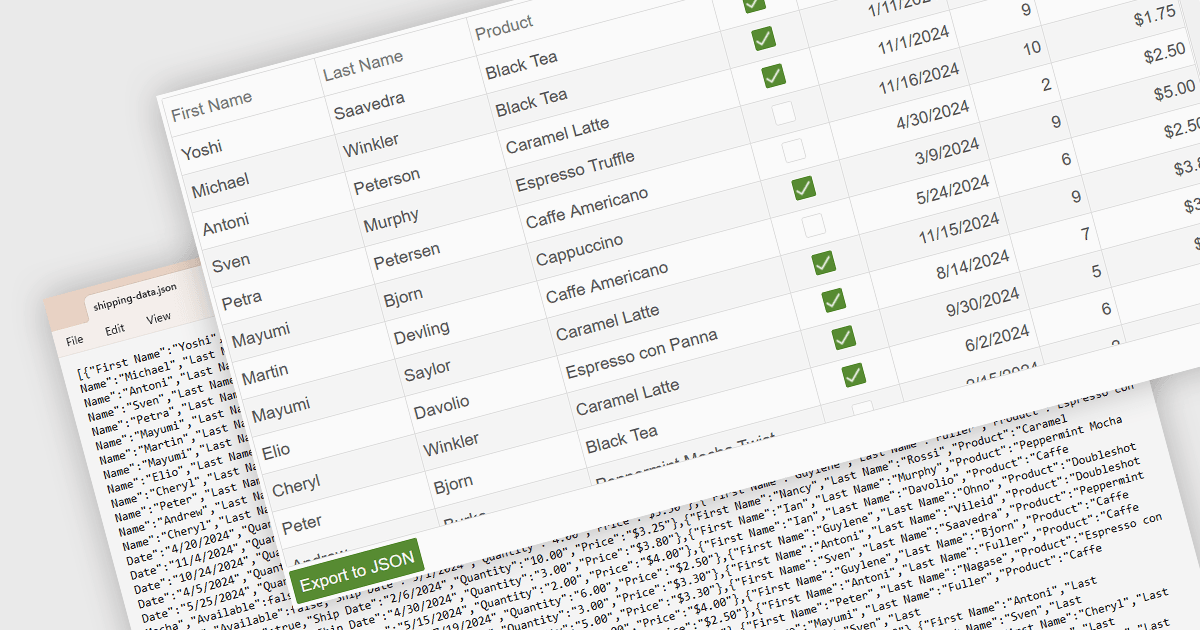
데이터 그리드를 JSON 형식으로 내보내는 것은 최신 웹 기반 데이터 도구에서 흔히 제공되는 기능입니다. 이는 행과 열이 레코드와 필드를 나타내는 것처럼, 그리드에 표시된 구조화된 데이터를 JavaScript Object Notation (JSON)인 가벼운 텍스트 기반 형식으로 변환하는 것을 의미합니다. 이 과정은 데이터의 계층 구조와 속성을 보존하면서 그리드의 내용을 기계가 읽을 수 있는 구조로 저장할 수 있게 해 주며, 웹 서비스, API 또는 다른 애플리케이션에서 쉽게 사용할 수 있도록 합니다. JSON으로 내보내기의 장점은 다양한 프로그래밍 환경과의 호환성, 프론트엔드 및 백엔드 시스템과의 손쉬운 통합, 네트워크로 연결된 시스템 간에 데이터를 전송하거나 클라이언트 측 작업 또는 원격 저장을 위해 나중에 활용할 수 있다는 점입니다.
여러 Vue.js 그리드 컨트롤은 JSON으로 내보내기를 지원하며, 예를 들어:
- FusionGrid by FusionCharts는 Vue.js와 함께 작동하며 그리드 데이터를 JSON으로 내보낼 수 있어 API 및 JavaScript 기반 애플리케이션과의 원활한 통합을 가능하게 합니다.
- jQWidgets Grid (jQWidgets의 일부)는 Vue.js 앱에서 표시된 그리드 데이터를 JSON으로 변환하는 간단한 방법을 제공하여 데이터 타입과 사용자 지정 서식을 유지합니다.
- Jspreadsheet Pro Data Grid (Jspreadsheet Pro의 일부)는 Vue.js 애플리케이션에서 스프레드시트 스타일의 데이터를 JSON으로 내보내도록 해주며, 데이터베이스 또는 외부 서비스와 동기화하는 데 이상적입니다.
- DataGridXL은 그리드 데이터에서 JSON 출력을 가능하게 하여 최신 프레임워크와의 호환성을 보장하고 JavaScript 기반 워크플로에서 원활한 데이터 처리를 지원합니다.
기능과 가격에 대한 심층 분석은 Vue.js 그리드 컨트롤 비교 페이지를 참고하세요.