Blazor 앱에서 인라인 버튼으로 데이터 입력을 간편하게 하세요
폼 필드나 그리드에 명령 버튼을 포함하여 더 빠르고 직관적인 사용자 상호 작용을 가능하게 하고, 별도의 UI 요소에 대한 의존도를 줄이세요.
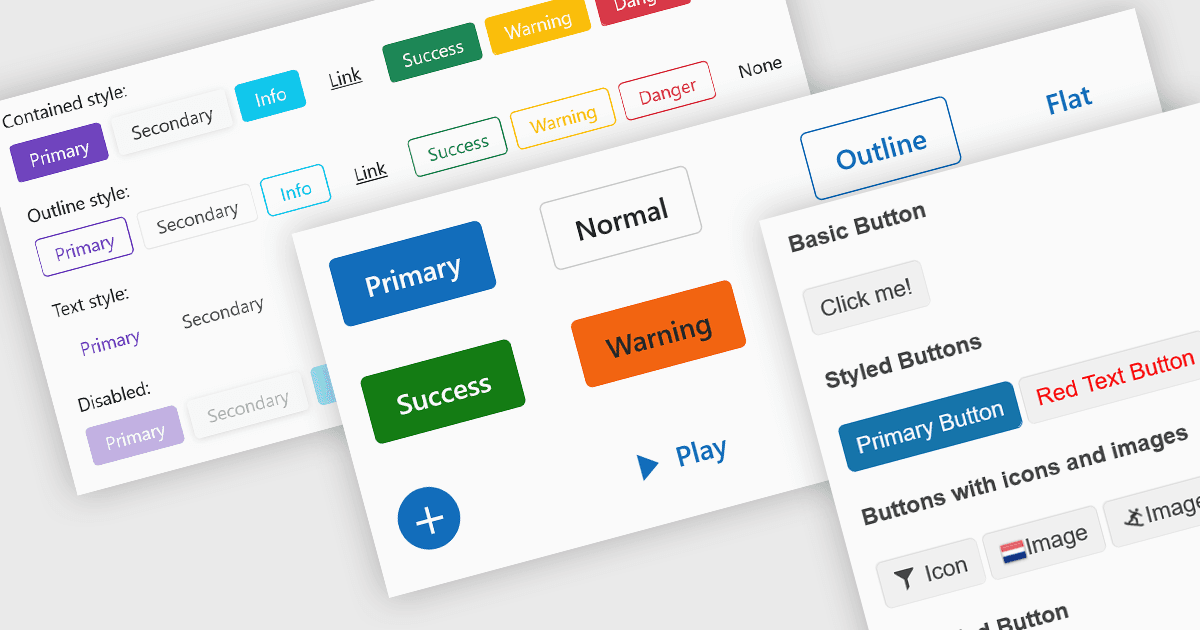
데이터 편집기(에디터)에 포함된 버튼은 입력 지우기, 드롭다운 열기 또는 데이터 제출과 같은 인라인 명령 트리거를 제공하여 사용자 상호 작용을 향상시킵니다. 이러한 버튼은 폼 필드나 데이터 그리드에 직접 통합할 수 있어 보다 직관적이고 컴팩트한 인터페이스를 구현할 수 있습니다. 개발자는 아이콘, 스타일, 동작 및 이벤트 같은 사용자 지정 옵션의 이점을 활용하여 버튼 기능을 애플리케이션별 워크플로에 맞게 조정할 수 있습니다. 편집기에서 명령 버튼을 포함하면 외부 UI 요소가 필요 없이 상호 작용이 간편해집니다.
여러 Blazor 데이터 편집기 컬렉션에서는 버튼 편집기 컴포넌트를 제공합니다. 예:
- DevExpress Blazor Data Editors (DevExpress ASP.NET 및 Blazor의 일부)에는 입력 컨트롤에 내장 및 사용자 지정 명령 버튼이 포함됩니다. 예를 들어
텍스트 입력의 지우기 버튼, 숫자 편집기의 스핀 버튼 등이 있으며, DxEditorButton 클래스를 사용하여 동작을 정의합니다. - Telerik UI for Blazor Data Editors (Telerik UI for Blazor의 일부)는 독립형 폼과 편집기 툴바 모두에서 버튼 통합을 지원합니다. 스타일이 적용된 버튼, 아이콘 지원, Submit, Reset 또는 사용자 지정 사용자 작업과 같은 내장 명령 바인딩을 제공합니다.
- Syncfusion Essential Studio for Blazor Data Editors (Syncfusion Essential Studio Enterprise의 일부)는 DataGrid 또는 인-플레이스 편집기에서 명령 버튼(저장, 편집, 삭제)을 통합할 수 있도록 하며, 인터랙티브 스타일링과 이벤트 처리를 제공합니다.
- Infragistics Ultimate UI for Blazor Data Editors (Infragistics Ignite UI의 일부)는 IgbButton 컴포넌트로 variant 및 size 구성을 제공하고, 토글 기능을 지원합니다. 또한 아이콘 접두사 또는 접미사를 포함할 수 있으며, 데이터 편집기나 폼 템플릿에 내장되어 인터랙티브 제어가 가능합니다.
기능과 가격에 대한 심층 분석은 Blazor 데이터 편집기 비교 페이지를 방문하세요.