정밀하게 스프레드시트 데이터를 편집하고 다듬으세요
고급 셀 수준 도구를 사용하면 사용자가 스프레드시트 콘텐츠를 손쉽게 입력하고 서식을 지정하며 조정할 수 있어, 정확성과 직관적인 상호작용을 결합할 수 있습니다.
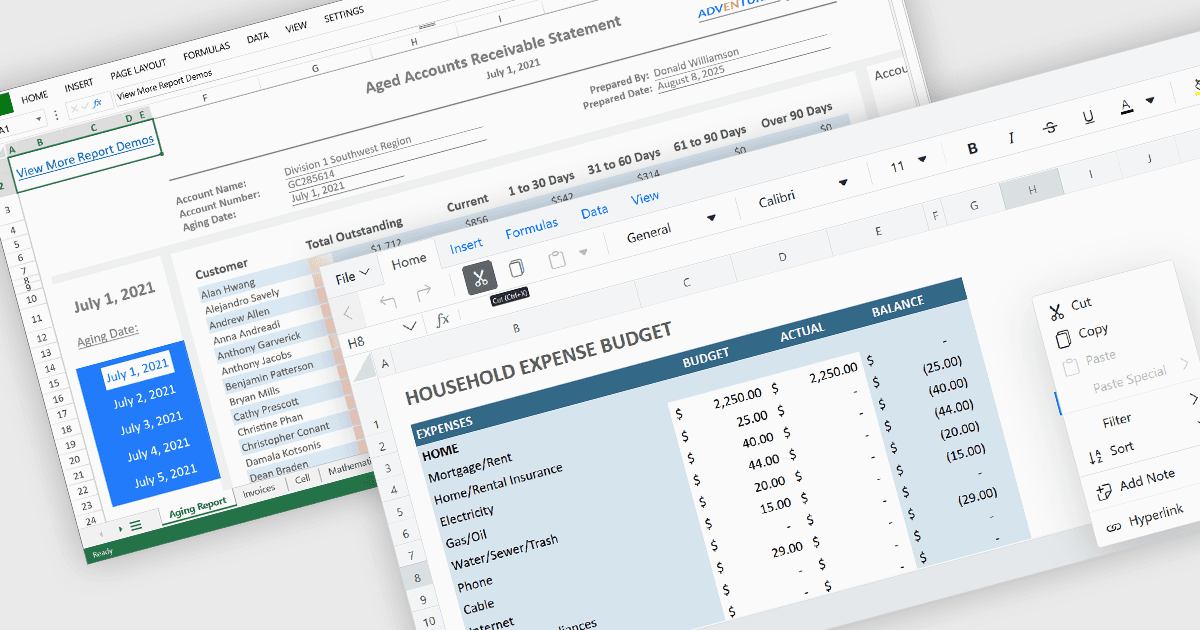
셀 수준의 편집 및 상호작용 기능은 모든 현대적인 스프레드시트 애플리케이션에서 필수적인 구성 요소입니다. 이는 사용자가 가장 세밀한 수준에서 데이터를 입력하고, 수정하며, 관리하는 방식에 직접적인 영향을 미치기 때문입니다. 이러한 기능은 단순한 입력을 넘어 유연성, 제어력, 맥락을 한층 더해 주어 사용자가 작업 흐름을 간소화하면서도 정확성을 유지할 수 있도록 돕습니다. 잘 설계된 셀 수준 도구 세트는 데이터 무결성과 사용자 생산성을 모두 지원하여, 스프레드시트가 빠른 업데이트부터 복잡하고 구조화된 데이터 세트까지 효율성과 정밀함으로 처리할 수 있게 합니다.
일반적인 기능은 다음과 같습니다:
- 셀 주석/툴팁을 통해 특정 셀에 맥락에 맞는 메모나 가이드를 첨부할 수 있어, 협업과 문서화에 도움이 됩니다.
- 셀 서식은 글꼴, 색상, 테두리 및 숫자 형식을 조정하는 옵션을 제공하여 가독성과 시각적 완성도를 모두 향상시킵니다.
- 클립보드 작업의 경우 잘라내기, 복사, 붙여넣기처럼 콘텐츠를 이동하거나 복제할 때 서식과 수식을 그대로 유지하여 작업을 간편하게 해줍니다.
- 찾기 / 바꾸기는 방대한 데이터 세트 전반에서 값을 손쉽게 찾아 업데이트할 수 있게 해줍니다.
- 셀 안에서의 데이터 편집을 통해 사용자는 더 빠르고 직관적인 작업 흐름을 위해 셀 내부에서 값을 직접 입력하거나 업데이트할 수 있습니다.
- 열 삽입은 스프레드시트에 새로운 세로 구역을 추가할 수 있게 하여, 추가 데이터 필드를 위한 공간을 만들거나 인접한 정보를 덮어쓰지 않고 기존 콘텐츠를 재정리할 수 있도록 해줍니다.
- 이미지 삽입은 더 풍부한 표현을 위해 시각 요소를 스프레드시트에 직접 포함할 수 있게 해줍니다.
- 행 삽입은 새로운 가로 항목을 추가할 수 있게 해주며, 주변 데이터의 무결성을 유지하면서 데이터 세트, 일정 또는 표를 확장할 수 있도록 지원합니다.
- 셀 병합을 통해 여러 셀을 하나로 결합하여 명확한 제목이나 레이아웃 조정이 가능해집니다.
기능과 가격에 대한 심층 분석은 Angular 스프레드시트 구성 요소 비교를 방문하세요.