Blazor 보고서에 바코드를 손쉽게 임베드
오류를 줄이고 데이터 입력을 빠르게 하며 물류 및 ERP 시스템과의 통합을 지원하기 위해 보고서에 스캔 가능한 바코드를 삽입하세요.
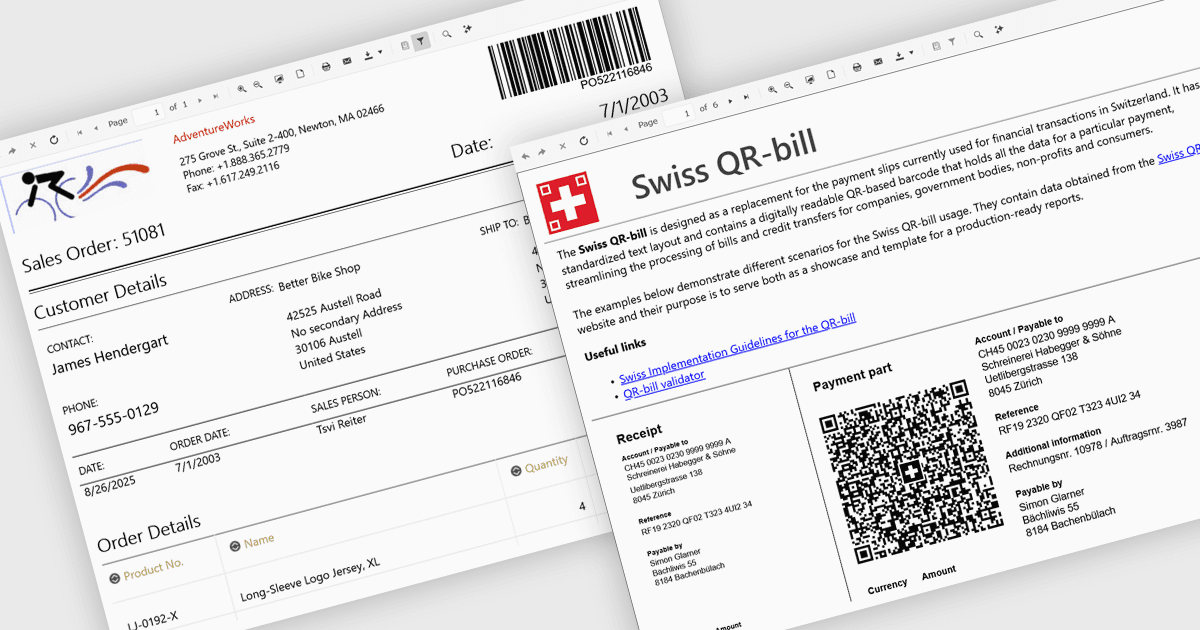
보고서에 바코드를 추가하면 QR 또는 Code 128 같은 기계 판독형 코드를 인쇄물 또는 디지털 출력물에 직접 포함할 수 있습니다. 이러한 코드는 바코드 리더로 스캔할 수 있어 데이터 입력을 더 빠르게 하고 오류를 줄이며 추적성을 향상합니다. 또한 바코드는 재고, 물류 또는 ERP 시스템과의 통합을 지원합니다. 이 기능은 정확성과 속도가 필수인 제조, 소매, 의료, 공급망 환경에서 특히 유용합니다.
여러 .NET Blazor Reporting 컨트롤에는 바코드가 포함되어 있습니다.
- Telerik Reporting은 EAN 13, QR, Data Matrix, PDF417 같은 1D 및 2D 바코드를 보고서 레이아웃에 직접 임베드하여 정확한 스캔과 데이터 캡처를 가능하게 합니다.
- DevExpress Reports (MultiPlatform)은 XRBarCode 컨트롤을 사용하여 GS1, Code 39, QR, PDF417를 포함한 35개 이상의 바코드 심볼로지를 추가할 수 있습니다.
- ActiveReports.NET by MESCIUS를 사용하면 정렬, 색상, 캡션, 데이터 바인딩에 대한 사용자 지정 옵션으로 다양한 바코드 스타일을 인쇄할 수 있습니다.
- Stimulsoft Reports.WEB은 선형 및 2D 유형을 포함한 바코드 구성요소를 지원하며, 웹 디자이너의 통합 바코드 편집기를 통해 편집 가능한 속성을 제공합니다.
기능과 가격에 대한 심층 분석은 .NET Blazor Reporting Controls 비교를 참고하세요.