인셀 데이터 입력으로 더 빠르게 편집하기
스프레드시트에서 바로 빠른 수정이나 상세 조정을 수행하여 데이터 정확성과 워크플로 효율성을 유지하세요.
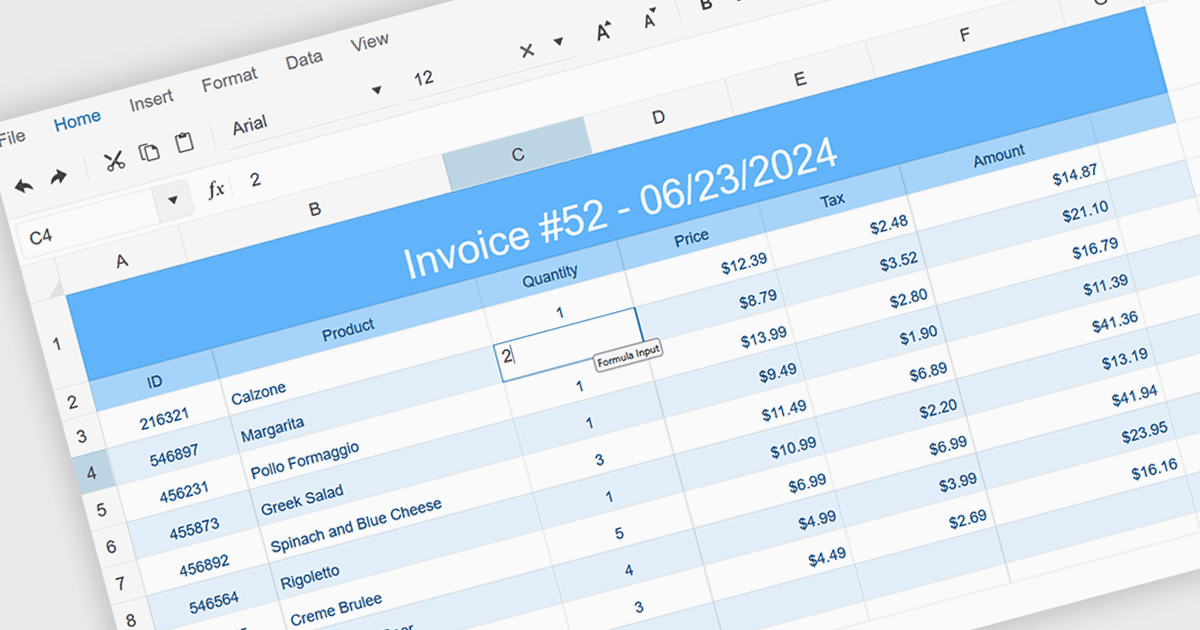
인셀 데이터 편집은 별도의 양식이나 대화 상자를 통해 수정하는 대신 스프레드시트 셀 안에서 정보를 직접 수정할 수 있게 해줍니다. 이 방식은 데이터 입력 속도를 높이고 즉각적인 시각적 피드백을 제공하며, 맥락 속에서 실수를 더 쉽게 발견하고 수정할 수 있도록 합니다. 또한 중단을 줄이고 인지적 부담을 낮추며 익숙한 Excel 스타일의 환경을 제공함으로써 효율성을 강화합니다. 일반적인 사용 사례로는 재무 수치 업데이트, 재고 기록 조정, 빠르고 정확한 편집이 필수인 프로젝트 일정의 수정 등이 있습니다.
다음은 인셀 데이터 편집을 지원하는 여러 JavaScript 스프레드시트 컨트롤입니다.
- Telerik Spreadsheet React를 사용하면 스프레드시트 셀 내에서 데이터를 직접 편집할 수 있어 빠른 조정, 간소화된 워크플로, 정확한 실시간 업데이트가 가능합니다.
- Wijmo FlexSheet by MESCIUS는 인셀 편집을 지원하여 개발자에게 효율적인 데이터 입력, 맥락 기반 수정, 향상된 생산성을 갖춘 Excel과 유사한 기능을 제공합니다.
- Jspreadsheet Pro는 현대적인 웹 애플리케이션에서 인셀 편집을 가능하게 하며, 즉각적인 변경, 향상된 사용성, 대규모 데이터셋의 효율적인 관리를 제공합니다.
- Infragistics Spreadsheet Angular는 그리드 셀에서 바로 편집할 수 있게 하여 더 빠른 업데이트, 오류 감소, 주변 데이터셋 맥락과의 매끄러운 상호작용을 지원합니다.
기능과 가격을 자세히 살펴보려면 JavaScript Spreadsheet Controls 비교를 방문하세요.