차트를 Excel로 직접 추출
XLS/XLSX로 내보내면 사용자는 차트 뒤에 있는 원본 데이터를 확인할 수 있어, 스프레드시트 친화적인 형식으로 인사이트를 더 쉽게 분석, 감사 또는 공유할 수 있습니다.
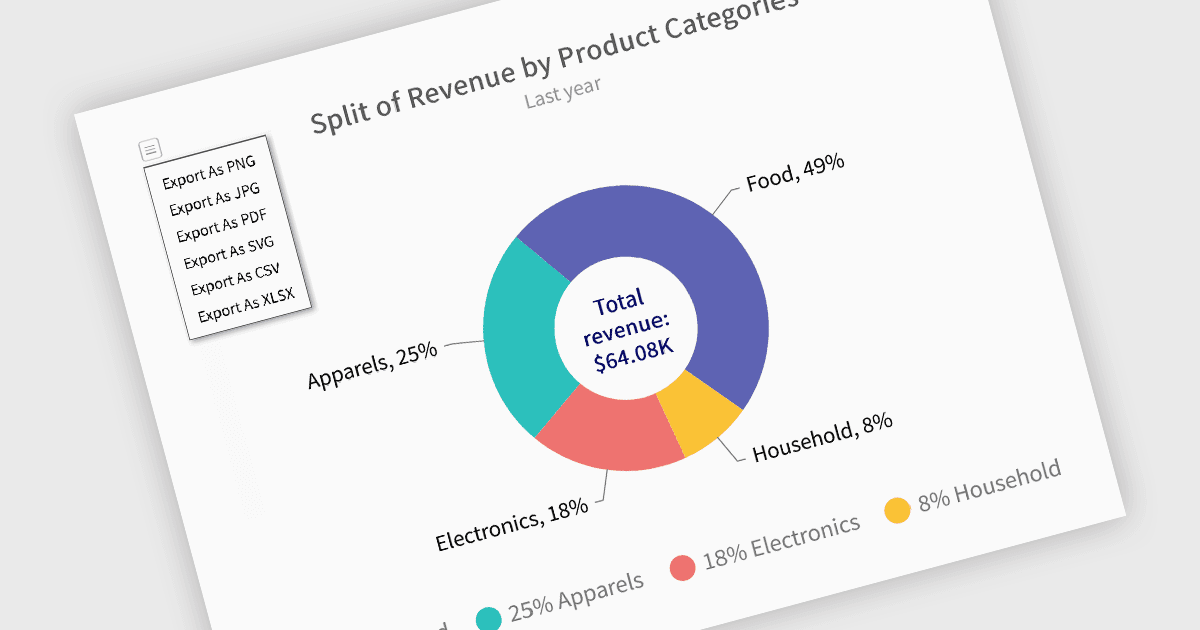
XLS 또는 XLSX 형식으로 차트를 내보내면 개발자가 시각화에서 구조화된 기본 데이터를 추출해 더 깊은 분석이나 후속 처리에 활용할 수 있습니다. 이미지나 PDF 내보내기에만 국한되지 않고, 이 방식은 차트 데이터를 스프레드시트 도구 및 데이터 워크플로와 손쉽게 통합할 수 있도록 해줍니다. 차트를 Excel 파일로 변환함으로써 사용자는 데이터를 조작, 필터링 또는 보강할 수 있으며, 수치 인사이트가 시각적이면서도 실행 가능해야 하는 리포팅, 감사 또는 비즈니스 인텔리전스 시나리오에 이상적입니다.
여러 Blazor 차트 컨트롤은 다음과 같이 차트를 XLS/XLSX로 내보내는 기능을 제공합니다.
- FusionCharts Blazor Suite XT (FusionCharts Suite XT의 일부)는 내보내기 메뉴 또는 API를 통해 XLSX(Excel) 형식으로 차트 데이터를 내보내는 기능을 제공합니다. exportEnabled가 설정된 경우 클라이언트 측과 서버 측 내보내기 모드 모두에서 지원되며, 기본 차트 데이터에 유연하게 원클릭으로 접근할 수 있습니다.
- TeeChart .NET for Blazor by Steema Software는 차트 내보내기를 이미지와 PDF뿐 아니라 구조화된 데이터 형태로 Microsoft Excel 형식(XLS/XLSX)으로도 지원합니다. 또한 XML, HTML, CSV 및 기본 차트 형식으로의 내보내기도 제공하여, 공유 및 재사용 시나리오 전반을 폭넓게 지원합니다.
- Syncfusion Blazor Chart (Syncfusion Essential Studio Enterprise의 일부)는 ExportAsync 메서드를 통해 차트 콘텐츠(기본 데이터 포함)를 XLSX 또는 CSV 파일로 직접 내보낼 수 있는 통합 방식을 제공합니다. 이는 특히 분석 및 리포팅 맥락에서 시각적 내보내기와 함께 차트 데이터를 배포하는 방식을 개선합니다.
기능과 가격에 대한 자세한 분석을 보려면 Blazor 차트 컨트롤 비교를 방문하세요.