그리드 셀에서 날짜를 정확하게 처리하기
날짜/시간 셀 유형을 갖춘 JavaScript 그리드는 구조화된 입력, 서식 지정, 유효성 검사를 제공하여 보다 깔끔하고 신뢰할 수 있는 시간 관련 데이터 처리를 돕습니다.
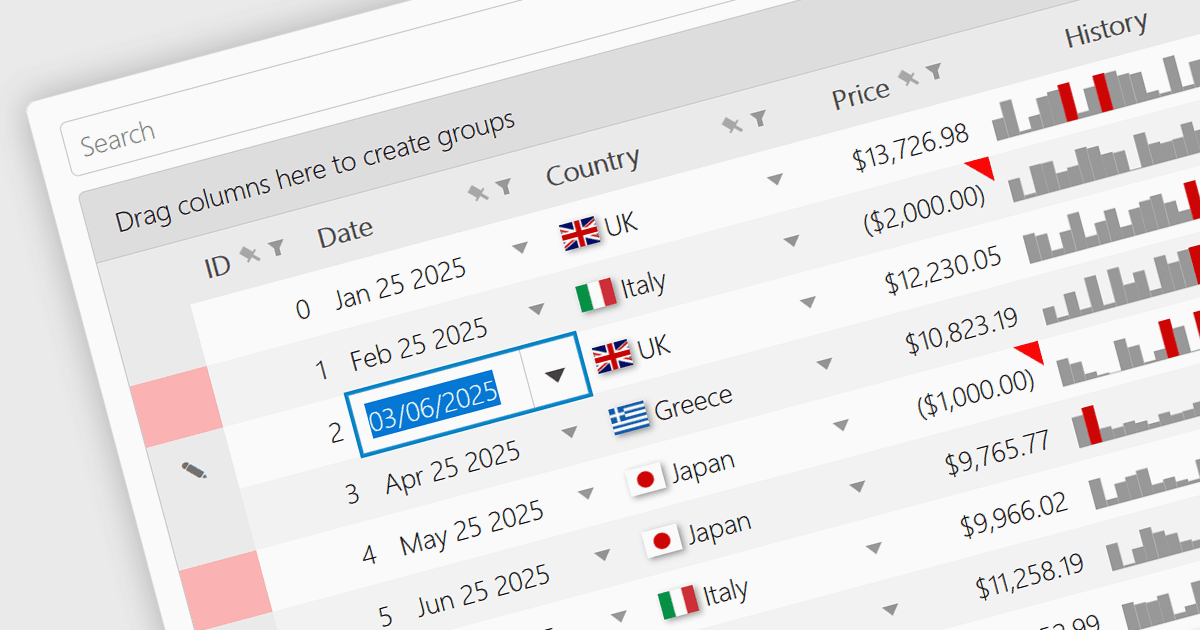
JavaScript Grid 컨트롤의 날짜/시간 셀 유형을 사용하면 입력을 일반 텍스트가 아닌 실제 JavaScript Date 객체로 취급하여 개발자가 시간 관련 데이터를 보다 효과적으로 관리할 수 있습니다. 이를 통해 달력 팝업, 시간 선택기, 그리고 "09/09/2025" 또는 "Sep 9 2025" 같은 구조화된 출력 형식 등 기본 제공 기능을 활용할 수 있어 사용자가 데이터를 정확하게 상호작용하기가 더 쉬워집니다. 특히 일정 관리, 활동 로그, 시간 기반 리포트를 기반으로 하는 애플리케이션에서 유용합니다. 대부분의 최신 그리드 라이브러리는 셀 동작이 애플리케이션의 설계와 데이터 표준에 원활하게 맞도록 현지화, 서식 지정, 입력 유효성 검사도 지원합니다.
여러 JavaScript Grid 컨트롤에서 Date/Time 셀 유형을 지원합니다. 예:
- Wijmo FlexGrid (MESCIUS의 Wijmo 일부)는 셀에서 풍부한 날짜/시간 서식 지정을 적용할 수 있으며, 사용자 지정 형식, 캘린더 통합, 그리고 국제화된 날짜 표시를 지원합니다.
- DevExtreme HTML5 JavaScript Data Grid (DevExpress의 DevExtreme Complete 일부)는 미리 정의된 패턴을 사용해 날짜/시간 셀을 서식화할 수 있으며 현지화된 형식도 포함됩니다.
- KendoReact Data Grid (Telerik의 KendoReact 일부)는 디스플레이 마스크, 문화권 설정, 동적 날짜 구문 분석까지 완전하게 제어하면서 정밀한 날짜/시간 서식 지정을 제공합니다.
- Handsontable (Handsoncode)는 구성 가능한 표시 패턴과 ISO 날짜 형식에 대한 기본 제공 지원을 사용해 셀에서 날짜/시간 값을 직접 서식화할 수 있습니다.
- Ignite UI Angular Grid (Infragistics Ignite UI의 일부)는 셀에서 사용자 지정 날짜/시간 형식을 정의할 수 있으며, 로케일 민감도를 고려해 짧은 스타일과 긴 스타일 모두를 처리합니다.
기능과 가격을 자세히 알아보려면 JavaScript Grid 컨트롤 비교를 확인하세요.