탭형 인터페이스로 내비게이션을 개선하세요
탭 컴포넌트는 Angular 개발자가 사용자 인터페이스에서 상세한 콘텐츠를 구조화할 수 있게 해주며, 빠른 탐색과 컨텍스트 유지가 가능합니다.
2025년 9월 9일기능 강조
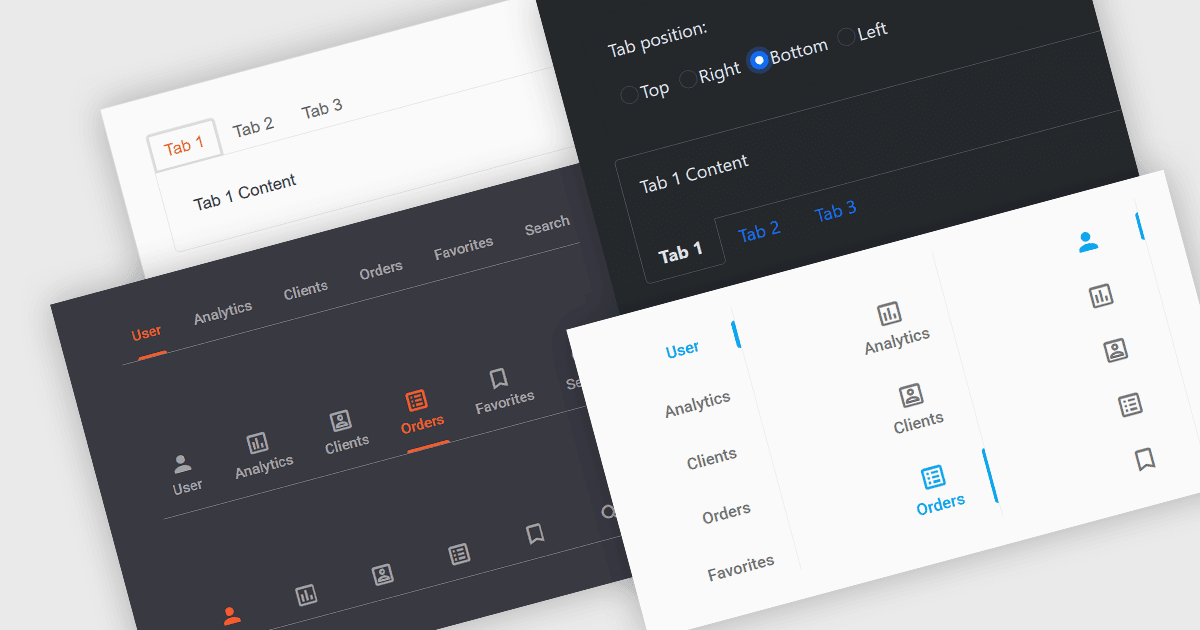
탭은 사용자가 라벨이 붙은 탭을 클릭해 동일한 창 안에서 여러 섹션 또는 뷰 사이를 이동할 수 있게 해주는 일반적인 사용자 인터페이스 요소입니다. 보통 탭은 가로로 한 줄에 표시됩니다. 각 탭은 서로 다른 정보나 컨트롤을 제공하며, 콘텐츠를 정리하는 데 도움이 되어 복잡도를 줄이고 여러 창이나 페이지로 전환하지 않고도 관련 기능을 더 쉽게 찾을 수 있게 해줍니다. 섹션 간 전환을 위한 탭형 UI를 만들면 핵심 영역에 더 빠르게 접근할 수 있고, 컨텍스트를 유지함으로써 사용성도 향상됩니다. 이러한 방식은 계층화된 데이터나 여러 툴 세트를 사용하는 애플리케이션에서 특히 유용하며, 공간과 컨텍스트 관리가 중요할 때 효과적입니다.
여러 Angular UI 제품군에서 탭 기능을 제공합니다. 예:
- DevExtreme Complete by DevExpress는 Angular에서 복잡한 인터페이스를 관리하기 위해 폼, 데이터 뷰, 동적 콘텐츠 영역 전반에 걸친 사용자 지정 가능한 탭드 내비게이션을 제공합니다.
- Wijmo by MESCIUS는 성능과 일관성을 유지하면서 콘텐츠를 효율적으로 구성하는 탭형 레이아웃을 만들기 위한 다목적 TabPanel 컴포넌트를 제공합니다.
- Kendo UI by Telerik는 Angular 애플리케이션용으로 고도로 사용자 지정 가능한 TabStrip을 제공하여 단일 프레임에서 탭을 통해 콘텐츠를 구성하고 탐색할 수 있게 해줍니다.
- Infragistics Ignite UI는 사용자 인터페이스 요소를 논리적으로 배치하기 위한 완전한 기능의 탭 컴포넌트를 제공하며, 사용자가 메인 컨텍스트를 떠나지 않고도 뷰를 전환할 수 있도록 돕습니다.
기능과 가격에 대한 자세한 분석은 Angular UI 제품군 비교를 참고하세요.