적응형 레이아웃으로 화면 공간 최적화
화면 크기에 관계없이 콘텐츠가 원활하게 적응하도록 유연한 너비 및 높이 설정으로 애플리케이션 레이아웃을 동적으로 조정하세요.
2025년 9월 25일기능 강조
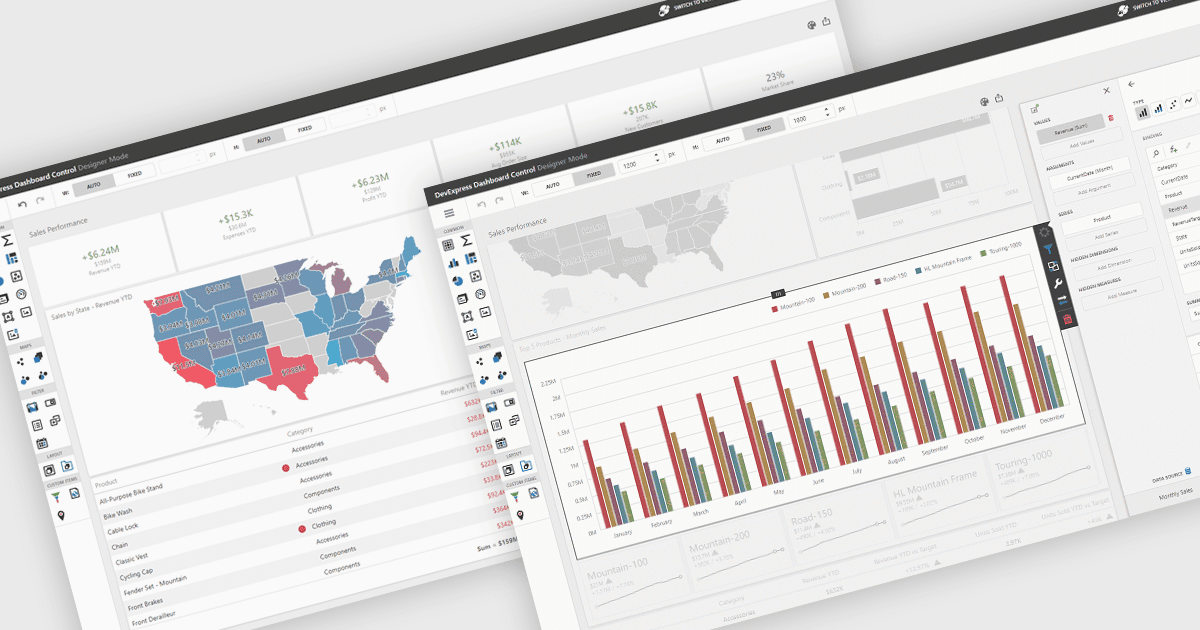
UI 레이아웃은 애플리케이션 내에서 요소들이 배치되는 구조를 정의하여 콘텐츠, 컨트롤, 내비게이션이 어떻게 구성되고 사용자에게 어떻게 제공되는지를 결정합니다. 잘 설계된 레이아웃은 다양한 기기와 화면 크기에서 일관성, 반응성, 사용성을 보장하여 애플리케이션을 더 직관적이고 효율적으로 사용할 수 있게 합니다. 이점으로는 예측 가능한 내비게이션을 통한 향상된 사용자 경험과, 애플리케이션 요구사항이 변화함에 따라 유연하게 확장할 수 있는 점이 있습니다. 예를 들어 대시보드는 사용 가능한 공간에 맞게 너비와 높이를 자동으로 조정할 수 있고, 웹 앱은 모바일 및 데스크톱 디스플레이에 적응하기 위해 반응형 그리드 시스템을 사용할 수 있으며, 엔터프라이즈 소프트웨어는 복잡한 프로세스를 개선하기 위해 모듈 전반에 일관된 레이아웃을 적용할 수 있습니다.
여러 .NET WinForms UI 제품군에서는 다음과 같은 레이아웃 구성 요소를 제공합니다:
- DevExpress WinForms를 사용하면 유연한 도킹, 패널, 컨테이너로 적응형 레이아웃을 구성하여 일관되고 반응형인 Windows 애플리케이션을 만들 수 있습니다.
- ComponentOne Studio WinForms by MESCIUS는 크기 조절이 가능한 컨트롤, 그리드 기반 위치 지정, 원활한 화면 크기 적응성을 통해 동적 레이아웃을 설계할 수 있도록 합니다.
- Telerik UI for WinForms는 고급 도킹, 분할 컨테이너, 다양한 인터페이스에서 사용성을 향상시키는 반응형 요소를 통해 세련된 레이아웃을 제공합니다.
- Bunifu UI WinForms by Bunifu Technologies 는 드래그 앤 드롭 구성 요소, 적응형 정렬, 유연한 전환을 통해 시각적으로 매력적인 앱을 위한 현대적인 레이아웃을 지원합니다.
기능과 가격에 대한 자세한 분석은 .NET WinForms UI 제품군 비교를 방문하세요.