채울 수 있는 PDF AcroForms로 보고서 내보내기
대화형 PDF AcroForms로 보고서 필드를 내보내 손쉬운 데이터 입력, 일관된 서식, 폭넓은 PDF 뷰어 호환성을 제공합니다.
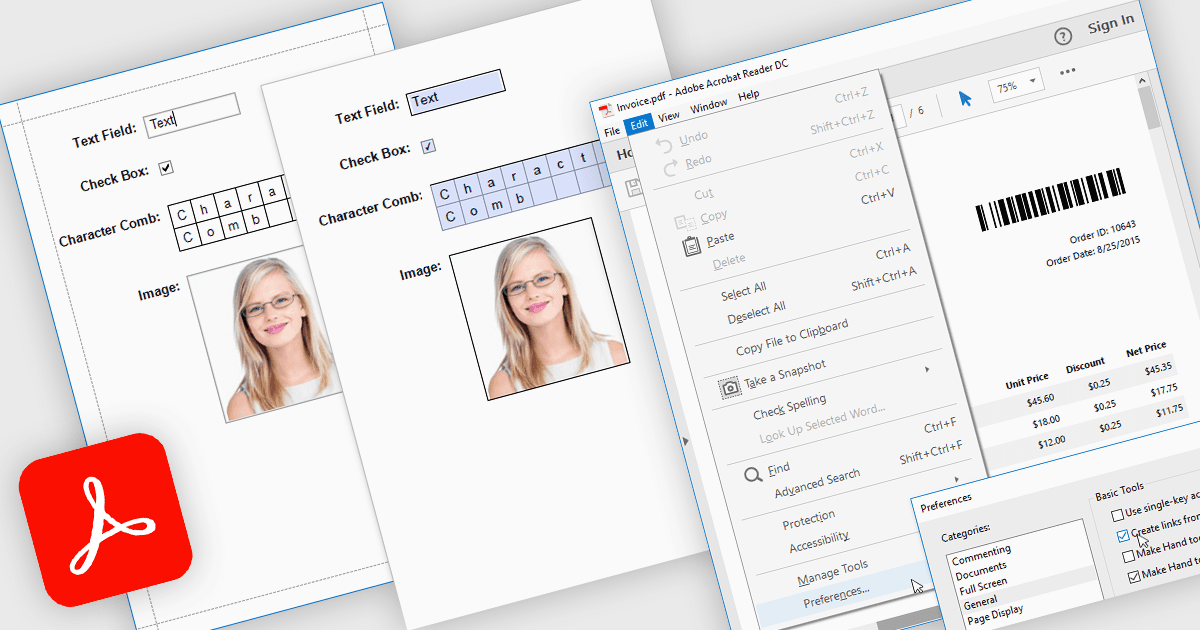
AcroForms로 PDF로 보고서를 내보내면 보고서를 정적 텍스트가 아닌, 완전히 대화형 양식 필드를 포함하는 PDF 파일로 저장할 수 있습니다. 텍스트 상자, 확인란, 라디오 버튼, 드롭다운 목록과 같은 편집 가능한 요소는 내보낸 후에도 계속 채울 수 있어, Adobe Acrobat Reader 같은 일반 PDF 뷰어에서 사용자가 특수 소프트웨어 없이도 양식을 직접 작성할 수 있습니다. 그 이점은 상당합니다. 조직은 수작업 데이터 입력을 줄이고, 배포된 문서 전반에서 일관된 서식을 유지하며, 최종 사용자의 접근성을 향상시킬 수 있습니다. 예를 들어 회사는 편집 가능한 청구 세부 정보가 포함된 송장 보고서를 내보내거나, 수신자가 디지털로 작성할 수 있는 설문조사를 만들거나, 고객이 전자적으로 작성해 회신할 수 있는 규정 준수 양식을 생성할 수 있습니다. 대화형 필드를 내보낸 보고서에 직접 포함함으로써 AcroForms는 문서 워크플로를 더 효율적이고 정확하며 사용자 친화적으로 만드는 데 도움이 됩니다.
다음과 같은 몇 가지 .NET WPF 보고 보고 컨트롤은 AcroForms로 Export to PDF를 제공합니다:
- DevExpress Reports (Multi-Platform)를 사용하면 AcroForms를 통해 대화형 PDF를 내보낼 수 있어, 다양한 기기와 뷰어에서 편집 가능한 필드를 사용할 수 있습니다.
- ActiveReports.NET (MESCIUS 제작)으로 AcroForm PDF로 내보내는 보고서를 만들 수 있으며, 디지털 데이터 입력, 규정 준수, 향상된 양식 배포를 지원합니다.
- List & Label Enterprise Reporting Edition (combit 제작)은 AcroForms로 채울 수 있는 PDF를 내보내는 기능을 제공하여, 대화형 필드를 유지함으로써 전문적이고 사용자 친화적인 데이터 수집을 지원합니다.
- FastReport .NET WPF는 대화형 AcroForm PDF로 보고서를 생성할 수 있으며, 동적 레이아웃과 편집 가능한 필드를 결합해 효율적인 디지털 워크플로를 제공합니다.
기능과 가격에 대한 심층 분석을 보려면 .NET WPF 보고 컨트롤 비교를 방문하세요.