리스트박스로 사용자 선택을 간단하게
미리 정의된 선택 옵션을 제시하여 데이터 정확성과 UI 일관성을 향상하세요.
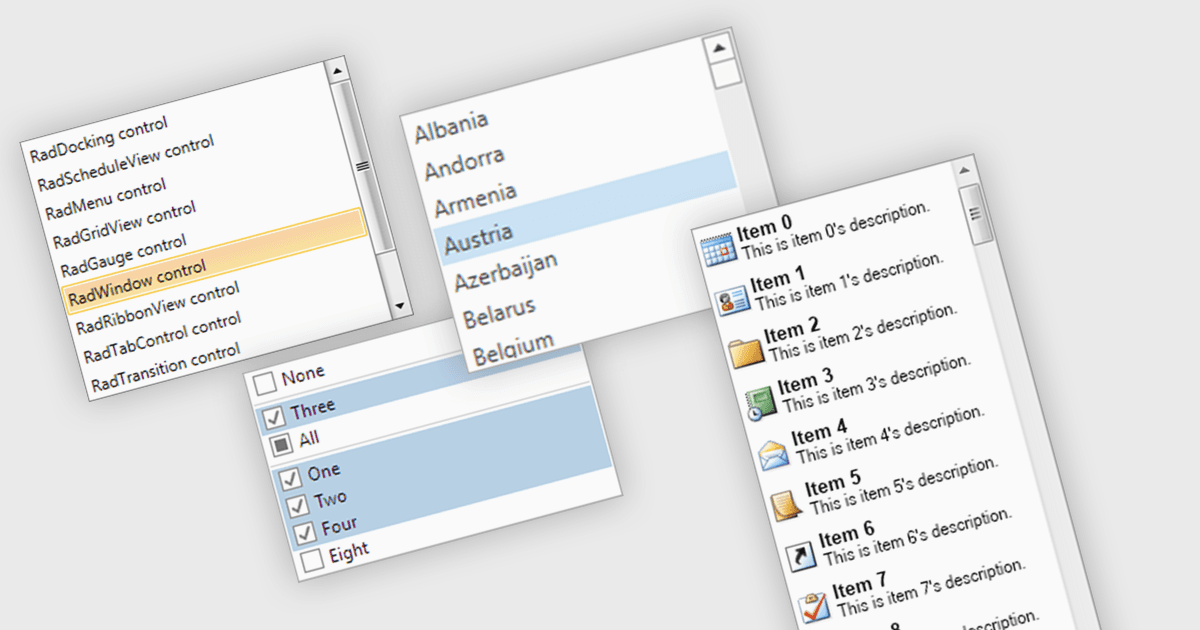
리스트박스는 사용자가 하나 이상의 옵션을 선택할 수 있도록 항목 컬렉션을 표시하는 사용자 인터페이스 구성 요소입니다. 일반적으로 양식, 설정 패널 또는 데이터 입력 화면에서 스크롤 가능한 형식으로 미리 정의된 값을 제공하는 데 사용됩니다. 개발자 관점에서 리스트박스는 사용자 선택을 제한하여 유효한 입력을 간단히 강제하고, 수동 데이터 입력의 필요성을 줄이며, 애플리케이션 전반에서 UI 일관성을 개선하는 데 도움이 됩니다. 또한 키보드와 마우스 상호작용을 지원하므로 복잡한 사용자 지정 제어를 요구하지 않고도 접근성과 사용성을 향상시킬 수 있습니다.
여러 .NET WPF 데이터 에디터 컬렉션에서 리스트박스 컨트롤을 제공합니다. 예:
- Telerik UI for WPF Data Editors (Telerik UI for WPF의 일부)는 데이터 바인딩, 다중 선택, 드래그‑앤‑드롭 재정렬을 지원하는 리스트박스를 포함할 수 있게 해 줍니다.
- DevExpress WPF Data Editors (DevExpress WPF의 일부)를 사용하면 데이터 소스에 바인딩된 리스트박스를 활용하여 사용자 지정 표시가 가능한 단일 또는 다중 선택을 지원할 수 있습니다.
- Actipro Editors for WPF는 가상화, 계층 구조 항목 어댑터, 대용량 데이터셋을 위한 사용자 지정 렌더링을 지원하는 리스트박스 컨트롤을 제공합니다.
- NOV UI for .NET Data Editors (.NET Data Editors용 NOV UI의 일부)는 데이터 바인딩과 선택 가능한 항목을 갖춘 크로스 플랫폼 리스트박스를 포함할 수 있도록 합니다.
기능과 가격에 대한 심층 분석을 보려면 .NET WPF Data Editors 비교를 방문하세요.