













공식 공급 업체
200 이상의 소프트웨어 개발처와 판매 계약을 맺은 공인 디스트리뷰터로서 합법적인 라이선스를 제공합니다.
모든 브랜드 보기.
영어로 계속 읽기:
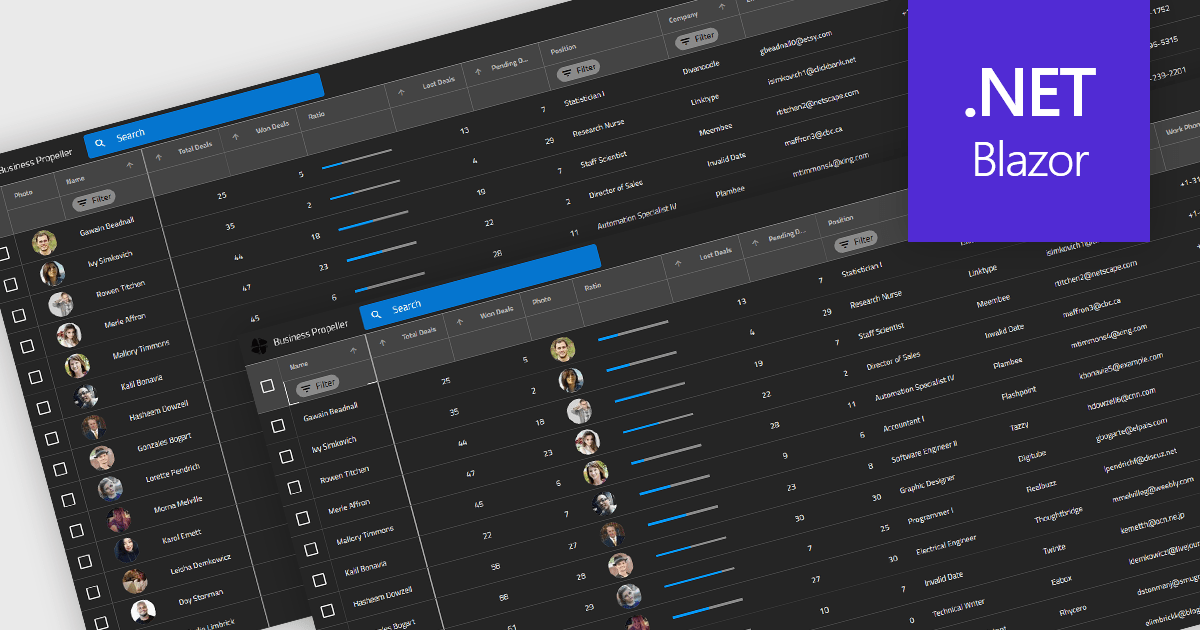
Reordering columns in grid components enables end users to customize the layout of data by dragging column headers into new positions at runtime. This feature improves usability and flexibility, users can adapt the interface to their workflow, prioritize visible information, and reorganize data presentation without developer intervention. A robust implementation also supports programmatic reordering (for restoring user preferences or responding to logic), individual column reordering permissions, and integration with features like column persistence and layout saving.
Several Blazor grid controls offer support for column reordering including:
For an in-depth analysis of features and price, visit our Blazor grid controls comparison.
전화 : 00798 14 800 6332
팩스 : +1 770 250 6199


