Blazor 메뉴로 풍부한 내비게이션 만들기
Blazor UI 라이브러리는 중첩 항목, 시각적 맞춤 설정, 그리고 현대적인 웹 레이아웃에의 통합을 통해 유연한 메뉴 컴포넌트를 제공합니다.
2025년 10월 10일기능 강조
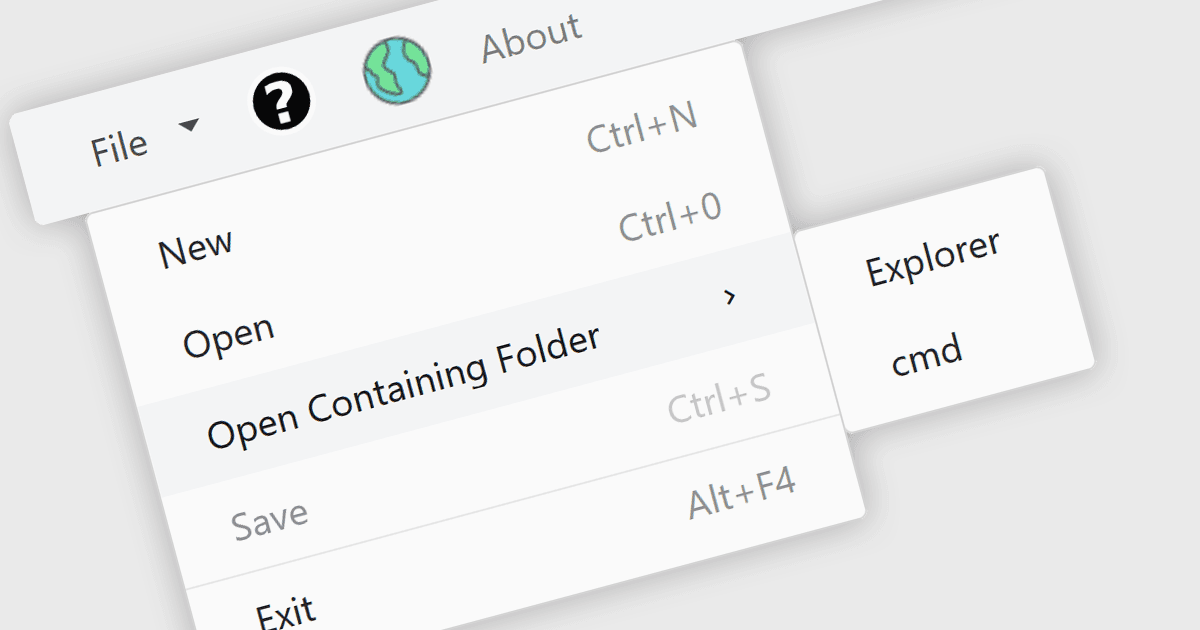
Blazor UI 제품군의 메뉴 컨트롤은 링크 또는 작업을 계층형 메뉴로 구성하여 애플리케이션 전반에서 구조화된 탐색을 제공하는 사용자 인터페이스 구성 요소입니다. 이러한 컨트롤은 직관적이고 접근 가능하며 동적인 내비게이션 요소가 필요한 웹 애플리케이션에서 특히 유용합니다. Blazor에서는 서버 측 또는 WebAssembly 기반 컴포넌트를 통해 메뉴 컨트롤을 렌더링할 수 있으므로 개발자는 Razor 구문과 C#을 사용하여 대화형 메뉴를 만들 수 있습니다. 다단계 중첩, 아이콘, 템플릿, 데이터 소스에 대한 바인딩 같은 기능을 지원하여 다양한 레이아웃과 사용자 경험에 유연하게 적용할 수 있습니다. 메뉴 컨트롤은 라우팅 및 레이아웃 시스템과 원활하게 통합되어 애플리케이션 전반에서 일관된 내비게이션 환경을 유지할 수 있도록 합니다.
여러 Blazor UI 제품군에서 메뉴 컨트롤을 제공하며, 예:
- DevExpress ASP.NET 및 Blazor는 템플릿, 아이콘, 방향(오리엔테이션) 지원을 포함한 계층형 메뉴를 구축할 수 있으며, 접기 동작을 갖춘 반응형 레이아웃도 지원합니다.
- Telerik UI for Blazor는 Blazor 라우팅과 통합되는 URL 기반 탐색, 아이콘 및 항목 템플릿을 포함한 다단계 메뉴를 만들 수 있습니다.
- Nevron Open Vision for .NET는 테마 지원, 아이콘, 선택/해제 가능한 항목, 다중 클릭 상호작용과 함께 Blazor WebAssembly용 컨텍스트 및 리본 메뉴 컨트롤을 제공합니다.
- Blazorise는 가로 및 세로 모드를 지원하는 반응형 Bar 컴포넌트를 제공하며, 중첩 드롭다운과 레이아웃에 잘 맞는 탐색 옵션을 지원합니다.
- Smart UI (Smart HTML Elements)는 중첩 항목, 여러 표시 모드, 풍부한 스타일링, 컨텍스트 메뉴 지원을 제공하는 전용 Blazor 메뉴 컨트롤을 제공합니다.
기능과 가격에 대한 자세한 분석은 Blazor UI 제품군 비교를 참고하세요.