내장 PDF 편집으로 손쉽게 양식 작성하기
PDF 문서 내에서 양식 필드를 직접 작성, 유효성 검사, 제출할 수 있도록 하여 더 빠르고 정확한 디지털 워크플로를 구현하세요.
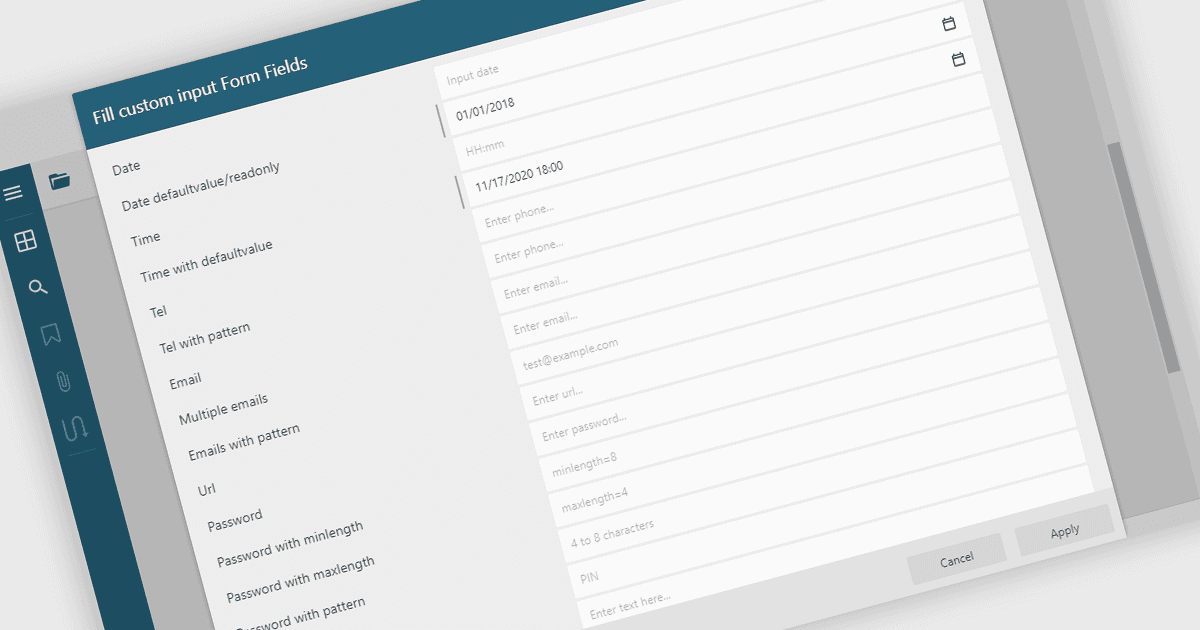
PDF 양식 필드를 작성하면 텍스트 상자, 확인란, 드롭다운, 서명 필드와 같은 PDF 문서의 대화형 요소에 사용자가 정보를 직접 입력할 수 있습니다. 이 기능을 통해 정적 PDF를 디지털로 작성할 수 있는 동적 채울 수 있는 양식으로 전환하여 인쇄나 수동 데이터 입력의 필요성을 줄여줍니다. PDF 뷰어 내에서 양식을 작성, 유효성 검사, 제출할 수 있는 기능은 접근성 및 크로스 플랫폼 사용을 지원하면서 효율성, 정확성, 사용자 경험을 향상시킵니다. 일반적인 사용 사례로는 신청서, 등록 양식, 설문, 계약서, 승인 문서 등을 작성하는 경우가 있으며, 문서 기반 워크플로를 간소화하려는 기업에 필수적인 기능입니다.
여러 .NET WinForms PDF Viewers에서 양식 채우기 지원이 제공되며, 포함:
- DevExpress WinForms PDF Viewer (DevExpress WinForms의 일부) 를 통해 애플리케이션 내에서 대화형 PDF 양식을 직접 완성하고 제출할 수 있습니다.
- Telerik UI PDF for WinForms (Telerik UI for WinForms의 일부) 를 통해 사용자가 PDF에서 양식 데이터를 입력, 유효성 검사, 손쉽게 관리할 수 있습니다.
- PDFView4NET Windows Forms Edition에서는 PDF 양식 필드를 손쉽게 작성, 편집, 저장할 수 있으며, 동적 데이터 기반 문서 상호 작용을 지원합니다.
- Syncfusion Windows Forms PDF (Syncfusion Essential Studio Enterprise의 일부) 를 통해 PDF 문서 내부에서 양식 채우기, 유효성 검사, 제출을 효율적으로 수행할 수 있습니다.
기능과 가격에 대한 자세한 분석은 .NET WinForms PDF 뷰어 비교를 참고하세요.