UI에 대화형 스케줄링을 추가하세요
스케줄링 구성요소는 캘린더 뷰와 그룹 조율 기능을 제공하여 미팅, 프로젝트, 약속을 위한 계획을 개선합니다.
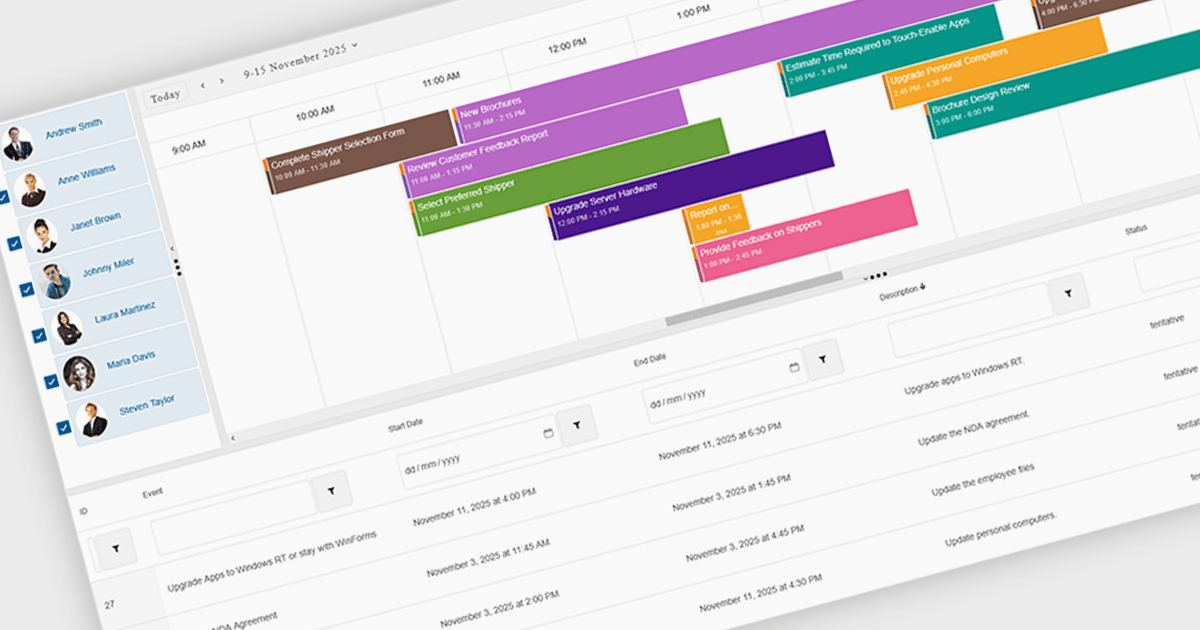
UI 제품군에서 스케줄링 구성요소를 사용하면 시간 기반 데이터를 관리하기 위한 시각적이고 대화형 방식으로 시간을 절약할 수 있으며, 다중 보기 캘린더, 드래그 앤 드롭 편집, 반복 규칙, 그룹 스케줄링 등의 기능을 제공합니다. 이를 통해 조직에서는 일/주/월 또는 타임라인 뷰를 표시하고, 팀 가용성을 비교하며, 인터페이스를 브랜딩 또는 워크플로에 맞게 조정할 수 있습니다. 백엔드 데이터 소스와 통합된 스케줄링 구성요소는 명확성을 높이고 충돌을 줄이며, 미팅 예약, 프로젝트 관리, 직원 조율, 고객 약속과 같은 다양한 사용 사례 전반에서 시간을 절약해 줍니다.
여러 .NET Blazor 사용자 인터페이스 제품군은 다음과 같은 스케줄링 컨트롤을 제공합니다.
- DevExpress ASP.NET and Blazor 는 유연한 캘린더 뷰, 리소스 그룹화, 드래그 앤 드롭 편집, 반복 약속을 통해 이벤트를 시각적으로 스케줄링할 수 있습니다.
- Telerik UI for Blazor 는 다중 보기 캘린더, 직관적인 편집 도구, 리소스 스케줄링 및 반복 지원을 통해 약속을 관리할 수 있습니다.
- Smart UI (Smart HTML Elements) 는 고급 캘린더 뷰, 드래그 앤 드롭 이벤트, 리소스 그룹화, 반복 옵션 및 상호작용을 통해 효율적인 스케줄링을 지원합니다.
- Syncfusion Essential Studio Enterprise 는 풍부한 캘린더 뷰, 이벤트 편집, 리소스 관리 및 반복 지원을 통해 스케줄을 구축할 수 있습니다.
기능과 가격에 대한 심층 분석은 .NET Blazor UI 제품군 비교를 확인하세요.