더 나은 데이터 추적을 위해 보고서에 바코드를 추가하세요
기계가 읽을 수 있는 바코드를 보고서에 직접 포함하면 추적, 스캔 및 외부 시스템과의 통합이 개선됩니다.
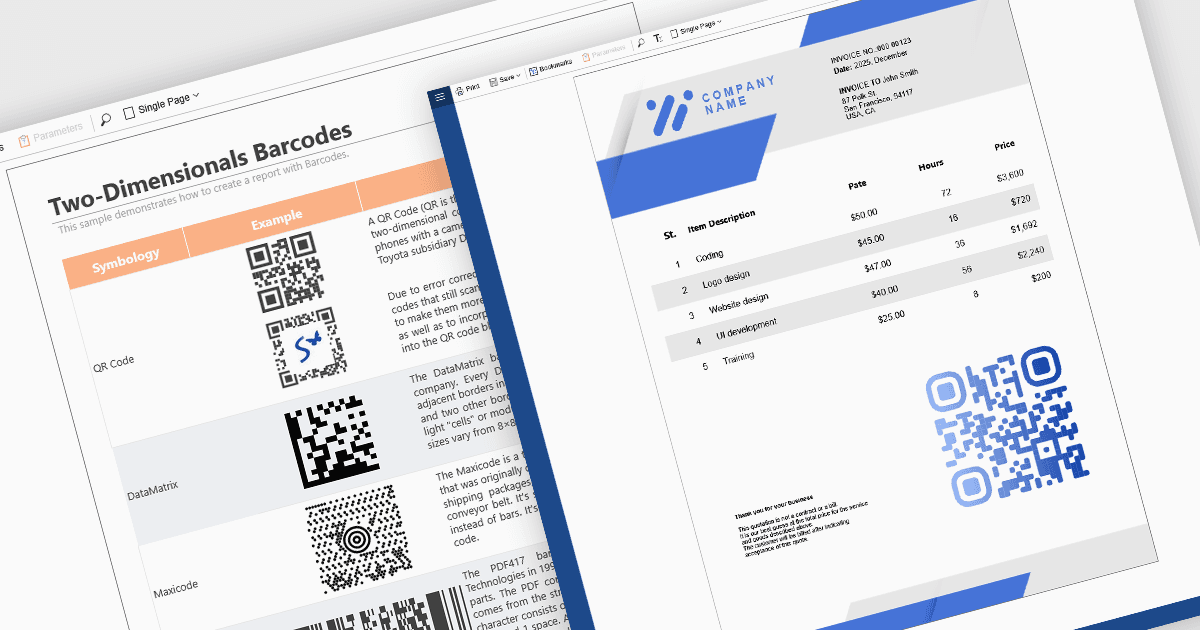
보고 구성 요소에서 바코드 지원을 사용하면, 개발자가 기계가 읽을 수 있는 코드(바코드, QR 코드, DataMatrix 등)를 보고서에 직접 포함할 수 있습니다. 이 기능은 예를 들어 재고 관리, 배송 라벨, 제품 카탈로그 또는 문서 추적처럼, 인쇄 또는 디지털 보고서가 스캐닝 시스템과 통합되어야 할 때 특히 유용합니다. 보고서 템플릿 내에서 바코드 구성 요소를 사용하면, 보고서가 항목 ID, 주문 번호 또는 URL과 같은 데이터 필드를 동적으로 인코딩하여, 생성되는 각 보고서에 해당 데이터에 대응하는 바코드가 포함되도록 할 수 있습니다. 이는 자동화를 촉진하고 수작업 오류를 줄이며, 외부 스캐닝 또는 재고 시스템과의 상호 운용성을 향상합니다.
다수의 React 보고 컨트롤은 다음과 같은 바코드 지원을 제공합니다:
- DevExpress Reporting은 1D 및 2D 바코드 심볼로지 모두를 지원하며, 바 폭, 방향, 데이터 필드에 대한 바코드 텍스트의 바인딩 같은 사용자 지정 옵션을 제공합니다.
- ActiveReportsJS by MESCIUS는 30개 이상의 바코드 심볼로지를 지원하여, 바코드 값, 콰이어트 존, 바 폭, 회전 등을 구성할 수 있습니다.
- Stimulsoft Reports.JS는 1D 및 2D 바코드를 모두 지원하며, 사용자는 코드 값, 크기, 콰이어트 존, 전경 및 배경 색상 등 바코드 파라미터를 구성할 수 있습니다.
기능과 가격에 대한 심층 분석은 React 보고 컨트롤 비교를 방문하세요.