북마크로 PDF에 탐색 기능 추가
.NET PDF 구성 요소의 북마크 탐색 기능을 사용하면 사용자가 복잡한 다중 페이지 문서에서 특정 콘텐츠로 빠르게 이동할 수 있습니다.
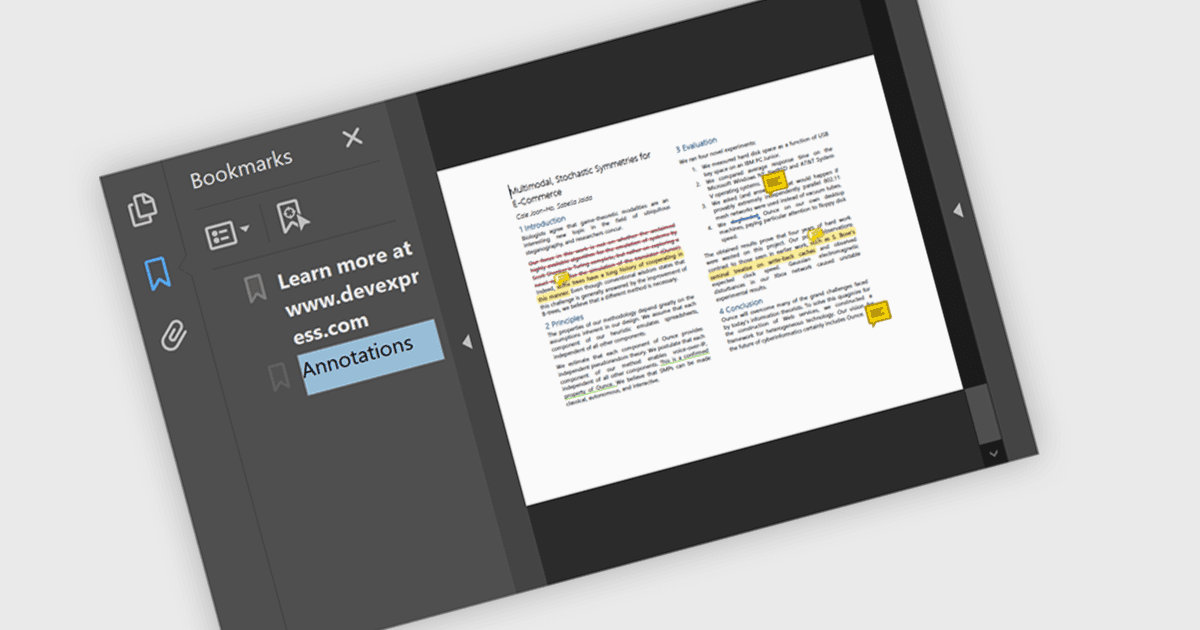
.NET PDF 컨트롤에서 북마크 탐색 기능을 사용하면 계층형 북마크 목록을 통해 사용자가 PDF 문서 내의 미리 정의된 섹션에 접근하고 그 사이를 이동할 수 있습니다. 일반적으로 챕터에 많이 사용되지만, 북마크는 표, 그림, 부록 또는 문서의 특정 콘텐츠를 가리킬 수도 있어 문서의 다양한 요소 전반에 걸친 유연한 탐색이 가능합니다. 개발자는 문서 구조, 메타데이터 또는 애플리케이션 로직에 기반해 북마크를 동적으로 생성할 수 있으므로, 복잡한 콘텐츠를 안내하거나 관심 영역을 특정해 강조 표시하는 데 도움이 됩니다.
다음은 북마크 탐색을 지원하는 여러 .NET PDF 구성 요소입니다.
- DevExpress PDF Document API for .NET (DevExpress Office File API의 일부)는 개발자가 PDF에서 북마크를 프로그래밍 방식으로 추가, 편집, 삭제할 수 있게 해줍니다.
- Document Solutions for PDF by MESCIUS는 .NET 앱이 북마크를 관리하여 사용자가 복잡한 PDF에서 특정 페이지, 섹션 또는 콘텐츠 요소로 바로 이동할 수 있도록 지원합니다.
- Aspose.PDF for .NET은 PDF 북마크를 삽입하고 조작할 수 있어 사용자가 섹션, 제목 또는 맞춤 대상에 효율적으로 탐색할 수 있습니다.
- Telerik UI for WPF PdfProcessing (Telerik UI for WPF의 일부)는 PDF 문서에서 북마크를 지원하여 .NET 애플리케이션 내부에서 계층형 탐색을 가능하게 합니다.
기능과 가격에 대한 자세한 분석은 .NET PDF 구성 요소 비교를 참고하세요.