WPF 데이터 앱에서 이미지 쉽게 편집하기
WPF용 주석, 자르기, 변환, 줌, 실행 취소 및 다시 실행과 함께 앱 내 이미지 편집을 활성화하고, 간단한 가져오기 및 내보내기도 제공합니다.
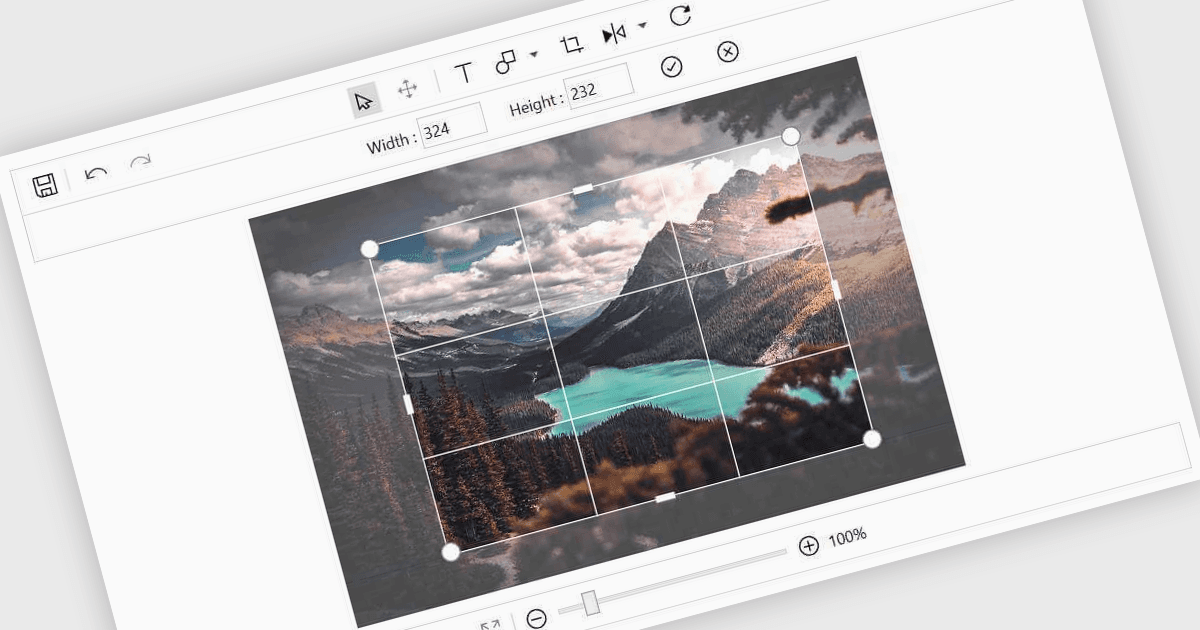
데이터 편집기 컴포넌트에서의 이미지 편집은 사용자가 다른 데이터 필드와 함께 이미지 작업을 할 수 있도록 도와줍니다. 여기에는 자르기, 회전, 크기 조정, 주석 추가 같은 기본 기능이 포함됩니다. 또한 다른 애플리케이션으로 전환하지 않고도 사용자 업로드 파일을 정리하거나 제품 사진을 조정하거나 시각적 참조에 표시를 하는 등의 작업에 유용합니다. 이를 통해 이미지 처리가 데이터 업데이트와 동일한 프로세스의 일부로 유지됩니다.
여러 .NET 데이터 편집기 컬렉션에서 이미지 편집기를 제공합니다. 예:
- DevExpress WPF Data Editors (DevExpress WPF의 일부) 를 사용하면 폼 안에 이미지 편집을 포함할 수 있어 자르기, 주석, 검증을 할 수 있습니다.
- Telerik UI for WPF Data Editors (Telerik UI for WPF의 일부) 를 통해 비즈니스 앱에 이미지 수정 도구를 통합할 수 있으며, 주석과 변환을 지원합니다.
- Syncfusion WPF Data Editors (Syncfusion Essential Studio Enterprise의 일부) 를 사용하면 데이터 기반 인터페이스에서 이미지 편집을 지원하여 조정과 시각적 주석을 추가할 수 있습니다.
기능과 가격에 대한 자세한 분석은 .NET 데이터 편집기 비교를 방문하세요.