WinForms 앱에서 PDF 주석 활성화
내장 주석 도구가 있는 PDF 뷰어를 사용하면 원본 콘텐츠를 수정하지 않고도 문서를 검토하고, 코멘트를 달고, 협업할 수 있습니다.
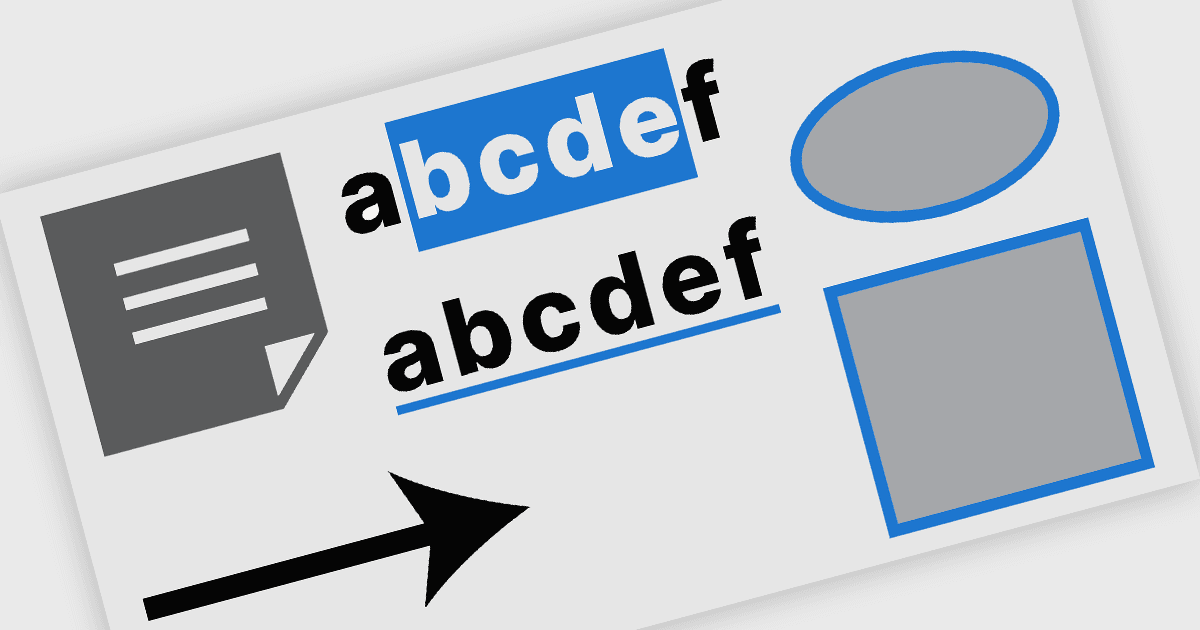
.NET WinForms PDF 뷰어 구성 요소에서의 PDF 주석은 원본 콘텐츠를 변경하지 않고 PDF 문서 위에 시각적 및 텍스트 마크업을 직접 추가할 수 있는 기능을 말합니다. 이러한 도구는 사용자가 보기 인터페이스에서 도형을 그리고, 텍스트를 강조 표시하고, 댓글을 삽입하고, 메모를 배치할 수 있게 하여 문서 검토, 피드백, 승인과 같은 워크플로를 지원합니다. 이 기능은 문서 처리에서의 협업과 명확성을 향상시켜 WinForms 애플리케이션의 문서 처리 작업에 적합합니다.
일반적인 기능은 다음과 같습니다:
- 자유형 그리기 (잉크 주석)은 마우스, 스타일러스 또는 터치 입력을 사용해 페이지 위에 직접 스케치하고 밑줄을 긋거나 손글씨로 작성할 수 있게 해주며, 마크업과 서명에 이상적입니다.
- 선은 문서 내에서 점을 연결하거나 선형 요소를 강조하는 간단한 방법을 제공하며, 종종 두께, 색상, 불투명도를 설정할 수 있습니다.
- 사각형을 통해 사용자는 관심 영역을 강조 표시하거나 프레임을 만들어 시각적 집중을 지원할 수 있으며, 윤곽선 및 채움 스타일 모두를 제공합니다.
- 타원은 사각형과 유사한 강조 표시 기능을 제공하되 둥근 형태로 제공되어, 내용을 원으로 표시하거나 불규칙한 영역을 표시하는 데 유용합니다.
- 화살표는 특정 콘텐츠에 주의를 끌기 위해 흔히 사용되며, 선 스타일링에 화살촉을 결합해 초점 또는 흐름을 명확하게 나타냅니다.
- 스티키 노트 주석을 사용하면 문서의 정확한 위치에 댓글을 연결할 수 있으며, 보통 상호작용 시 텍스트를 표시하는 아이콘 형태로 나타납니다.
- 자유 텍스트는 글꼴, 크기, 색상, 정렬을 제어하면서 페이지에 입력 텍스트를 직접 배치할 수 있게 해주며, 팝업 없이도 명확하고 눈에 보이는 설명을 지원합니다.
기능과 가격에 대한 심층 분석은 WinForms PDF 뷰어 구성 요소 비교를 방문하세요.