수식을 손상시키지 않고 열 삽입
워크시트의 어느 위치에서든 새 열을 손쉽게 추가하되, 셀 참조를 자동으로 업데이트하고 기존 계산을 보존합니다.
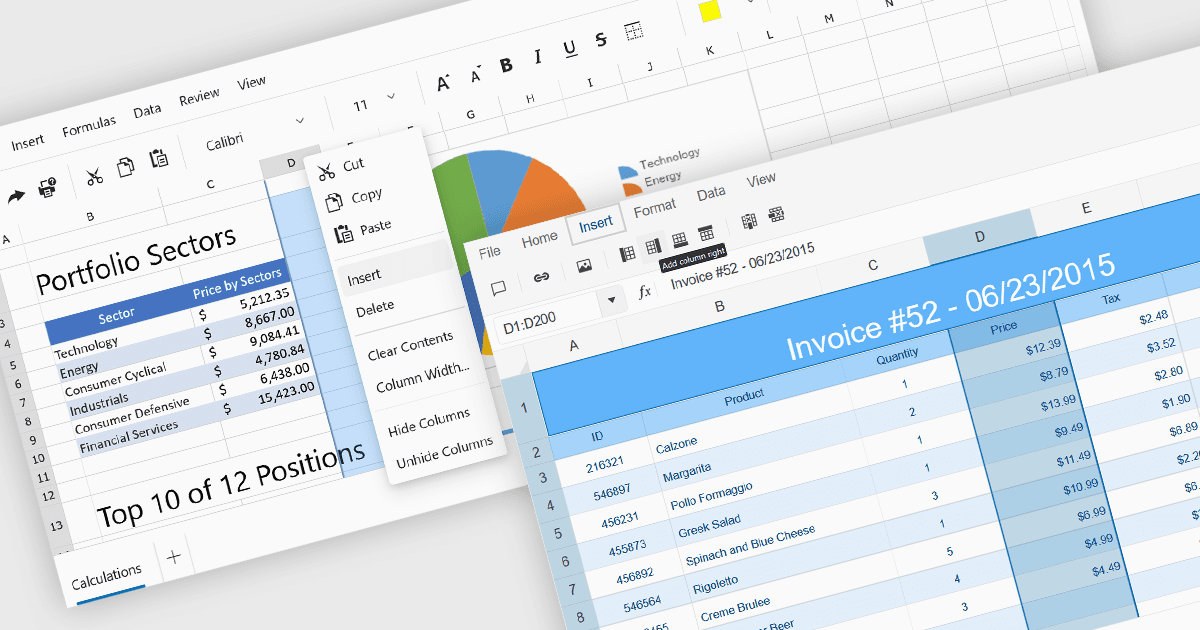
스프레드시트에 열을 삽입하면 기존 데이터와 수식을 유지한 채 워크시트를 동적으로 확장할 수 있습니다. 이 기능은 데이터셋이 시간이 지남에 따라 새 필드, 범주 또는 계산된 값 등을 추가하는 것처럼 변화하는 시나리오에서 필수적입니다. 잘 구현된 열 삽입 기능은 셀 참조, 서식 및 수식이 자동으로 조정되도록 하여 데이터 무결성을 유지하고 업데이트 과정에서 오류가 발생할 위험을 줄이는 데 도움이 됩니다.
다음은 열 삽입 기능을 제공하는 여러 ASP.NET Core 스프레드시트 컨트롤입니다.
- DevExpress ASP.NET Core Spreadsheet (DevExpress ASP.NET 및 Blazor의 일부)는 사용자가 워크시트의 어느 위치에서든 하나 또는 여러 열을 삽입할 수 있으며, 수식이 자동으로 업데이트됩니다.
- Telerik UI for ASP.NET Core Spreadsheet (Telerik UI for ASP.NET Core의 일부)는 사용자 인터페이스와 API를 통해 모두 열을 삽입할 수 있어 셀 참조가 보존되도록 보장합니다.
- Syncfusion ASP.NET Core Spreadsheet (Syncfusion Essential Studio Enterprise의 일부)는 수식 재계산에 대한 완전한 지원과 함께 열을 삽입할 수 있는 옵션을 제공합니다.
기능과 가격에 대한 자세한 분석은 ASP.NET Core 스프레드시트 컨트롤 비교를 방문하세요.