WinForms 개발자를 위한 WinUI 팁
ComponentOne WinUI 및 MAUI Edition을 사용해 WinForms 앱을 WinUI로 마이그레이션하는 기법을 알아보세요.
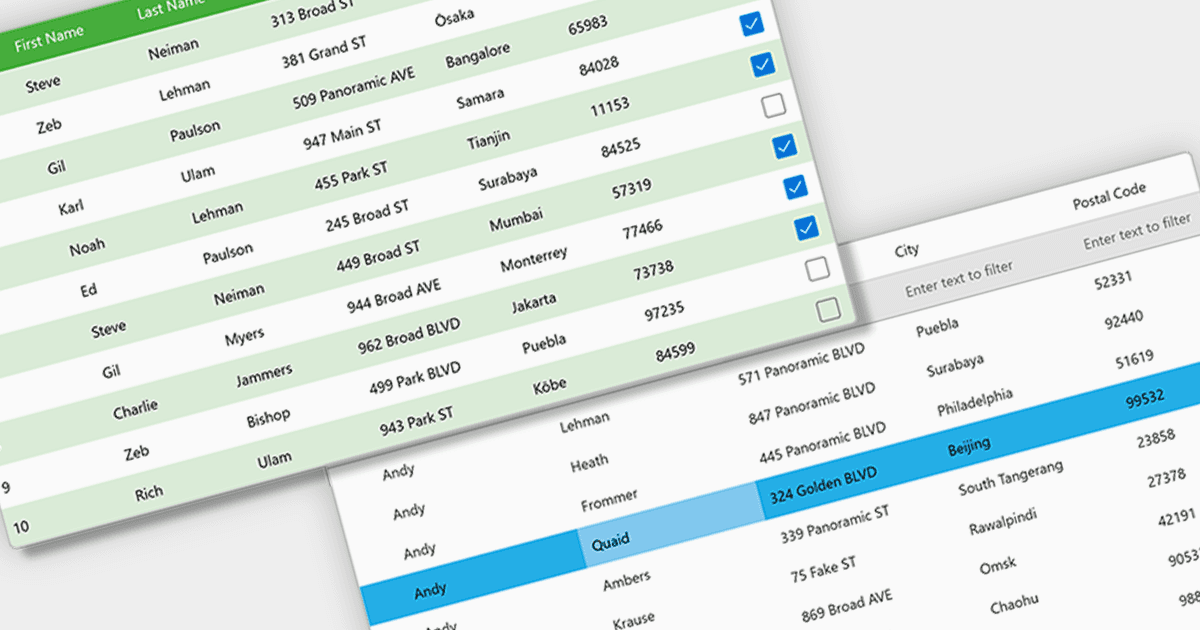
ComponentOne WinUI 및 MAUI Edition(이전 명칭: ComponentOne Studio for WinUI & MAUI)은 최신 크로스 플랫폼 .NET 애플리케이션을 위한 컴포넌트를 제공합니다. 단일 WinUI & MAUI 라이선스로 제공되며, ComponentOne 컨트롤을 사용해 WinUI, MAUI, UWP 및 Xamarin용 앱을 빌드할 수 있습니다.
이 블로그 게시물에서 MESCIUS의 Greg Lutz는 MVVM, 적응형 레이아웃, 비동기 워크플로우, 샌드박스 파일 액세스와 같은 핵심 차이점을 강조하면서 WinForms 앱을 WinUI로 전환하는 데 활용할 수 있는 팁과 요령을 시연합니다. 그는 다섯 가지 핵심 영역을 살펴봅니다:
- 데이터 바인딩 & MVVM
- 적응형 및 해상도 독립 레이아웃
- 재사용 가능하고 캡슐화된 스타일링
- 스레딩을 대체하는 깔끔한 비동기 워크플로우
- 샌드박스에서 파일에 액세스하는 방법
시작하는 데 도움이 되는 샘플 코드가 포함되어 있습니다.
전체 블로그 읽기 를 통해 WinUI 개발로 전환하는 데 필요한 팁과 기법을 알아보세요.
ComponentOne Studio WinUI 및 MAUI는 개발자별로 영구 기준(perpetual basis) 라이선스가 제공되며 12개월 구독이 포함됩니다. 자세한 내용은 ComponentOne Studio WinUI 및 MAUI 라이선싱 페이지 를 참조하세요.
자세한 내용은 ComponentOne Studio WinUI 및 MAUI 제품 페이지에서 확인하세요.