일관된 스프레드시트 디자인을 위해 테마 적용
맞춤형 테마로 스프레드시트 디자인을 향상시켜 일관된 색상과 글꼴을 즉시 적용하고 더 명확한 데이터 표시를 구현하세요.
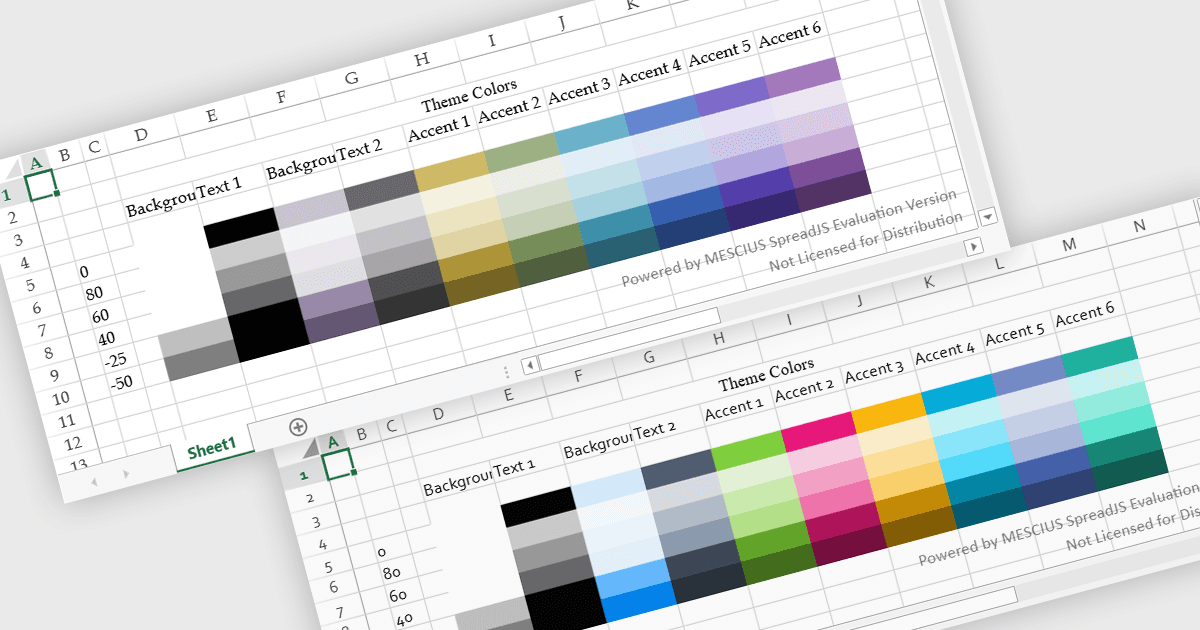
스프레드시트 테마는 통합된 색상, 글꼴, 서식을 통합된 색상, 글꼴, 서식을 전체 워크북에 적용하여 일관된 시각적 스타일을 제공합니다. 개별 요소를 수동으로 스타일링하는 대신 사용자는 테마를 빠르게 적용하여 표, 차트, 데이터 범위가 동일한 디자인을 따르도록 할 수 있습니다. 이는 가독성을 높이고, 데이터 प्रस्त현을 향상시키며, 보고서 전반에 걸쳐 전문적이고 일관된 외관을 유지하는 데 도움이 됩니다. 테마는 특히 비즈니스 대시보드, 재무 보고서 또는 공유 팀 문서를 만들 때 유용하며, 이때 일관된 서식과 명확한 시각적 계층 구조가 데이터를 더 쉽게 해석하고 회사 브랜딩과 맞추는 데 도움이 됩니다.
여러 JavaScript spreadsheet controls는 테마 적용을 지원하며, 다음이 포함됩니다:
- Kendo UI jQuery Spreadsheet (Kendo UI의 일부)는 Telerik에서 제공하며, 글꼴, 색상, 서식을 통합하는 사용자 지정 가능한 테마로 일관된 스타일링을 적용할 수 있게 해줍니다.
- SpreadJS는 MESCIUS에서 제공하며, 워크시트 전반의 시각적 스타일을 표준화하는 재사용 가능한 스프레드시트 테마를 구현할 수 있어 명확성과 브랜딩 일관성을 향상시킵니다.
- Infragistics Ultimate UI for jQuery Spreadsheet (Infragistics Professional의 일부)는 색상, 글꼴, 레이아웃을 맞추는 테마 기반 서식을 통해 스프레드시트 스타일링을 지원합니다.
- Jspreadsheet Pro는 개발자가 구성 가능한 테마로 스프레드시트를 스타일링하여 웹 기반 표 전반에 일관된 시각적 구조를 만들고 가독성을 높일 수 있게 해줍니다.
기능과 가격에 대한 심층 분석은 JavaScript spreadsheet controls 비교를 방문하세요.