Masked Editors로 구조화된 입력 적용
.NET Blazor용 masked input text box editors는 사용자가 미리 정의된 형식으로 값을 입력하도록 안내하여, 일관되고 검증된 데이터를 수집하는 데 도움이 됩니다.
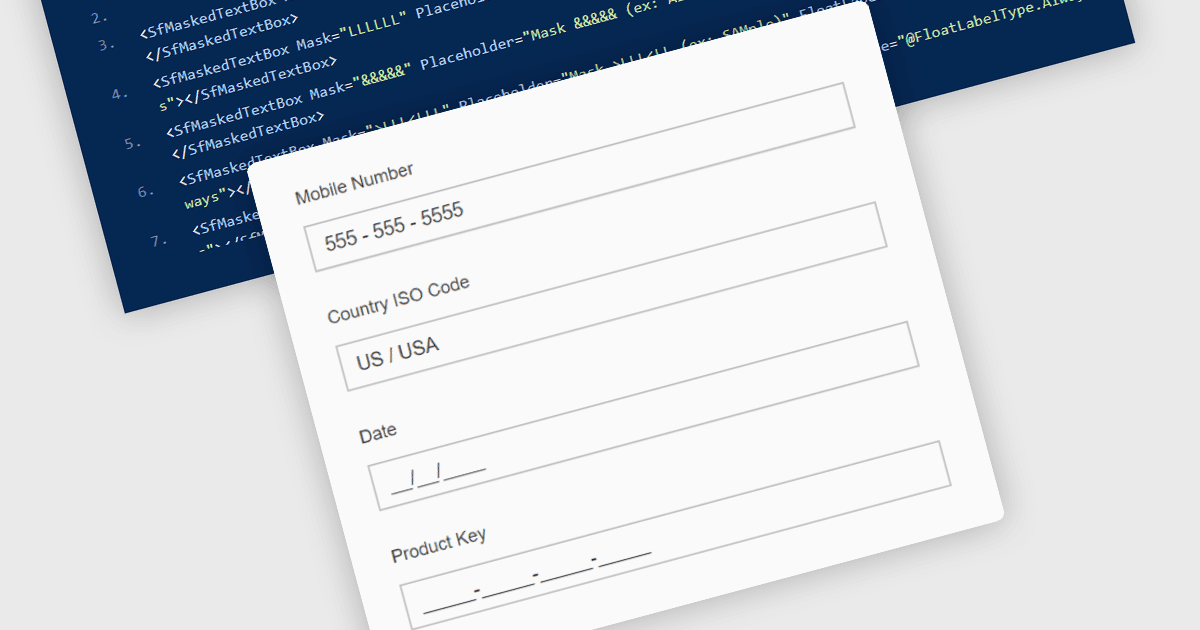
Masked Input Text Box editors는 사용자가 입력하는 동안 미리 정의된 형식을 적용하여 입력값이 전화번호, 날짜, 우편번호, 식별 번호와 같은 특정 구조를 따르도록 보장하는 입력 구성 요소입니다. 입력 마스크를 적용하면 편집기가 사용자가 유효한 위치와 형식에만 문자를 입력하도록 안내하여, 잘못되었거나 불완전한 데이터가 제출될 가능성을 줄입니다. 이 접근 방식은 애플리케이션 전반의 데이터 일관성을 향상시키고, 클라이언트 측과 서버 측 모두에서 유효성 검사 로직을 간소화하며, 사용자 입력을 추가로 파싱하거나 수정할 필요를 줄여줍니다. 데이터 중심의 Blazor 애플리케이션을 구축하는 개발자에게는, masked input editors가 양식과 데이터 편집 인터페이스 내에서 직접 명확하고 구조화된 입력 경험을 제공하면서 신뢰할 수 있는 데이터 입력을 유지하는 데 도움이 됩니다.
많은 .NET Blazor data editor 컬렉션에는 다음과 같은 masked input text box editors가 포함됩니다:
- Telerik UI Blazor Data Editors (Telerik UI for Blazor의 일부)는 masked text box를 사용하여 형식이 지정된 사용자 입력을 적용할 수 있게 해주어, 구조화된 값에 대한 일관된 데이터 입력을 보장합니다.
- ComponentOne Blazor Data Editors (MESCIUS의 ComponentOne Studio Blazor Edition의 일부)는 사용자를 안내하는 input mask를 적용할 수 있게 하여 유효성 검사 정확도를 향상시킵니다.
- Smart UI by Smart HTML Elements는 입력 중 문자 수를 제한하고 미리 정의된 형식을 적용하는 masked input editors를 통해 구조화된 데이터 입력을 지원합니다.
- Infragistics Ignite UI for Blazor Data Editors (Infragistics Ignite UI의 일부)는 사용자가 필요한 패턴에 따라 값을 입력하도록 보장하는 masked input fields를 구현할 수 있게 해줍니다.
기능과 가격에 대한 심층 분석은 .NET Blazor data editors 비교 페이지를 방문하세요.