.NET 애플리케이션에 WinForms Pivot Table 추가하기
Windows 애플리케이션 내에서 직접 Spread.NET을 사용하여 데이터를 탐색하고 분석하세요.
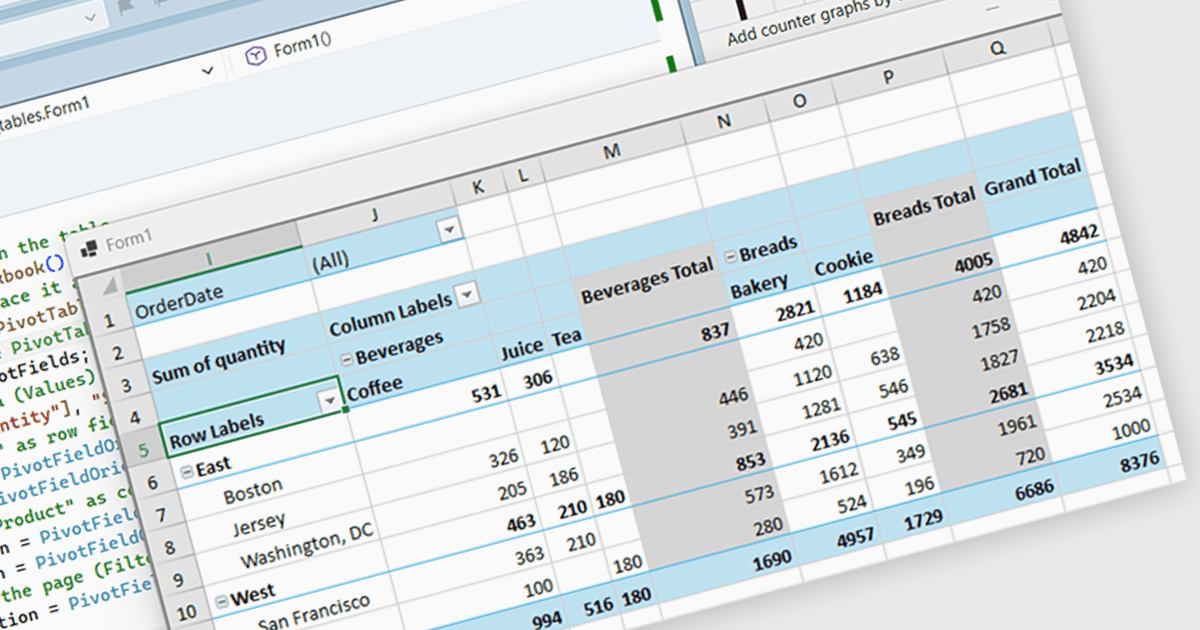
Spread.NET은 스프레드시트, 그리드, 대시보드, 양식을 만들 수 있도록 도와줍니다. 450개 이상의 함수와 Excel 스프레드시트를 가져오고 내보낼 수 있는 기능을 갖춘 강력한 계산 엔진을 포함합니다. 광범위한 .NET 스프레드시트 API와 강력한 계산 엔진을 활용하여 분석, 예산, 대시보드, 데이터 수집 및 관리, 과학, 재무 애플리케이션을 만드세요.
이 블로그 게시물에서 MESCIUS Product Marketing Specialist Mackenzie Albitz는 Spread.NET WinForms 구성 요소를 사용하여 Pivot Table을 만드는 방법을 보여줍니다. 이를 통해 사용자는 데이터를 요약, 그룹화, 재구성하는 기능으로 대규모 데이터 세트를 빠르게 분석할 수 있습니다. Pivot Table 만들기에는 다음 단계가 포함됩니다:
- PivotCache 만들기
- Pivot Table 만들기
- PivotFields 컬렉션 액세스
- Values 필드 추가
- 행 필드 구성
- 열 필드 구성
- 필터 필드 추가
도움이 되도록 자세한 소스 코드와 샘플 데이터가 포함되어 있습니다.
전체 블로그 게시물 읽기를 통해 스프레드시트 구성 요소를 .NET 애플리케이션에 통합하고, 사용자를 외부 프로그램으로 안내하지 않고도 익숙한 스프레드시트 기능을 제공하는 방법을 알아보세요.
Spread.NET은 개발자당 라이선스가 적용되며, 지역에 따라 영구 라이선스 또는 연간 라이선스로 제공됩니다. 새 라이선스, 유지 관리 갱신, 업그레이드 라이선스를 포함한 모든 Spread.NET 라이선스를 제공할 수 있습니다. 자세한 내용은 Spread.NET 라이선스 페이지를 참조하세요.
자세한 정보는 Spread.NET 제품 페이지를 방문하세요.