단일 선택 필드로 데이터 입력 개선
라디오 그룹은 사용자가 필드에 대해 하나의 미리 정의된 값을 선택할 수 있게 해주어 입력 오류를 줄이고, 구조화된 데이터 입력을 더 빠르고 명확하게 만듭니다.
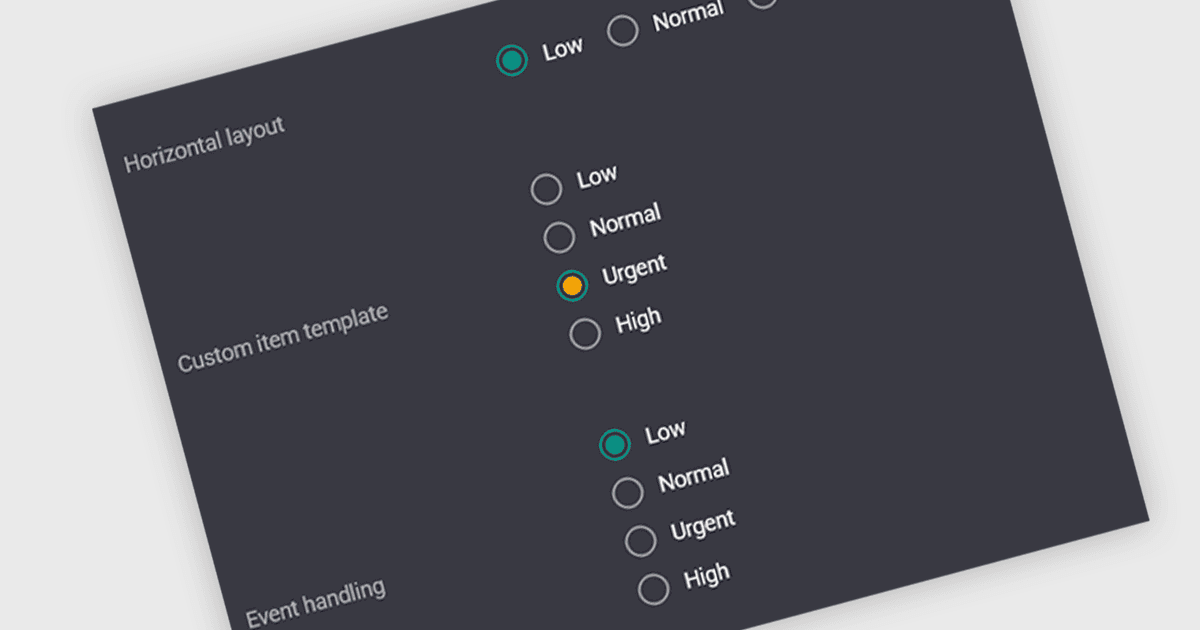
라디오 그룹은 특정 필드에 대해 한 번에 하나의 값만 선택할 수 있는 미리 정의된 옵션 집합을 제공하는 사용자 인터페이스 요소입니다. 사용자는 편집 인터페이스 내에서 직접 단일 상태, 범주 또는 구성을 선택할 수 있으며, 선택한 옵션은 기본 데이터 값에 매핑됩니다. 이 방식은 잘못된 조합을 방지하여 데이터 일관성을 높이고, 입력을 알려진 값으로 제한하여 검증 로직을 단순화하며, 수동 텍스트 입력을 명확하고 클릭 가능한 선택지로 대체해 모호성과 입력 오류를 줄임으로써 데이터 입력 속도를 높입니다.
여러 Vue.js 데이터 편집기 컬렉션에는 다음과 같은 라디오 그룹 기능이 포함되어 있습니다:
- Kendo UI Vue Data Editors (Telerik의 Kendo UI 일부)는 라디오 그룹 편집기를 데이터 양식과 그리드에 통합할 수 있게 해주며, 명확한 옵션으로 단일 값 선택을 지원합니다.
- DevExtreme Vue Data Editors (DevExpress의 DevExtreme Complete 일부)는 라디오 그룹을 생성할 수 있게 해주며, 입력을 단순화하는 상호 배타적 선택을 지원합니다.
- JQWidgets는 데이터 편집기 내부에서 라디오 그룹 컨트롤을 사용할 수 있게 하여, 구조화된 데이터 입력과 신뢰할 수 있는 검증을 유지하면서 사용자가 하나의 미리 정의된 옵션을 선택할 수 있도록 합니다.
- Smart UI (Smart HTML Elements)는 필드에 대해 배타적 옵션을 제공하는 라디오 그룹 편집기를 구성할 수 있게 해주어, 정확한 데이터 선택을 보장하는 데 도움을 줍니다.
기능과 가격에 대한 심층 분석은 Vue.js 데이터 편집기 컬렉션 비교를 방문하세요.