JavaScript를 사용하여 Excel XLSX 가져오기 및 내보내기
이 온라인 튜토리얼을 살펴보고 Excel이 설치되어 있지 않아도 SpreadJS를 사용하여 스프레드시트를 열고 저장하는 방법을 알아보세요.
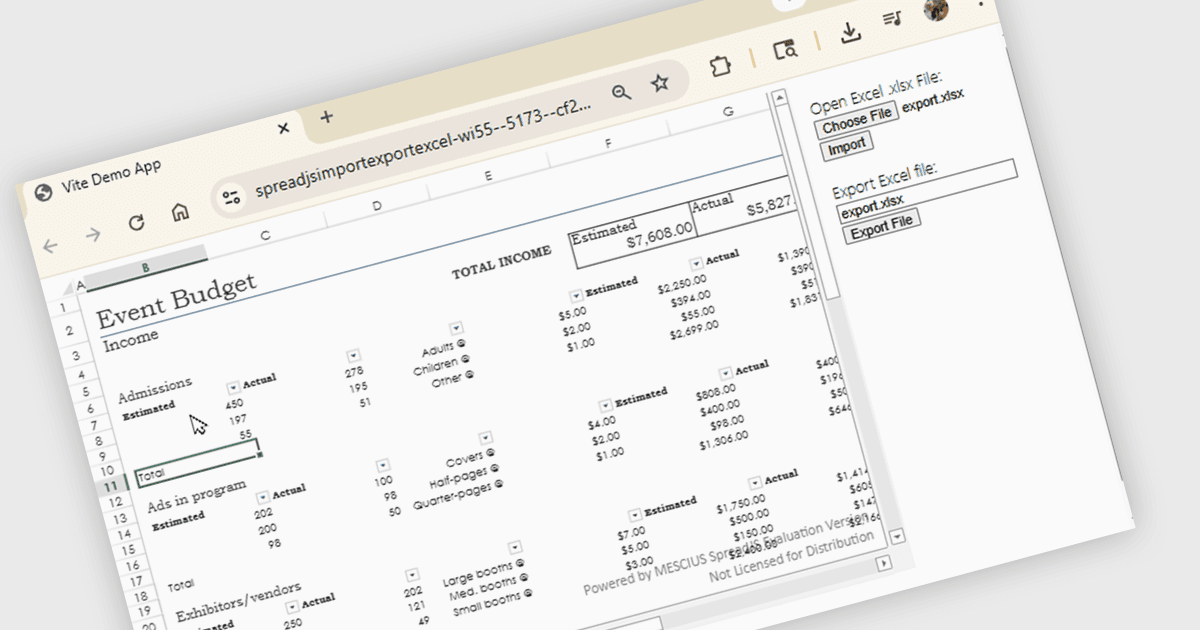
SpreadJS는 재무 보고서와 대시보드, 예산 및 예측 모델, 과학, 엔지니어링, 의료, 교육, 과학 실험실 노트북, 그리고 이와 유사한 다른 JavaScript 비즈니스 애플리케이션을 만들기 위해 사용되는 완전한 엔터프라이즈 JavaScript 스프레드시트 솔루션입니다. 19개 언어로 제공되는 500개 이상의 Excel 기본 제공 함수를 갖춘 고속 계산 엔진을 활용하여, Excel에 대한 의존성 없이도 진정한 Excel과 유사한 스프레드시트 환경을 제공하세요.
MESCIUS의 이 온라인 튜토리얼에서는 JavaScript를 사용하여 XLSX 파일을 가져오고/내보내는 데 필요한 중요한 단계를 배우게 됩니다. 단계는 다음과 같습니다:
- JavaScript Spreadsheet 프로젝트 설정
- Excel 가져오기 코드 추가
- Excel 내보내기 코드 추가
- 차트, 도형, PivotTables와 같은 추가 기능 포함
자세한 샘플 코드가 함께 제공되어 진행을 도와줍니다.
지금 튜토리얼 보기를 통해 JavaScript 애플리케이션에서 스프레드시트 파일 작업을 시작해 보세요.
SpreadJS는 개발자당 라이선스로 제공되며 1년 유지보수(주요 및 부 버전 릴리스와 무제한 지원 전화 상담)가 포함됩니다. SpreadJS에는 연간 또는 영구 배포 라이선스가 필요합니다. 선택 사항인 Add-ons는 추가 비용이 발생하며 SpreadJS 라이선스가 필요합니다. 전체 자세한 내용은 SpreadJS 라이선싱 페이지를 참조하세요.
자세한 내용은 SpreadJS 제품 페이지를 방문하세요.