WPF Grids에서 행을 쉽게 다시 정렬하기
.NET WPF grid controls를 사용하면 사용자가 행 표시 순서를 직접 변경할 수 있어, 사용자 지정 순서 지정과 대화형 데이터 관리를 지원합니다.
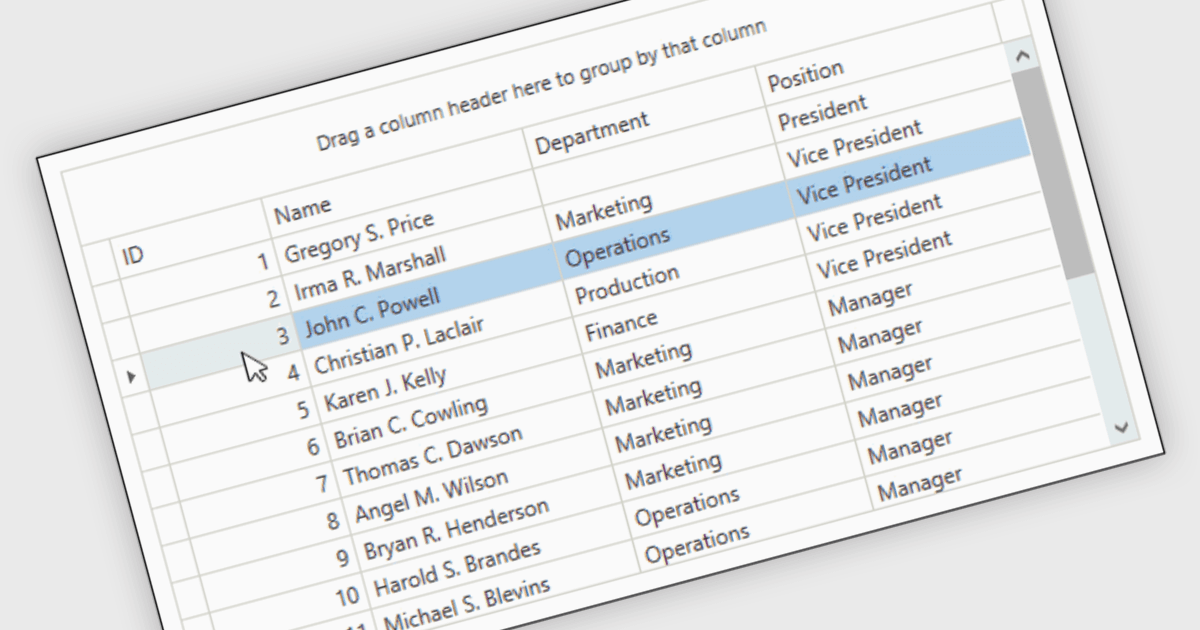
Reorder Rows는 사용자가 컨트롤 내에서 직접 표시 순서를 변경하여 행을 이동할 수 있게 해 주는 WPF grid 기능으로, 일반적으로 drag-and-drop을 통해 데이터가 의미 있는 사용자 지정 순서로 정렬되도록 합니다. .NET 개발자에게는 행 위치가 작업 우선순위, 처리 순서 또는 사용자 정의 레이아웃과 같은 비즈니스 의도를 나타낼 때 유용합니다. 이는 직접적인 상호 작용을 지원하는 동시에 별도의 정렬 컨트롤이나 수동 순서를 위한 추가 코드의 필요성을 줄여 주기 때문입니다.
많은 .NET WPF grid control에는 다음과 같은 reorder row 기능이 포함되어 있습니다:
- DevExpress WPF Data Grid (DevExpress WPF의 일부)는 drag-and-drop을 통해 행을 다시 정렬할 수 있어, 사용자가 data-bound view 내에서 직접 표시 순서를 조정하는 데 도움이 됩니다.
- ComponentOne WPF FlexGrid (ComponentOne Studio WPF의 일부)는 마우스 dragging으로 행을 이동할 수 있게 하여, interactive grid에서 표시 순서를 간단하게 만듭니다.
- Telerik UI WPF DataGrid (Telerik UI for WPF의 일부)는 drag-and-drop 동작을 통해 행 재정렬을 지원하여 grid 내에서 표시 순서 변경을 가능하게 합니다.
- Infragistics Ultimate UI for WPF DataGrid (Infragistics Ultimate UI for WPF의 일부)는 추가 구현 작업을 통해 애플리케이션에서 행 재정렬을 지원할 수 있는 drag-and-drop 인프라를 제공합니다.
기능과 가격에 대한 심층 분석은 .NET WPF grid control 비교 페이지를 방문하세요.