Blazor에서 보고서를 CSV로 내보내기
Blazor 애플리케이션에서 보고서 데이터로부터 CSV 파일을 생성하여 CSV 내보내기 기능으로 플랫폼 간 데이터 교환을 간소화합니다.
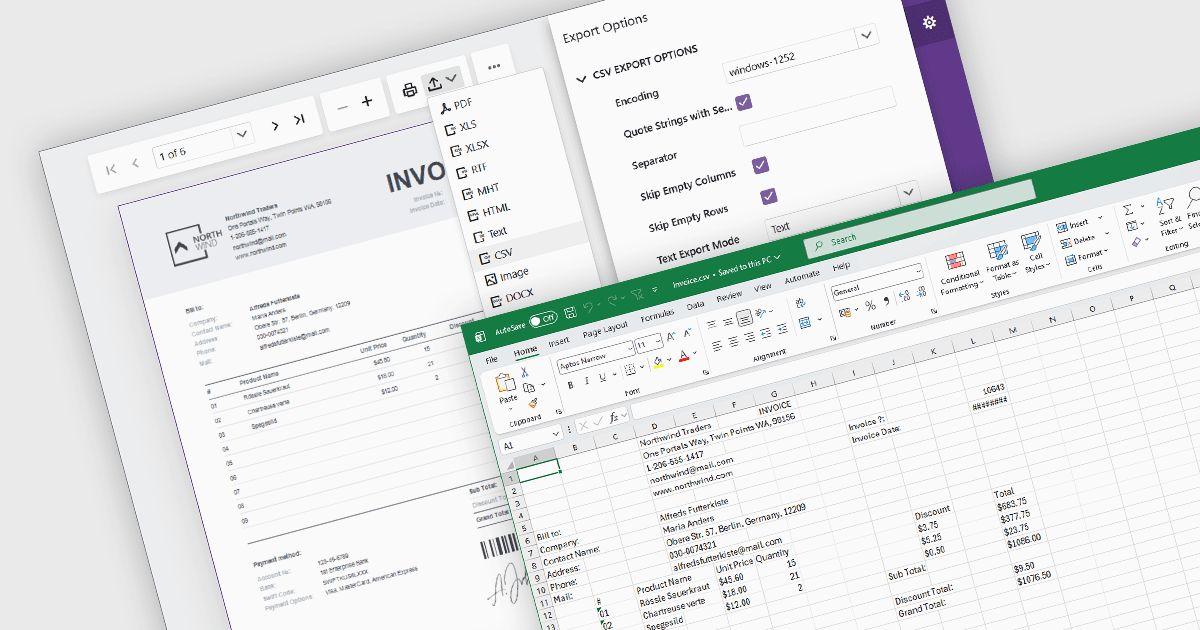
보고서를 CSV(Comma-Separated Values) 형식으로 내보내면 보고서 데이터를 스프레드시트 애플리케이션, 데이터베이스, 분석 플랫폼 및 기타 비즈니스 시스템으로 전송할 수 있는 간단하고 폭넓게 호환되는 방법을 제공합니다. CSV 파일은 구조화된 데이터를 일반 텍스트로 저장하므로 다양한 환경에서 쉽게 처리, 자동화, 보관 및 교환할 수 있습니다. 소프트웨어 개발자와 비즈니스 사용자에게 CSV 내보내기 기능은 낮은 파일 복잡성과 폭넓은 플랫폼 지원을 유지하면서 데이터 분석, 운영 보고, 통합 워크플로, 데이터 보존 요구 사항을 지원합니다.
다음과 같은 여러 Blazor 보고서 구성 요소에서 CSV로 내보내기를 사용할 수 있습니다:
- DevExpress Reporting은 Blazor와 호환되는 CSV 내보내기 기능을 제공하여 사용자가 구성 가능한 내보내기 옵션으로 구조화된 데이터 파일을 생성할 수 있게 합니다.
- ActiveReports .NET Professional (MESCIUS의 ActiveReports .NET 일부)는 Blazor 애플리케이션의 보고서에 대해 CSV 렌더링 및 내보내기 기능을 제공합니다.
- Telerik Reporting은 Blazor 보고서 뷰어와 렌더링 확장을 통해 CSV 내보내기를 지원하며, 출력 형식과 데이터 구조에 대한 설정을 구성할 수 있습니다.
- Stimulsoft Reports.WEB은 웹 및 Blazor 보고서 앱에서 CSV 내보내기를 지원하여 보고서 데이터를 스프레드시트, 통합, 후속 처리에 사용할 수 있게 합니다.
기능과 가격에 대한 심층 분석은 Blazor 보고서 구성 요소 비교를 참조하세요.