마이크로소프트, .NET 11 Release Candidate 2 출시 발표
.NET 11 Release Candidate 2에는 프로덕션 애플리케이션에 사용할 수 있는 Go-Live 지원 라이선스가 포함되어 있습니다.
지능형 도구와 원활한 협업으로 최신 애플리케이션을 개발하세요.

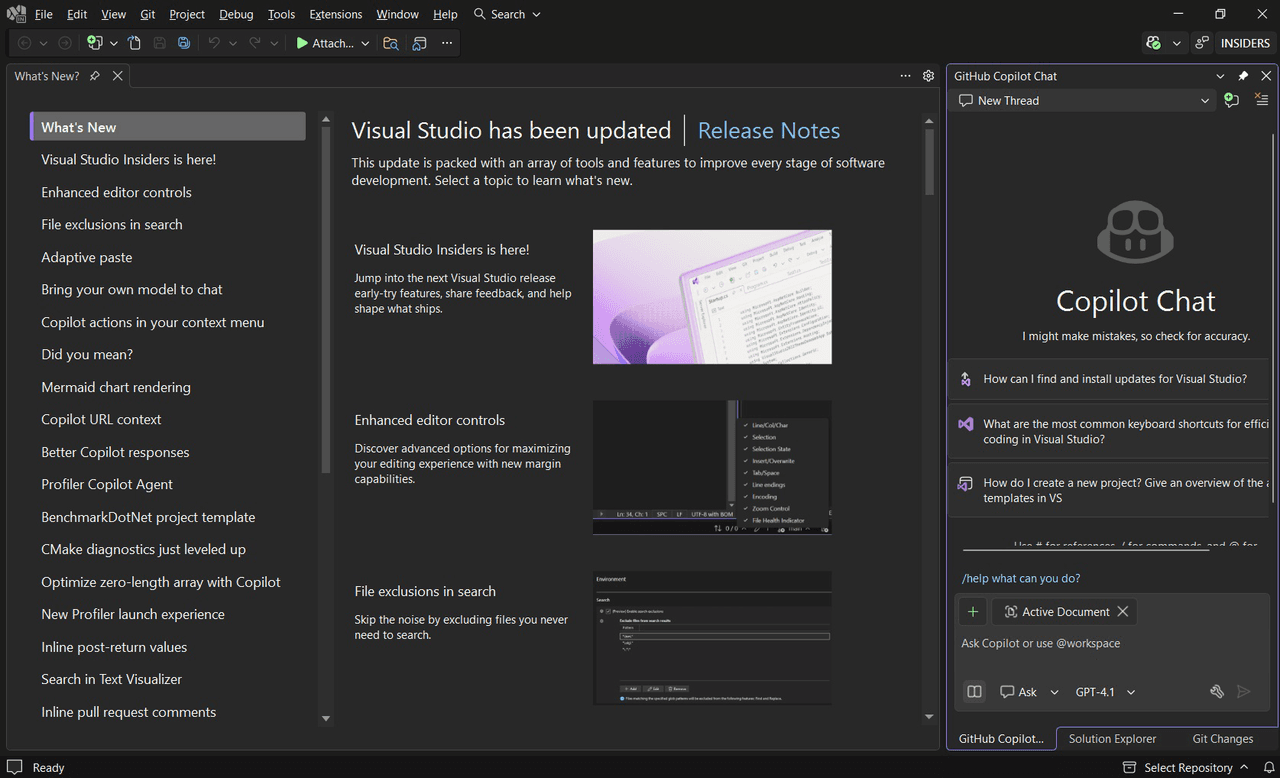
Visual Studio enables development of mobile and desktop applications using multiple languages such as C#, C++, and web technologies. It supports frameworks like .NET MAUI and Blazor, as well as development for Linux environments, allowing versatile project targeting.
IntelliCode provides AI-powered code completions that understand the context of your code, including variable names and functions. It suggests likely next lines or blocks of code, increasing coding speed and accuracy.
CodeLens offers contextual information such as change history, authorship, references, and unit test status directly in the code editor, helping developers make informed decisions without leaving their workflow.
Live Share enables multiple developers to collaboratively edit and debug code sessions in real time. It supports personalized access controls and editor configurations to maintain code consistency across teams.
Visual Studio includes tools to step through code, inspect variable values, set watches, and analyze execution paths, facilitating in-depth debugging to identify and resolve issues efficiently.
The environment provides live code coverage analysis, immediate testing results as code changes, and integration with Windows Subsystem for Linux (WSL) to test applications across both Windows and Linux platforms.
Visual Studio streamlines deployment to Azure by offering templates, local emulators, and the ability to provision required resources like databases directly from the IDE. Remote debugging tools aid in diagnosing deployed applications.
The IDE integrates Git for cloning, creating, and managing repositories, with tools for committing, pushing, branch management, and merge conflict resolution. It also supports managing GitHub repositories within the development environment.
아래의 세부 정보를 확인하여 이 제품이 사용 환경에서 지원되는지 확인하세요.
.NET 11 Release Candidate 2에는 프로덕션 애플리케이션에 사용할 수 있는 Go-Live 지원 라이선스가 포함되어 있습니다.
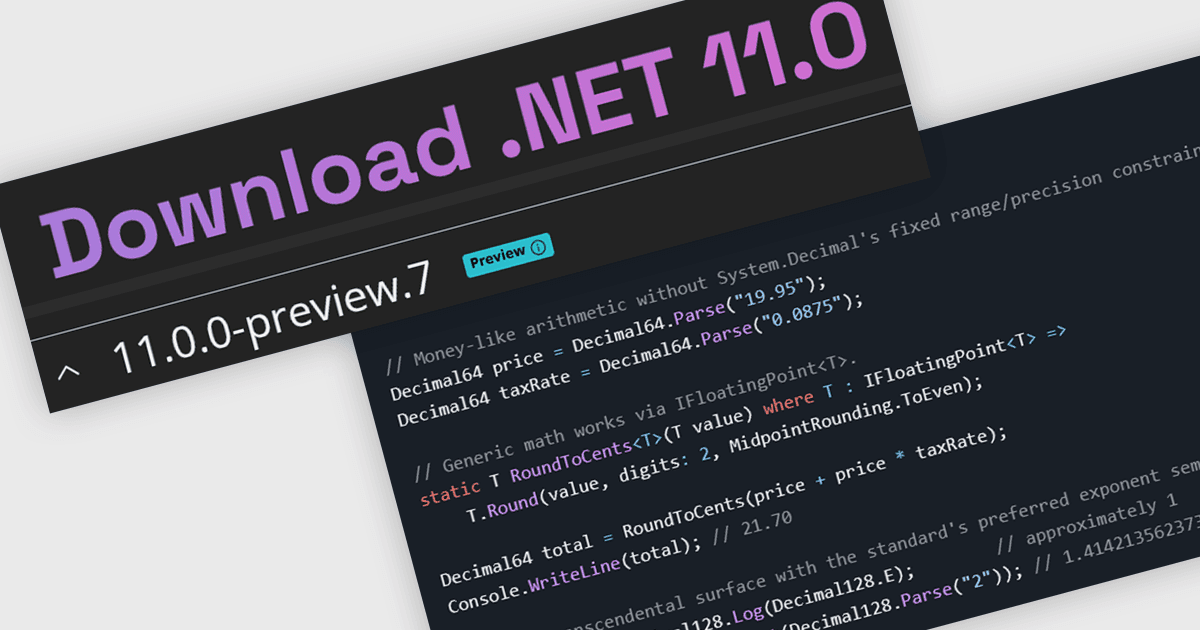
.NET Runtime, 라이브러리, SDK, C#, ASP.NET Core, .NET MAUI 등 전반에 걸친 업데이트 포함.
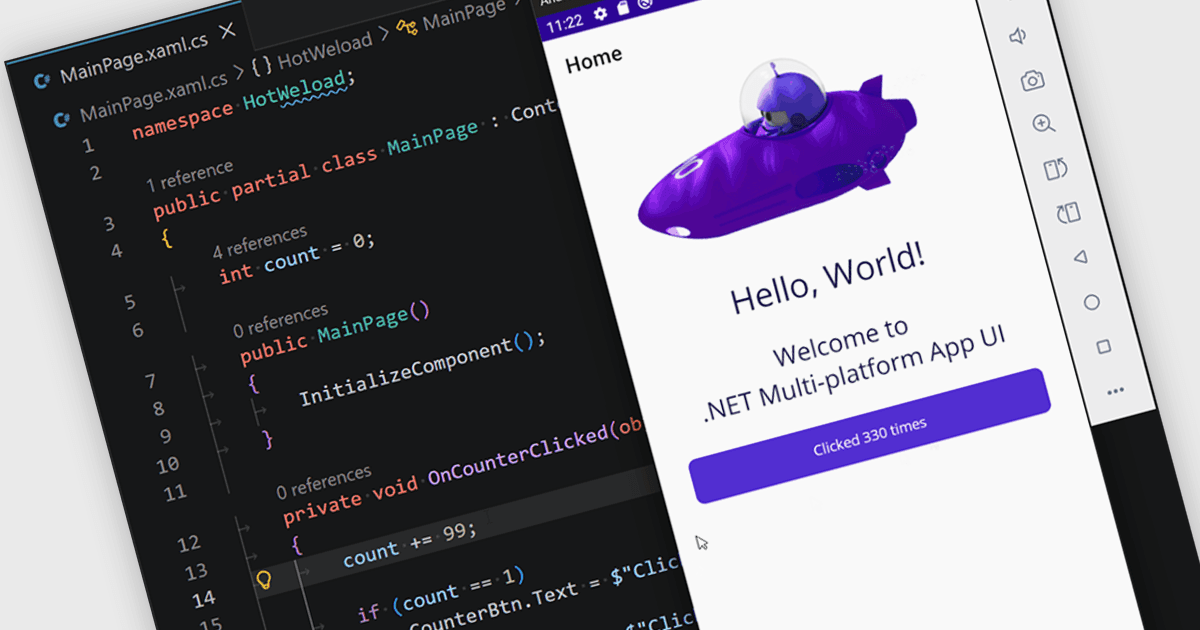
최신 버전에는 MAUI, C#, Entity Framework Core 등을 포함한 전반적인 개선 사항이 포함되어 있습니다.
1975년에 설립되어 워싱턴주 레드먼드에 본사를 둔 Microsoft는 소프트웨어, 클라우드 인프라, 디바이스, AI 기반 플랫폼 전반에 걸친 폭넓은 포트폴리오로 인정받는 다국적 기술 기업입니다. 대표적인 제품과 서비스로는 Windows, Azure, Microsoft 365, GitHub, Xbox가 있으며, 전 세계의 개발자, IT 전문가, 기업, 소비자에게 서비스를 제공합니다. 광범위한 연구 개발 투자와 6개 대륙에 걸친 데이터센터를 바탕으로 Microsoft는 생산성, 협업, 비즈니스 프로세스 자동화, 개인용 컴퓨팅 전반을 아우르는 혁신적이고 안전하며 확장 가능한 솔루션을 제공합니다. 이 브랜드는 책임 있는 AI, 지속 가능성에 대한 약속, 그리고 전 세계 규모의 디지털 전환을 위한 지속적인 지원으로 알려져 있습니다.