








Official Supplier
As official and authorized distributors, we supply you with legitimate licenses directly from 200+ software publishers.
See all our Brands.
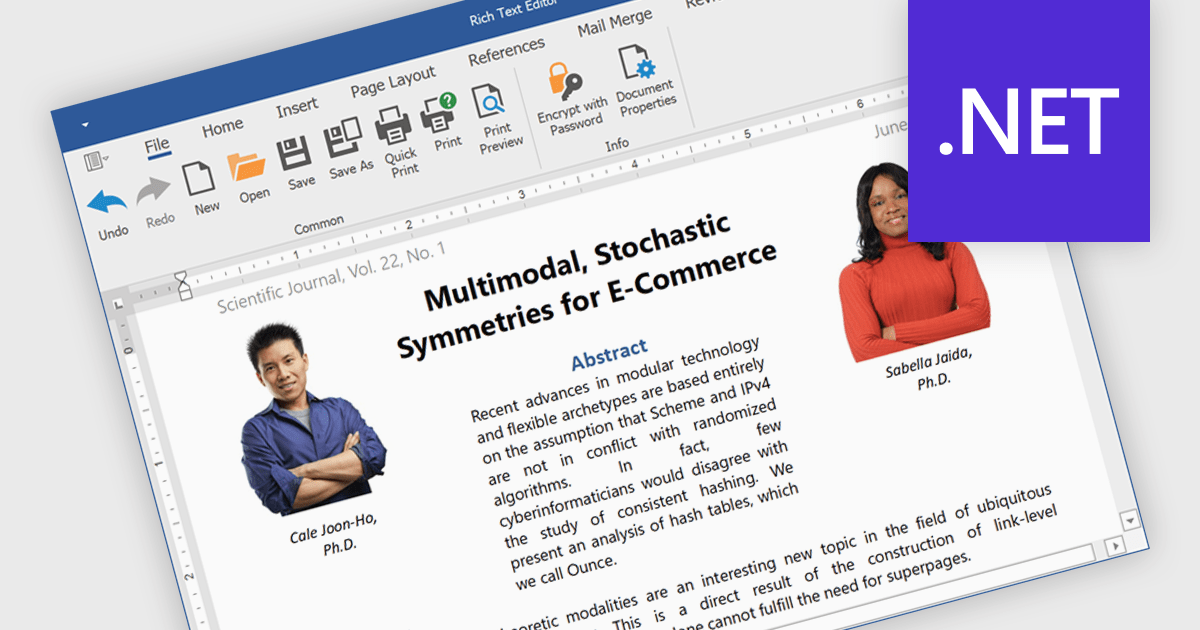
Rich text editors are software tools that enable users to create and format text documents with a wide range of features beyond basic text entry. These editors often include advanced formatting options such as bold, italic, underline, font selection, and color, as well as the ability to insert images, links, and other media elements. Additionally, they may provide tools for creating lists, tables, and other structured content, making them essential for tasks like writing blog posts, creating presentations, or drafting technical documentation.
Several products offer .NET rich text editors including:
Explore our range of .NET rich text editors within Word Processing components.
Need help to find the right software license, upgrade or renewal? Call, Email, or Live Chat with our experts.
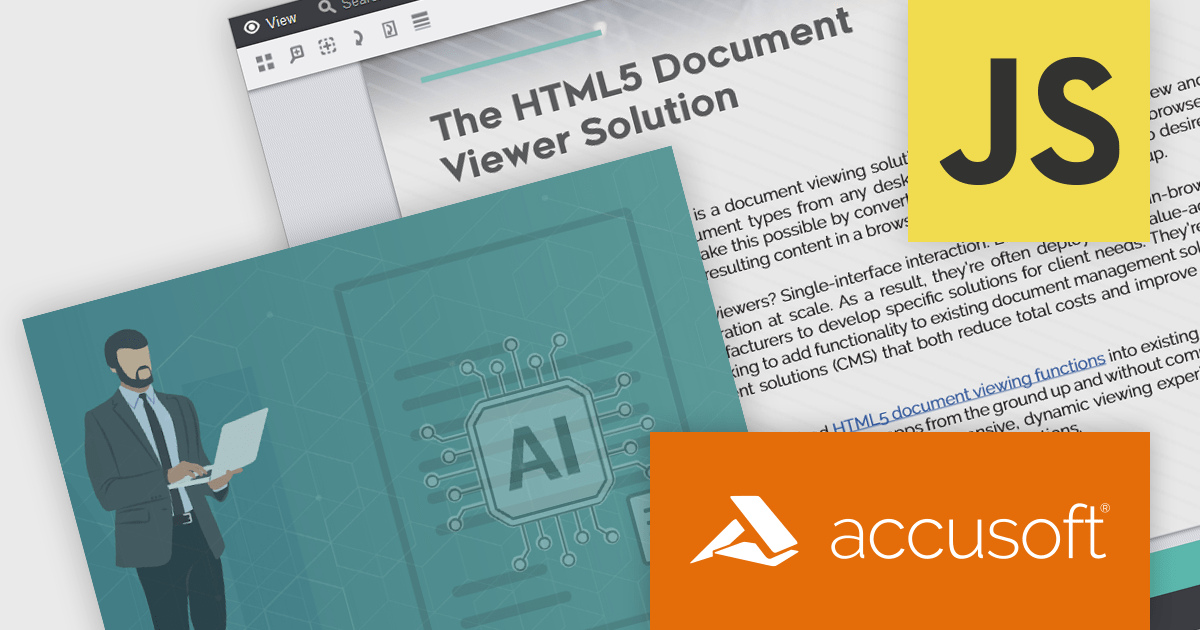
PrizmDoc Viewer by Accusoft is a web-based document viewing solution that supports over 100 file types and integrates seamlessly into applications via REST APIs. It offers secure, high-quality rendering for document collaboration, allowing users to view, annotate, redact, and convert documents without client-side installations. Designed for cross-platform compatibility, it ensures consistent document access and interaction across various devices. PrizmDoc Viewer enhances enterprise content management, legal tech, and financial services, providing a reliable, customizable interface for efficient document handling.
The PrizmDoc Viewer v14.2 update introduces an AI-powered document summarization feature that significantly enhances user efficiency by generating concise summaries of lengthy documents. This new capability allows users to quickly understand the main points and key insights of documents without the need to read through every detail. For software developers, this means they can implement a solution that reduces the time needed for users to process large volumes of information, enabling faster and more informed decision-making. By incorporating this feature, developers can improve the user experience and productivity of their applications.
To see a full list of what's new in v14.2, see our release notes.
PrizmDoc Viewer is available as Self-Hosted, Cloud-Hosted or Private Cloud-Hosted deployments. Billed on an annual subscription basis, you will need to renew your license each year to continue to use the software. The price is based on the number of servers or the number of transactions you require, depending on your deployment method. See our PrizmDoc Viewer licensing page for full details.
For more information, see our PrizmDoc Viewer product page.
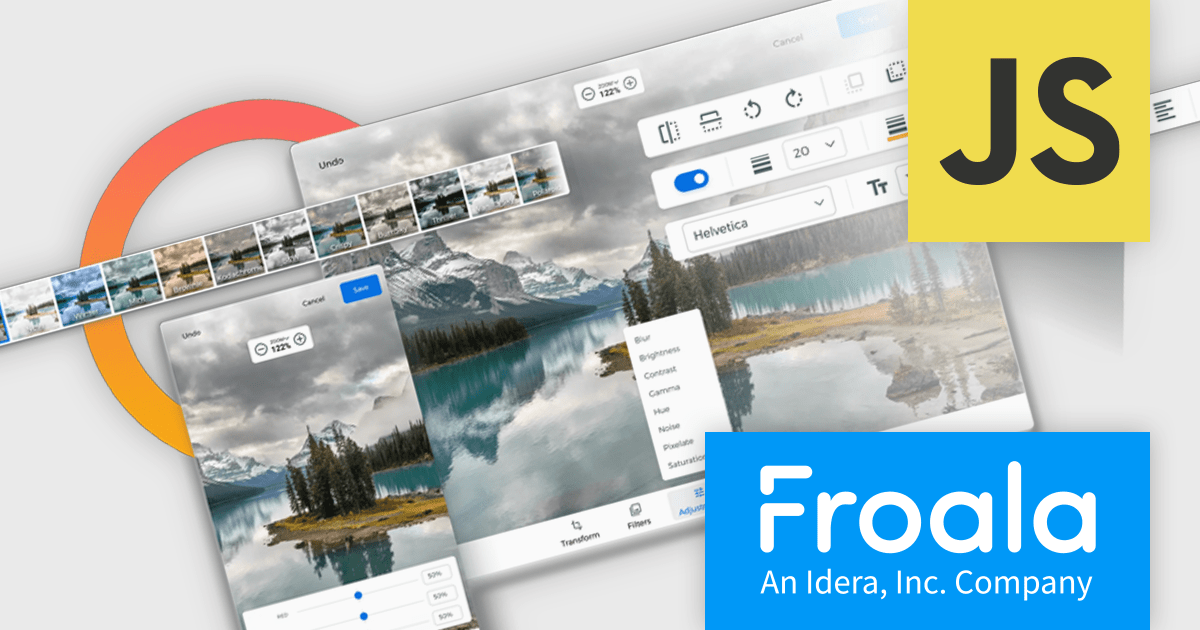
Froala Editor is a JavaScript-based WYSIWYG HTML editor that empowers developers to seamlessly integrate rich text editing functionalities into their applications.
The Froala Editor 4.3 release offers a new "Transform" button in the image editing popup, allowing users to enhance images directly within the editor. This feature allows users to apply filters, resize images, and make various other adjustments with ease. Once changes are made, the image is instantly replaced with the transformed version. This integration streamlines the editing process, offering users greater control and flexibility over their visual content without needing to leave the editor.
To see a full list of what's new in 4.3, see our release notes.
Froala Editor is licensed per product and domain. It is available as an annual or perpetual license with version upgrades and support. See our Froala Editor licensing page for full details.
For more information, visit our Froala Editor product page.
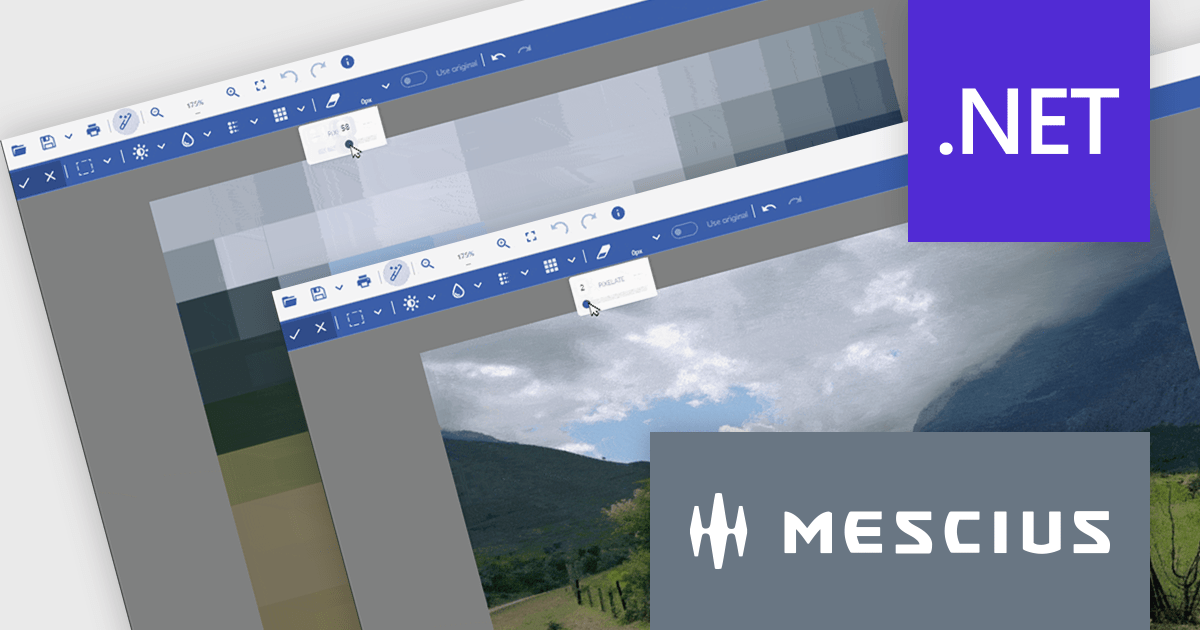
Document Solutions for Imaging by MESCIUS is a comprehensive software development toolkit designed to facilitate the manipulation and management of image files within various applications. It offers a robust API that provides developers with granular control over image properties, formats, and rendering, enabling the integration of image processing functionality into custom applications. Key features include support for a wide range of image formats, image editing operations, and optimization techniques for efficient image handling.
The Document Solutions for Imaging 7.2 release introduces enhanced image processing capabilities with the addition of new Blur and Pixelate functionality. These tools can be applied to selected areas, allowing developers to precisely control image manipulation and maintain the integrity of the remaining image content. This feature empowers developers to create visually appealing image-based applications.
To see a full list of what's new in version 7.2, see our release notes.
Document Solutions for Imaging is licensed per developer and is available in several license options for differing distribution needs. Team licenses are available for multiple developers within the same organization. Visit our Document Solutions for Imaging licensing page to see the full details.
Document Solutions for Imaging is available to buy in the following products:
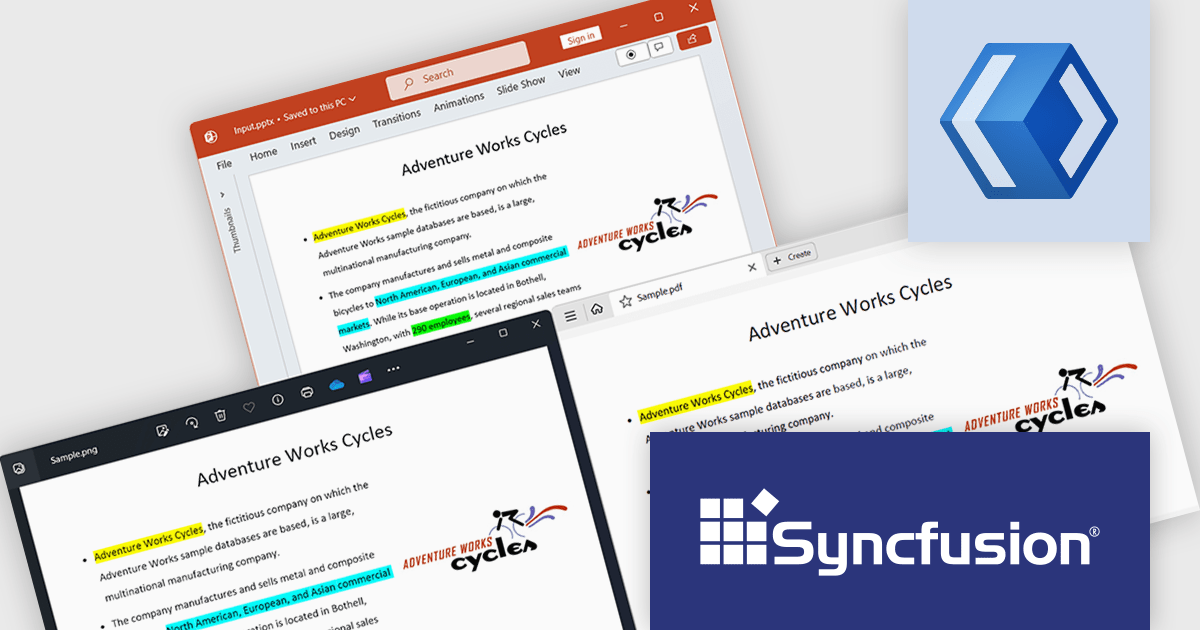
Syncfusion Essential Studio WinUI, available as part of Syncfusion Essential Studio Enterprise, is a comprehensive toolkit for building high performance native Windows desktop applications. It offers tools for crafting modern UI elements like charts, data grids, and ribbon interfaces, alongside powerful editing tools for Word, Excel, and PDF documents.
The Syncfusion Essential Studio WinUI 2024 Volume 2 (26.1.35) release adds support for preserving highlights when converting a PowerPoint presentation to a PDF or image. Highlights within the original presentation will be maintained with their exact colors during the conversion process, ensuring a precise representation in the resulting PDF or image file.
To see a full list of what's new in 2024 Volume 2 (26.1.35), see our release notes.
Syncfusion Essential Studio WinUI is available as part of Syncfusion Essential Studio Enterprise which is licensed per developer starting with a Team License of up to five developers. It is available as a 12 Month Timed Subscription License which includes support and maintenance. See our Syncfusion Essential Studio Enterprise licensing page for full details.
Learn more on our Syncfusion Essential Studio WinUI product page.





Tel: (888) 850 9911
Fax: +1 770 250 6199


