Permita que os Usuários Alternem Facilmente Entre Planilhas
As abas permitem que os usuários de planilhas se movam rapidamente entre conjuntos de dados, proporcionando uma distinção visual clara entre várias seções de dados.
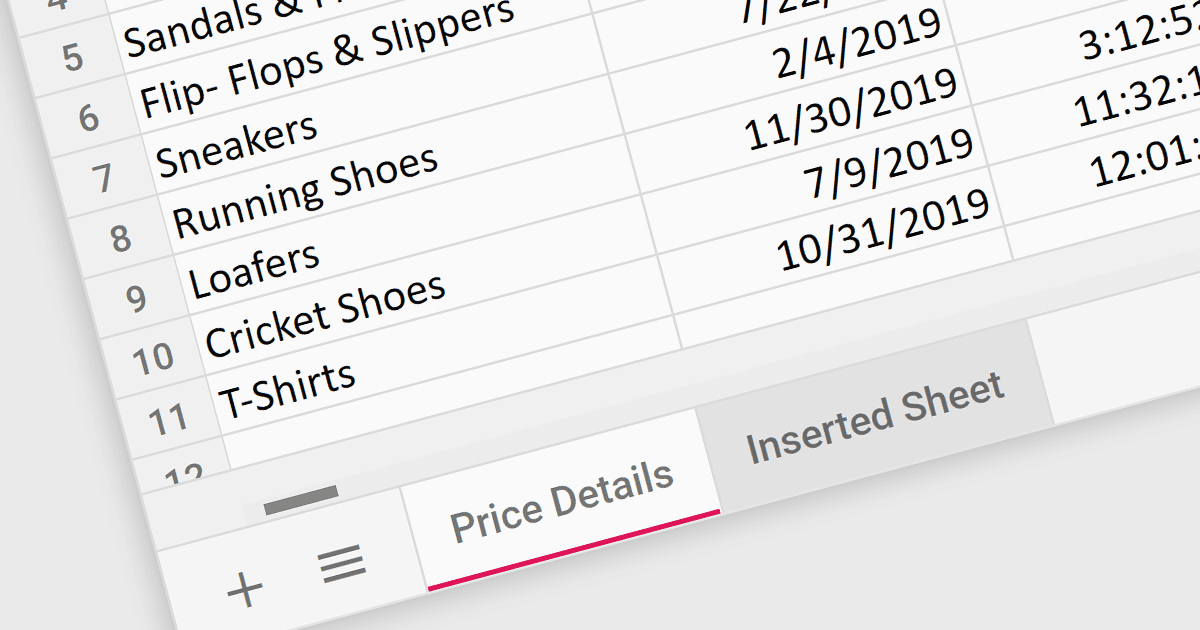
As abas da planilha funcionam como um índice visual e interativo, permitindo que os usuários naveguem com facilidade entre seções distintas dentro de uma única pasta de trabalho. Essa organização eficiente facilita a comparação e a análise de dados. A distinção visual clara entre as abas reduz a carga cognitiva e melhora a compreensão, tornando mais fácil para os usuários entender a estrutura geral e navegar pelas informações na pasta de trabalho.
Diversos controles do React Spreadsheet oferecem suporte a abas, incluindo:
- Telerik Spreadsheet React (parte do KendoReact) permite que os usuários naveguem com facilidade entre planilhas por meio de abas designadas.
- SpreadJS da MESCIUS capacita desenvolvedores com navegação por abas para uma organização eficiente de dados dentro de suas aplicações React.
- Infragistics Spreadsheet React permite que os usuários naveguem com facilidade entre planilhas por meio de abas designadas.
- Syncfusion Spreadsheet JavaScript fornece navegação baseada em abas para uma experiência familiar e fácil de usar ao trabalhar com várias planilhas.
Para uma análise aprofundada dos recursos e do preço, acesse nossa comparação de controles do React Spreadsheet.