Restrinja a modificação de dados da grade em apps WPF
A capacidade de exibir colunas como somente leitura em aplicativos de grade do WPF permite proteger a integridade e a consistência dos dados, mantendo a visibilidade.
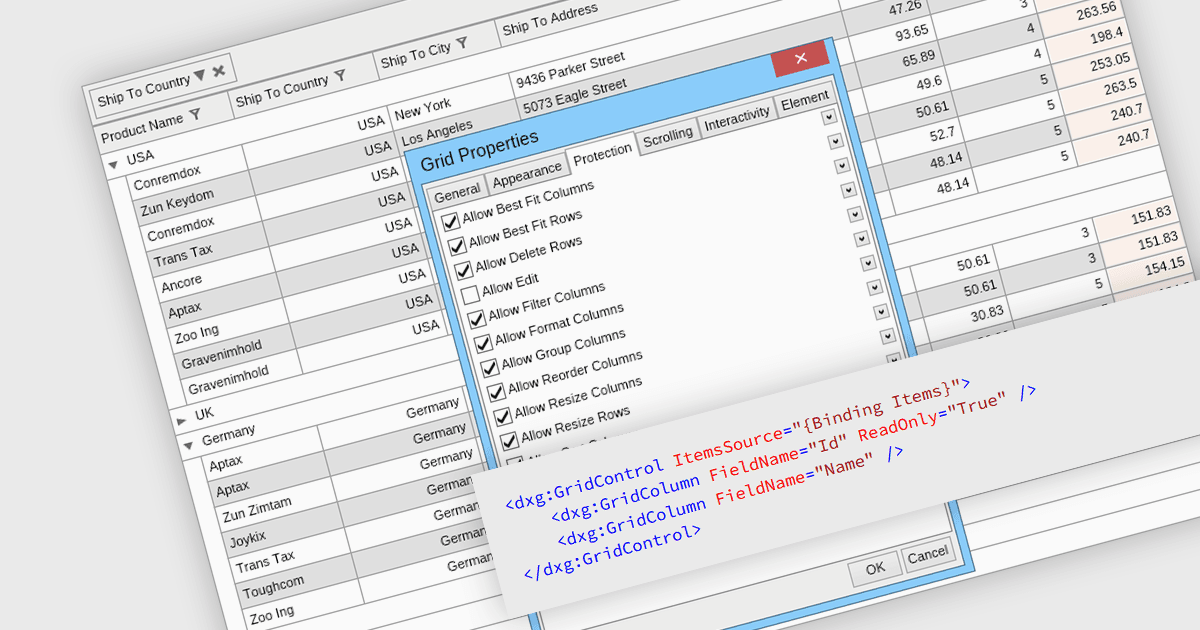
As colunas somente leitura em uma grade de dados são campos exibidos verticalmente que não podem ser editados pelos usuários, mas ainda podem ser visualizados. Essas colunas normalmente exibem informações derivadas de outros dados ou consideradas estáticas e que não devem ser alteradas. Ao impedir que os usuários modifiquem diretamente determinados conteúdos, os desenvolvedores podem garantir a integridade e a consistência dos dados, mantendo a visibilidade total. Esse recurso evita alterações acidentais ou intencionais que possam prejudicar o funcionamento do sistema. Essas restrições simplificam os fluxos de trabalho ao distinguir entre dados editáveis e não editáveis, reduzindo o risco de erros e melhorando a confiabilidade geral do sistema.
Vários componentes de grade do WPF permitem que você exiba colunas somente leitura, incluindo:
- DevExpress WPF Data Grid (parte do DevExpress WPF) permite designar células específicas como somente leitura, garantindo a integridade dos dados ao impedir edições indesejadas.
- FlexGrid for WPF (parte do ComponentOne Studio WPF da MESCIUS) fornece funcionalidade para marcar colunas como somente leitura, melhorando o controle sobre o acesso do usuário e a proteção dos dados.
- Xceed DataGrid for WPF da Xceed Software ajuda a manter a consistência e a segurança dos dados ao restringir a edição via modo somente leitura para qualquer parte da grade.
- Infragistics XamDataGrid for WPF (parte do Infragistics Ultimate UI for WPF) permite configuração somente leitura para proteger dados sensíveis contra modificação, mantendo a visibilidade.
Para uma análise aprofundada dos recursos e do preço, visite nossa comparação de componentes de grade .NET WPF.