Estruture seus dados para tomar decisões melhores
Os componentes de grade com recursos avançados de visualização ajudam os usuários a entender dados complexos organizando e resumindo informações.
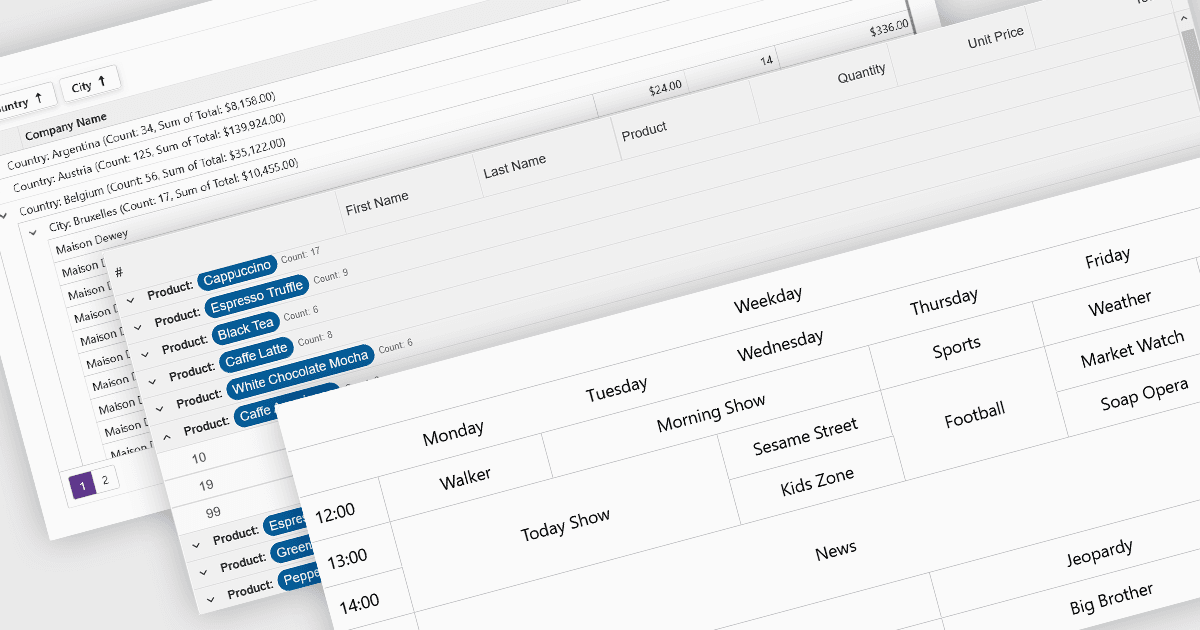
Os recursos de visualização e análise de dados em componentes de grade transformam dados tabulares brutos em formatos estruturados e interpretáveis que dão suporte a insights mais rápidos e à tomada de decisão. Esses recursos vão além da exibição estática, oferecendo formas dinâmicas de organizar, resumir e explorar dados diretamente na interface da grade, tornando-o uma ferramenta poderosa tanto para usuários finais quanto para analistas.
Recursos comuns incluem:
- Agregação calcula totais, médias ou outras métricas entre linhas para destacar tendências em um relance.
- Agrupamento permite que as linhas sejam organizadas por valores de campos compartilhados, tornando conjuntos de dados grandes mais fáceis de navegar e comparar.
- Drill-down permite que os usuários explorem detalhes subjacentes expandindo dados agrupados ou linhas vinculadas, fornecendo uma visualização em camadas de conjuntos de dados complexos.
- Mesclar células ajuda a consolidar visualmente valores ou cabeçalhos repetitivos, melhorando a legibilidade e reduzindo a desordem.
- Dicas de ferramentas oferecem informações sensíveis ao contexto ao passar o mouse, ajudando os usuários a entender os dados sem sobrecarregar a grade com rótulos visíveis.
Para uma análise aprofundada de recursos e preço, visite nossa comparação de componentes da grade Blazor.
Explore os recursos de visualização e análise de dados do Blazor