Exclua páginas de PDF diretamente no visualizador
A exclusão integrada de páginas permite que os usuários removam conteúdo duplicado ou sensível diretamente no Visualizador de PDF, possibilitando edições de documentos mais rápidas e mais limpas.
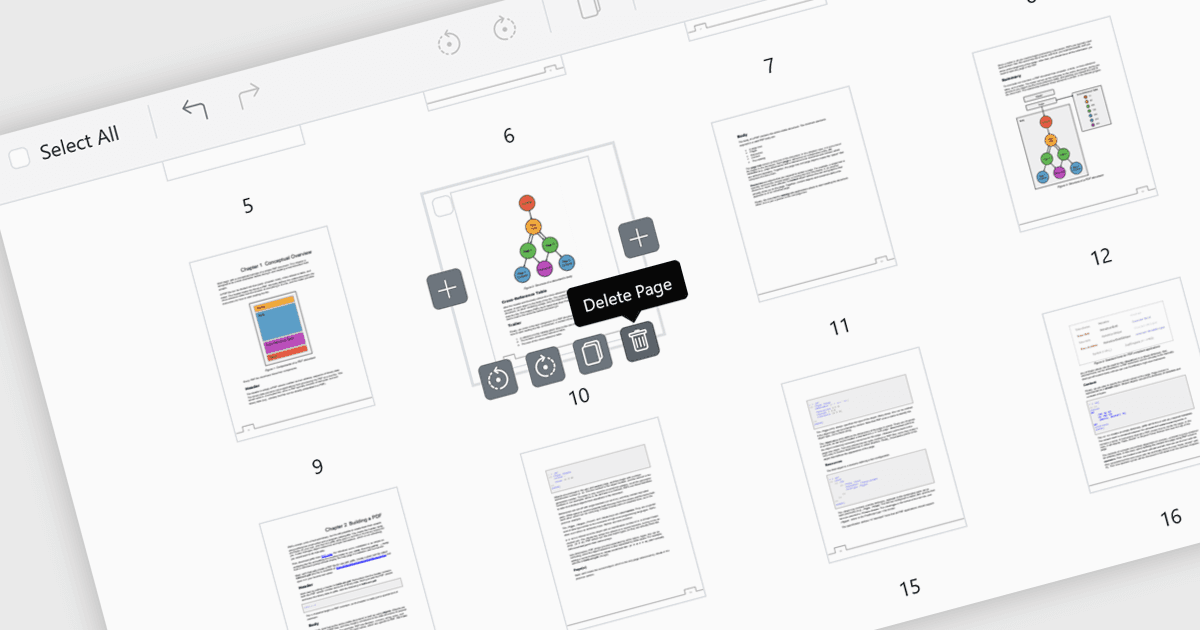
A exclusão de páginas em um visualizador de PDF permite que os usuários removam páginas indesejadas, duplicadas ou sensíveis diretamente no aplicativo, sem precisar de um editor separado. Esse recurso simplifica o gerenciamento de documentos ao reduzir o tamanho do arquivo e garantir que o PDF final fique limpo, conciso e profissional. Ele é particularmente útil para corrigir erros, como remover páginas adicionadas por engano ou páginas em branco, além de aprimorar a segurança ao excluir conteúdo confidencial antes de compartilhá-lo externamente. Ao oferecer edição rápida e integrada, a exclusão de páginas melhora a produtividade e torna mais eficiente a adaptação de documentos para públicos específicos.
Vários controles de visualizador de PDF para ASP.NET Core oferecem a capacidade de adicionar páginas a um arquivo PDF, incluindo:
- Telerik UI PDF for ASP.NET Core (parte do Telerik UI for ASP.NET Core) permite que você refine documentos com exclusão de páginas, garantindo PDFs profissionais e prontos para o público instantaneamente.
- Document Solutions for PDF da MESCIUS permite que você gerencie o conteúdo com remoção de páginas, protegendo a confidencialidade e criando arquivos concisos e seguros com facilidade.
- Syncfusion ASP.NET Core PDF (parte do Telerik UI for ASP.NET Core) facilita a personalização de documentos com exclusão de páginas integrada.
Para uma análise aprofundada de recursos e preço, visite nossa comparação de controles de visualizador de PDF para ASP.NET Core.
Compare os controles de visualizador de PDF para ASP.NET Core