Adapte os layouts da grade às necessidades do mundo real
Com a reordenação de colunas em tempo de execução, os desenvolvedores podem oferecer grades flexíveis e fáceis de usar que se ajustam a diferentes funções, tarefas ou preferências pessoais.
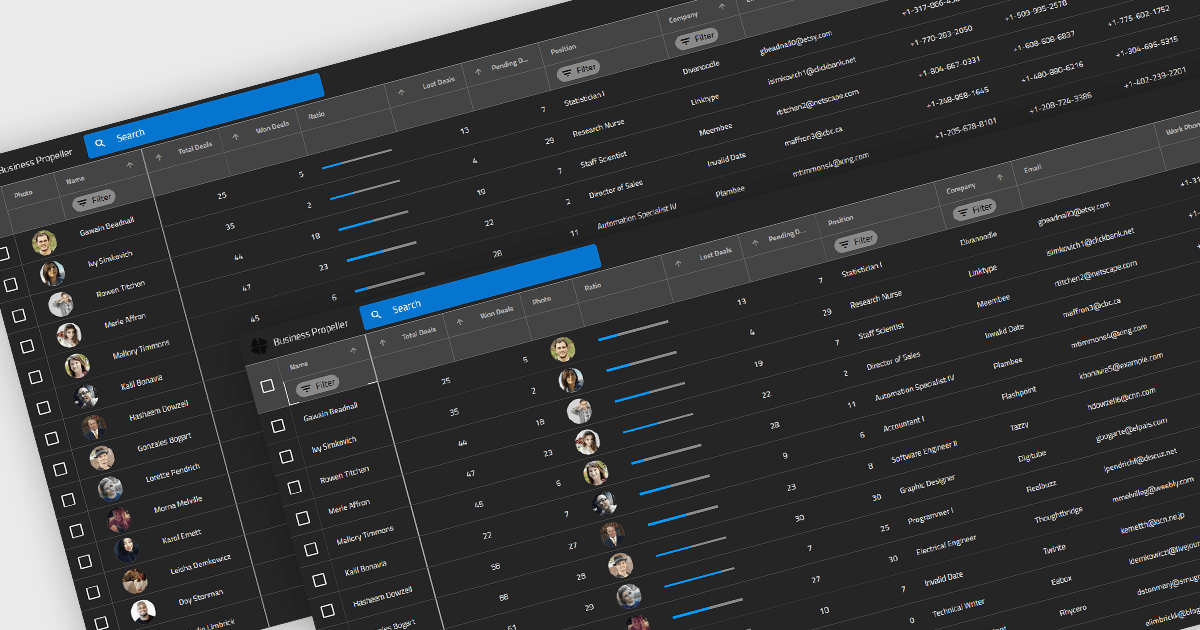
Reordenar colunas em componentes de grade permite que os usuários finais personalizem o layout dos dados arrastando os cabeçalhos das colunas para novas posições em tempo de execução. Esse recurso melhora a usabilidade e a flexibilidade; os usuários podem adaptar a interface ao fluxo de trabalho, priorizar as informações visíveis e reorganizar a apresentação dos dados sem intervenção do desenvolvedor. Uma implementação robusta também oferece suporte ao reordenamento programático (para restaurar preferências do usuário ou responder a uma lógica), permissões individuais para reordenar colunas e integração com recursos como persistência de colunas e salvamento de layout.
Diversos controles de grade Blazor oferecem suporte à reordenação de colunas, incluindo:
- DevExpress Blazor Grid (parte do DevExpress ASP.NET e Blazor) permite que você reorganize as colunas arrastando os cabeçalhos, oferecendo flexibilidade na personalização do layout.
- Telerik UI for Blazor Grid (parte do Telerik UI for Blazor) permite que os usuários movam as colunas de forma interativa, facilitando a personalização da apresentação dos dados.
- FlexGrid for Blazor (parte do ComponentOne Studio Blazor Edition by MESCIUS) facilita a reordenação dinâmica de colunas, permitindo que os usuários ajustem visualmente os layouts da grade.
- Infragistics Blazor Data Grid (parte do Infragistics Ignite UI) suporta reposicionamento de colunas por meio de arrastar os cabeçalhos, ajudando os usuários a adequar as exibições de dados.
Para uma análise aprofundada de recursos e preço, visite nossa comparação de controles de grade Blazor.