Importar e exportar arquivos Excel XLSX usando WPF
Use o Spread.NET para importar e exportar planilhas do Excel com facilidade dentro de sua aplicação WPF.
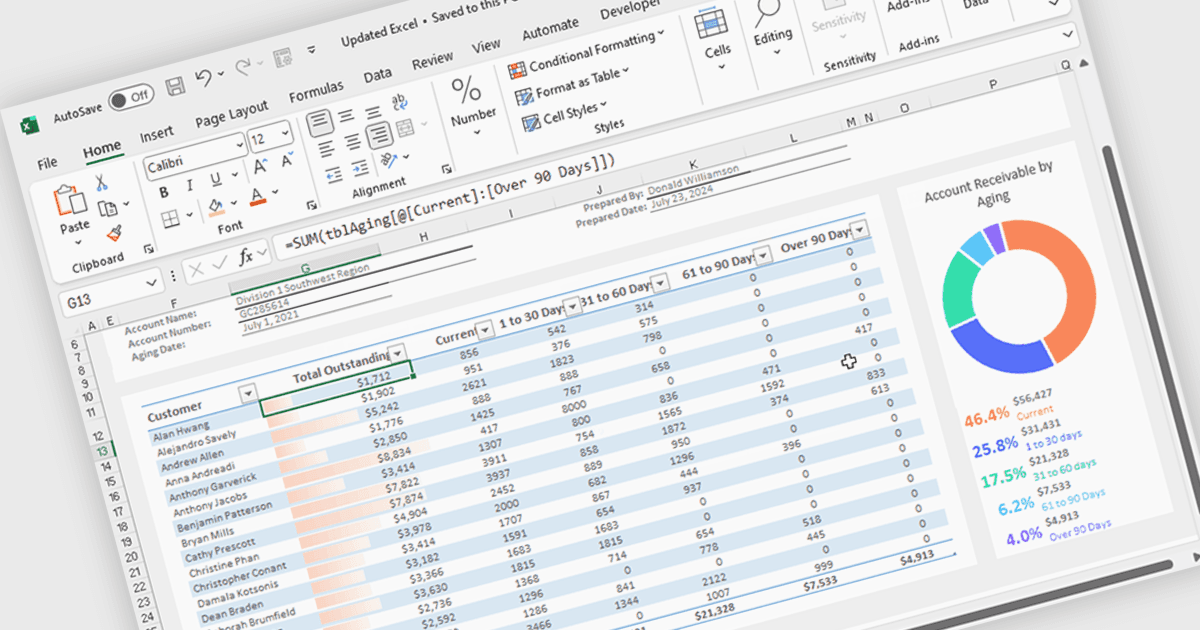
Spread.NET ajuda você a criar planilhas, grids, dashboards e formulários. Ele inclui um poderoso mecanismo de cálculo com 450+ funções e a capacidade de importar e exportar planilhas do Excel. Você pode desenvolver no Visual Studio usando VB ou C# para WinForms, ASP.NET e WPF.
Neste post do blog, a Especialista de Marketing de Produto da MESCIUS, Mackenzie Albitz, mostra como fazer, em quatro etapas essenciais, a importação e exportação de planilhas do Excel em suas aplicações WPF:
- Crie uma aplicação de Planilha WPF C#/VB
- Defina a Interface do Usuário para um app de planilha WPF
- Adicione o código de Importação de Excel XLSX - método OpenExcel
- Adicione o código de Exportação de Excel XLSX - método SaveAs
O código de exemplo detalhado está incluído e você ainda pode baixar um projeto de exemplo pronto para acompanhar.
Leia o post completo do blog para aprender as etapas de integrar essa poderosa funcionalidade do Excel em suas aplicações WPF.
O Spread.NET é licenciado por desenvolvedor e está disponível como Licença Perpétua com uma assinatura de suporte e manutenção de 12 meses. Podemos fornecer qualquer licença do Spread.NET, incluindo novas licenças, renovações de manutenção e licenças de upgrade. Veja nossa página de licenciamento do Spread.NET para obter todos os detalhes.
Para mais informações, visite nossa página do produto Spread.NET.