













Fornecedor oficial
Como distribuidores oficiais e autorizados, nós fornecemos licenças legítimas diretamente de mais de 200 editores de software.
Ver todas as nossas marcas.
Continuar leitura em inglês:
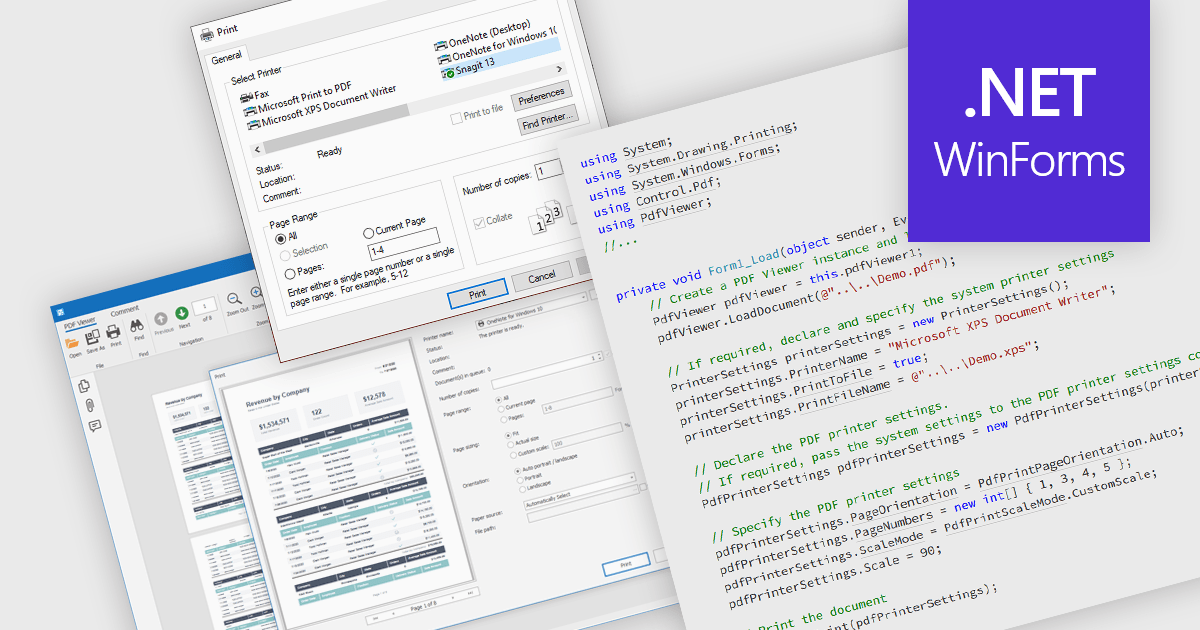
Printing PDFs to a printer is the process of sending a Portable Document Format (PDF) file from an application to a physical or virtual printer while preserving its layout, fonts, and graphical fidelity. A PDF viewer control typically handles rendering and pagination, ensuring consistent output across devices and print environments. The main benefit is predictable, high-quality output, which is especially important for documents that require precise formatting. Modern PDF viewer components support printing either directly through built-in user interface elements such as a toolbar or print dialog, or programmatically through application code using API methods, giving developers flexibility in how printing capabilities are exposed and controlled within an application.
Several WinForms PDF Viewer components allow you to print PDFs to a printer, including:
For an in-depth analysis of features and price, visit our comparison of WinForms PDF Viewer components.
Tel: (888) 850 9911
Fax: +1 770 250 6199


