Simplifique a Edição de Dados Booleanos em Aplicações Blazor
Edite valores booleanos de forma rápida e precisa por meio de uma interface de caixa de seleção familiar, que se integra naturalmente a aplicações orientadas a dados.
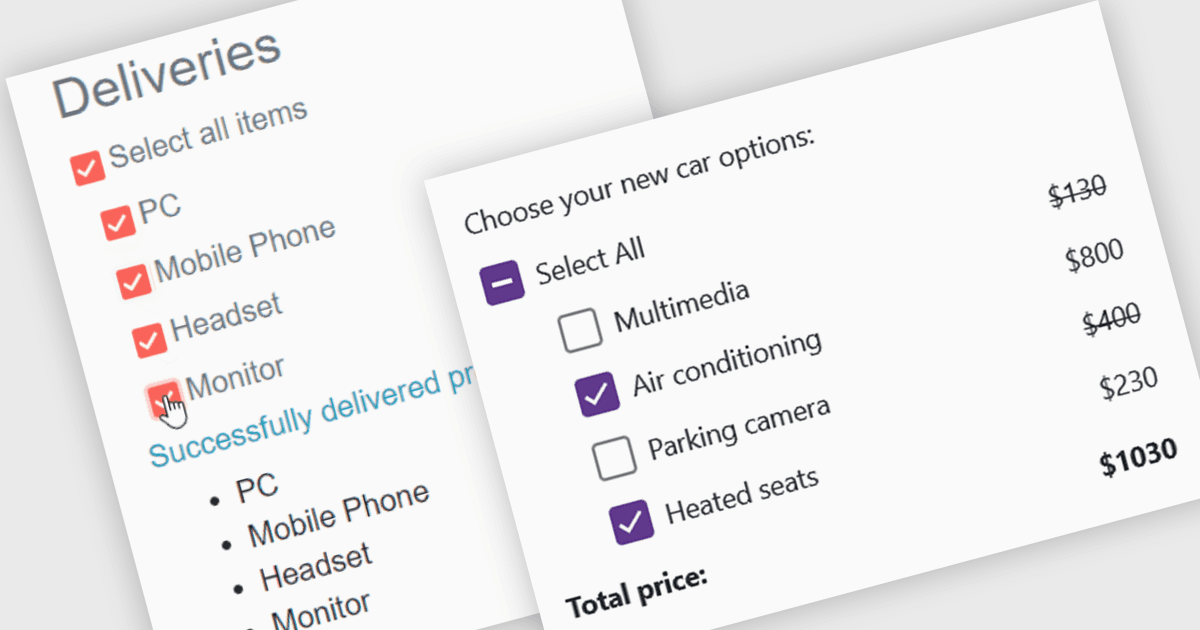
Um editor de dados de caixa de seleção é um elemento de interface do usuário que permite aos usuários visualizar e modificar valores booleanos em formulários, grades de dados ou outros componentes conectados a dados. Ele fornece uma maneira intuitiva de representar estados verdadeiro/falso, ativado/desativado ou selecionado/não selecionado enquanto mantém a sincronização entre a interface do usuário e o modelo de dados subjacente. Para desenvolvedores, os editores de caixa de seleção simplificam o cadastro e validação de dados, melhoram a usabilidade ao apresentar valores baseados em estado em um formato familiar, reduzem erros de entrada em comparação à digitação manual e integram-se aos recursos de data binding e manipulação de eventos do Blazor para aplicações responsivas e fáceis de manter.
Diversos conjuntos de editores de dados .NET Blazor incluem editores de caixa de seleção, como:
- ComponentOne Blazor Data Editors (parte do ComponentOne Studio Blazor Edition da MESCIUS) permite editar valores booleanos eficientemente com um editor de caixa de seleção.
- DevExpress Blazor Data Editors (parte do DevExpress ASP.NET e Blazor) facilita a edição precisa de valores booleanos com um componente de caixa de seleção configurável.
- Telerik UI Blazor Data Editors (parte do Telerik UI for Blazor) permite gerenciar campos booleanos por meio de um editor de caixa de seleção que propicia edição responsiva.
- Blazorise possibilita apresentar e atualizar dados booleanos usando um editor de caixa de seleção flexível que suporta interfaces limpas e amigáveis.
Para uma análise aprofundada de recursos e preços, acesse nossa comparação dos editores de dados .NET Blazor.