Display Language Names in EnglishDisplay language names in English across the Translations tab, the survey language dropdown, and other Survey Creator UI elements, instead of their native name.

Toolbox Search Includes SubitemsAllows users to search for subitems within the toolbox.

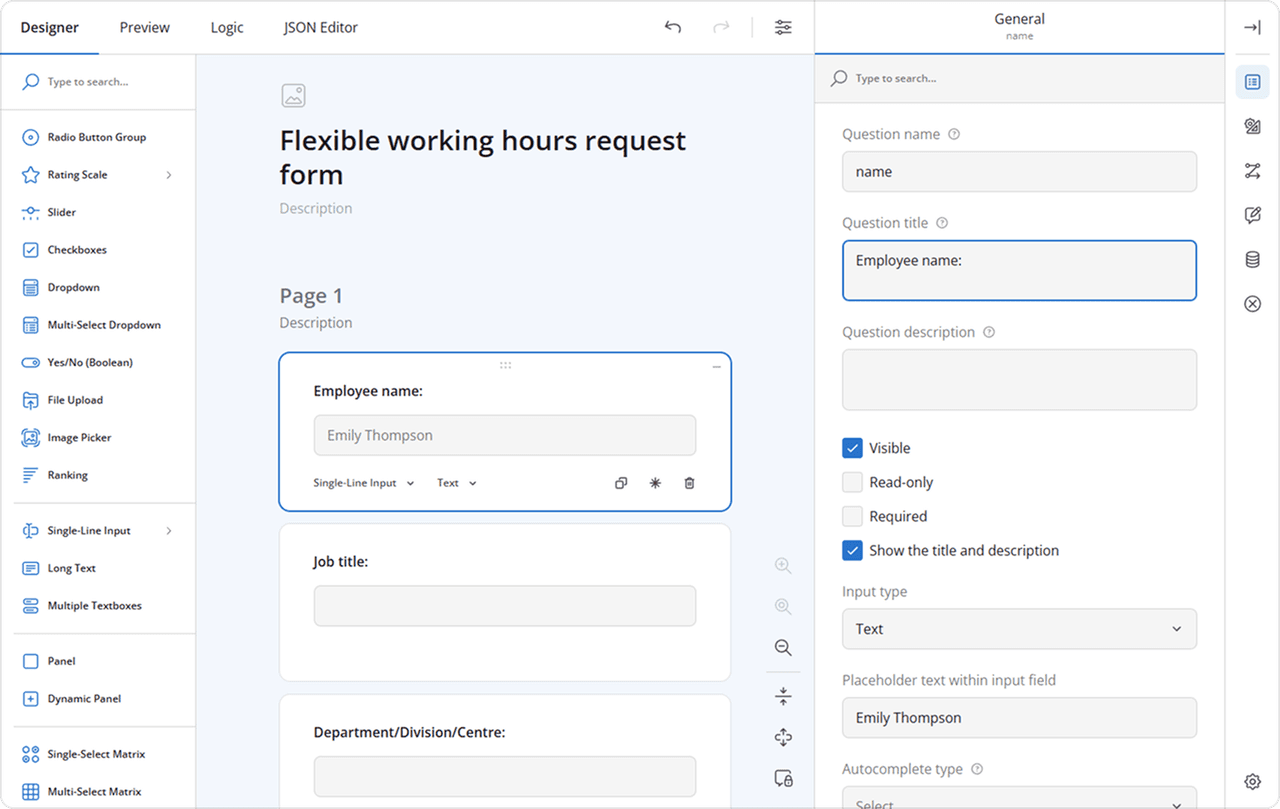
Drag-and-drop form creationEasily build surveys and forms using intuitive drag-and-drop form builder interface.

Adjustable design surface scaling Resize the form you are working on to fit your screen and personal preferences.

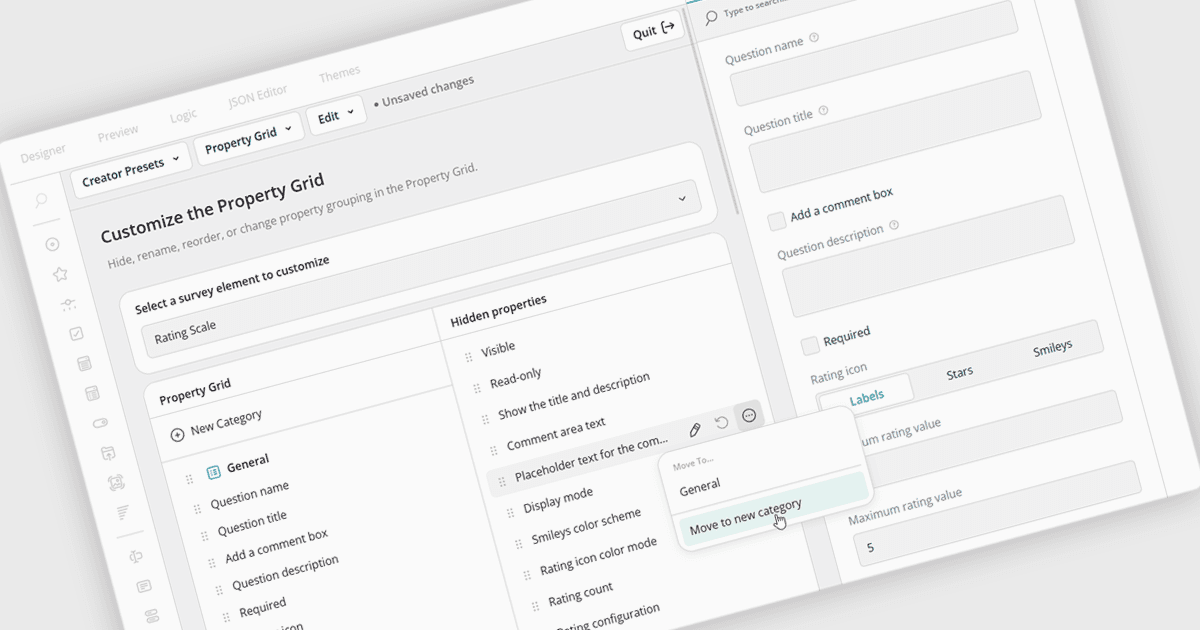
Feature-rich Property GridCustomize survey elements with a well-structured and easy-to-navigate settings panel.

Smart page collapseCollapse and expand pages dynamically for effortless page rearrangement.

Page menuQuickly find and navigate to survey pages with an intuitive page menu.

Quick access ToolboxFind and add survey elements effortlessly with a searchable quick access Toolbox.

Survey tree with a search barLocate and access survey elements faster with a structured view and search functionality.

Scalable font sizeAdjust the text size of the form builder UI elements for optimal readability.

Adjustable UI background colorCustomize the background to match your brand or preference.

Customizable accent colorsPersonalize key UI elements with your preferred color scheme.

Built-in themesInstantly apply professionally designed themes to your form builder.

Dark themeSwitch to a sleek dark mode for a modern look and reduced eye strain.

Dynamic UI resizingEffortlessly adapt the UI layout to different screen sizes.

JSON editorModify survey structure and settings directly with a built-in JSON editor.

Display logicEasily configure and edit advanced survey logic with the intuitive Logic tab.

Branching logicCreate dynamic surveys with branching logic for personalized user experiences.

Pop-up dialogs for conditional rulesSet up conditional rules quickly with interactive pop-up dialogs.

Form preview tabInstantly preview your form to see how it looks on different devices.

Device listChoose from a variety of devices in the Preview tab for accurate testing.

Mobile previewEnsure a seamless mobile experience.

Tablet previewOptimize your survey for tablet users.

Configurable form themeCustomize your form’s theme using a built-in CSS theme editor.

Extensive theme optionsChoose from a wide range of theme settings to ensure the form matches your brand's style.

Toolbox with a search barEasily find and access survey elements with the redesigned Toolbox, now featuring a search bar and scrolling.

Question subitemsThe subitems menu now appears on hover for Toolbox items that support multiple input type variations.

Translations tabEasily add and manage translations for your survey within the dedicated Translations tab.