
Official Supplier
As official and authorized distributors, we supply you with legitimate licenses directly from 200+ software publishers.
See all our Brands.
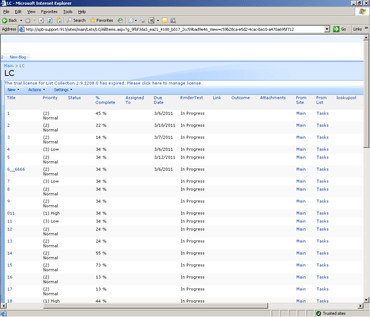
SharePoint List Collection can congregate lists from different SharePoint sites into one single view. In the view, you can work with the data and then export it to a spreadsheet.To create a SharePoint list collection web part, firstly, you should select a site, a list in the site and a list view of the list.Then choose list columns to collect data, select or input new column names for original ones so these columns will be aggregated and displayed in the SharePoint list collection web part. Repeating above actions, you can get SharePoint combined lists.
SharePointBoost is a leading developer of SharePoint solutions that bridge the gap between SharePoint out-of-the-box and the custom functionality needed to make daily business operations smooth and efficient. SharePointBoost believe that all businesses should have access to advanced technology solutions tailored to their specific needs and delivered with professional service and support. SharePointBoost have developed a complete suite of fully-customizable SharePoint solutions for just this purpose, designed to unlock the full potential of SharePoint.
Live Chat with our BoostSolutions licensing specialists now.

Official Distributor since 2009
Tel: (888) 850 9911
Fax: +1 770 250 6199


